Fundamentals - PIERRE Offline Control
Description
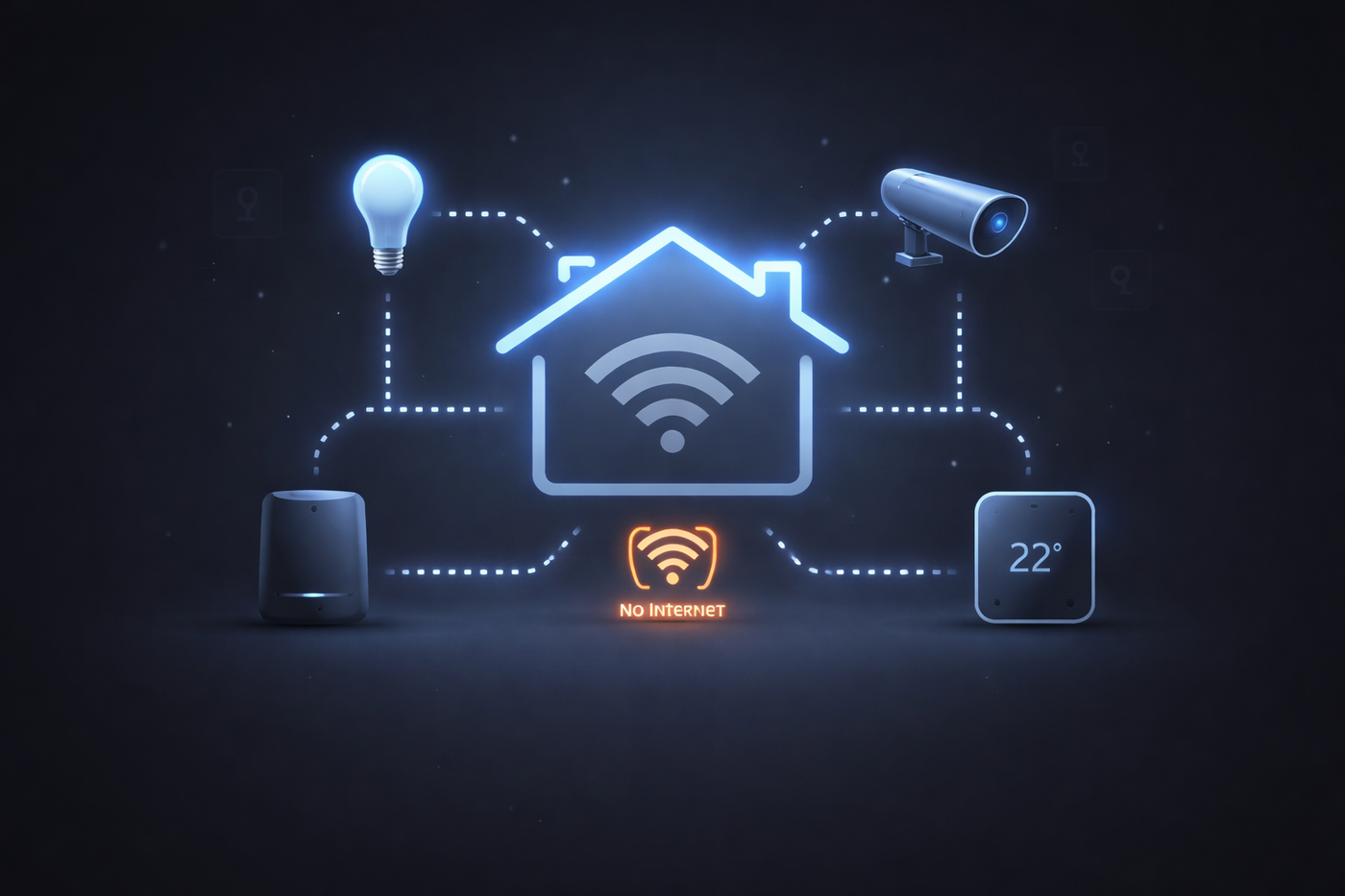
PIERRE Offline Control keeps the key functions of the building available when the internet connection is not. Instead of depending only on cloud communication, the system continues to work over the local network inside the building.
Requirements
- At least one supported PIERRE display.
- All relevant devices connected to the same local network.
Supported displays: Berlin, Helsinki, Rio Pro, Rio.
For the best stability, connect the display over Ethernet and give it a static IP address.
How It Works
Under normal conditions the system communicates through the cloud, which is what provides remote access, synchronisation and settings changes. When the internet becomes unavailable, the system detects the interruption and switches to local operation, so control from inside the building continues.
What Keeps Working and What Does Not
- Works offline: local control of devices from a display and from a phone on the same network, automations and scenes.
- Does not work offline: remote access from outside the building, notifications, and any cloud-dependent integration.
Technical Notes
- Position the display that hosts the local operation deliberately — it is what keeps the building running during an outage, not just a screen.
- Anything a project genuinely depends on — door release, heating, gate — should be built on local logic rather than on a cloud-side rule.
- Test offline operation before handover by disconnecting the internet, not by assuming it.
- A static IP on the display prevents the local connection breaking when the router reassigns addresses.
PIERRE Offline Control allows key home functions to remain available when the internet connection is unavailable.
Instead of relying only on cloud communication, the system can continue to work through the local network inside the building. This helps maintain control of essential functions during an internet outage.
Offline control works automatically when needed. No manual action is required.
At the moment, offline control is available through the PIERRE display. Mobile app offline control is planned for a future release.
Requirements
Offline control requires:
- at least one supported PIERRE display
- all relevant devices connected to the same local network
Supported displays:
- Berlin
- Helsinki
- Rio Pro
- Rio
For best stability, displays should use Ethernet and a static IP address whenever possible.
How It Works
Under normal conditions, the system communicates through the cloud. This allows remote access, synchronization, settings changes, and other cloud-based functions.
If the internet becomes unavailable, the system detects the interruption and switches to local communication automatically.
In this mode, essential control remains available inside the building.
When the internet connection returns, the system reconnects and synchronizes changes automatically.
Local-First Mode
Some installations may use local-first mode.
In this setup, commands are routed locally first, even when the internet is available, while cloud synchronization continues in the background.
This can improve continuity because there is no delay when internet access is lost.
Device Roles
PIERRE uses several hardware device types in the system.
Displays
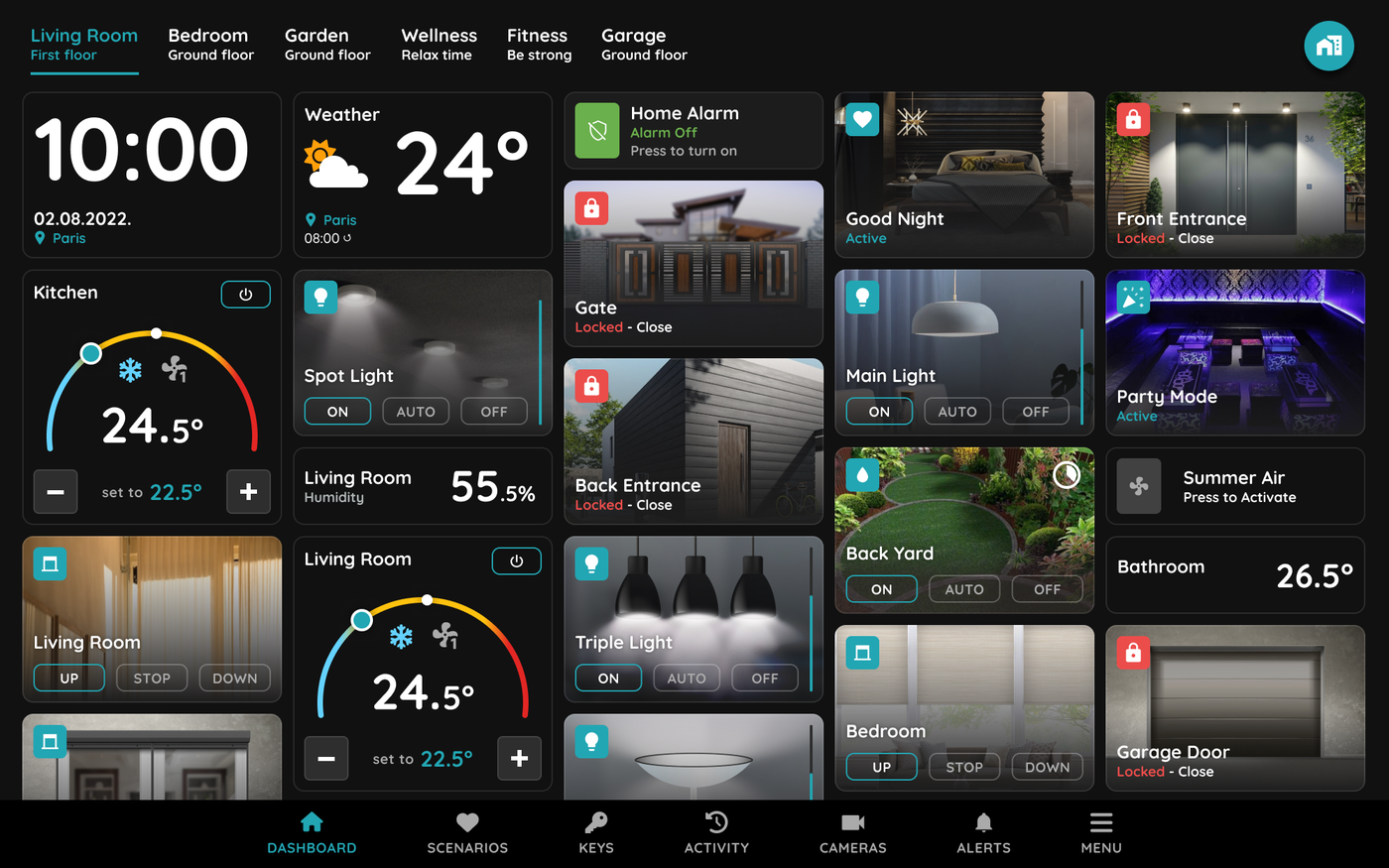
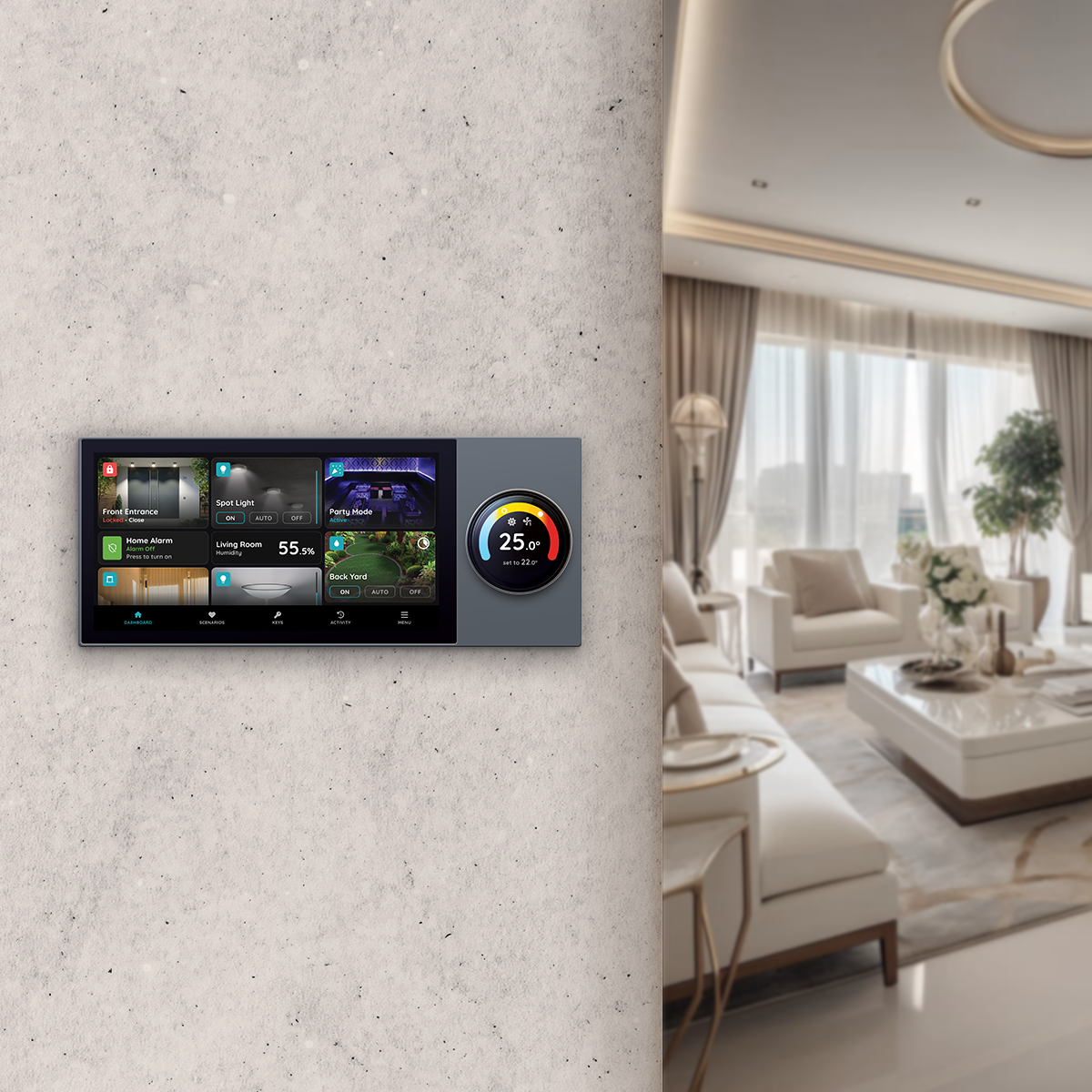
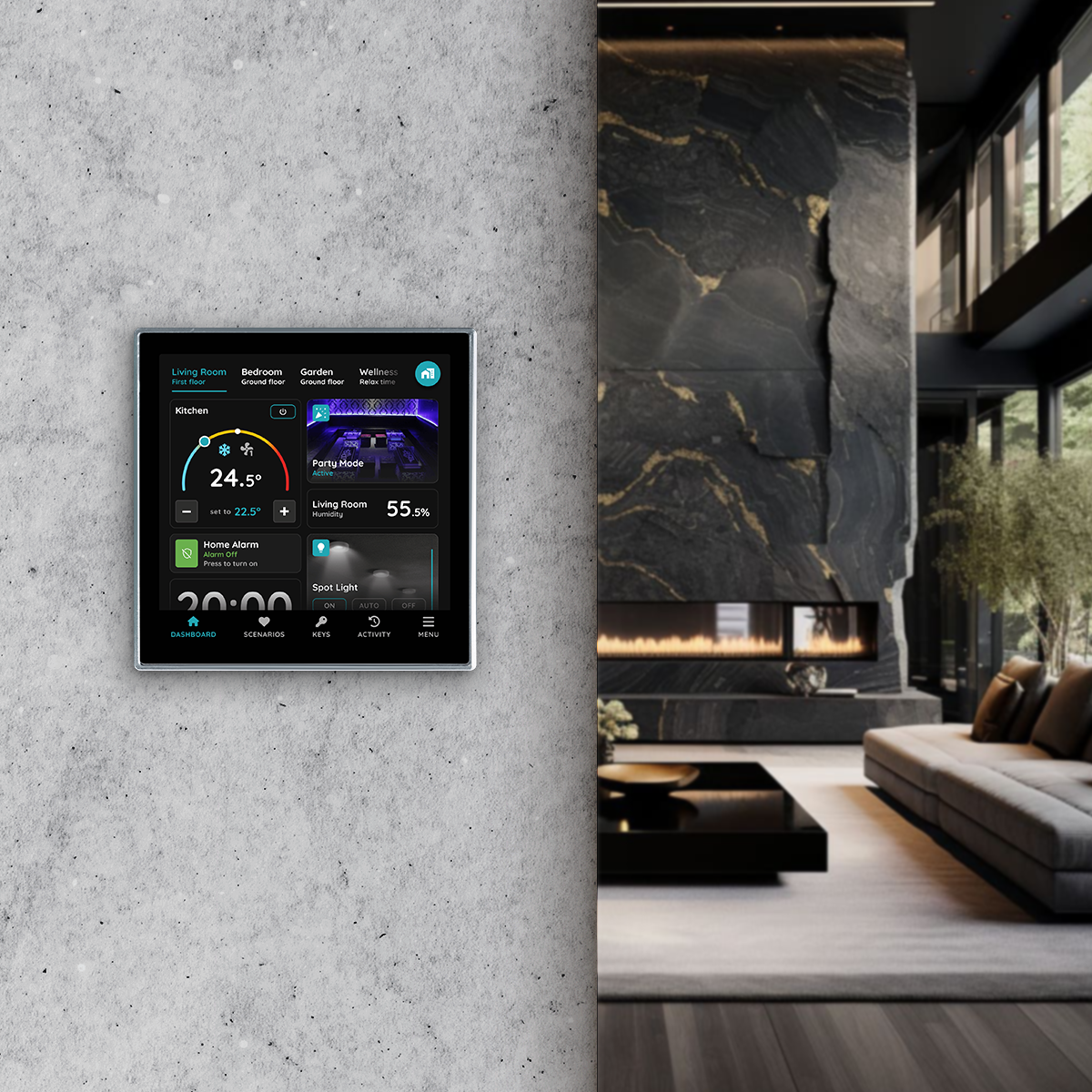
Displays provide the touchscreen interface and can support local communication during internet outages.
Display types:
- Berlin
- Helsinki
- Rio Pro
- Rio
If multiple displays are installed, the system automatically selects one to take the main coordinating role in this order:
- Berlin
- Rio Pro
- Helsinki
- Rio
If two displays of the same type are present, the one installed first is selected.
Controllers
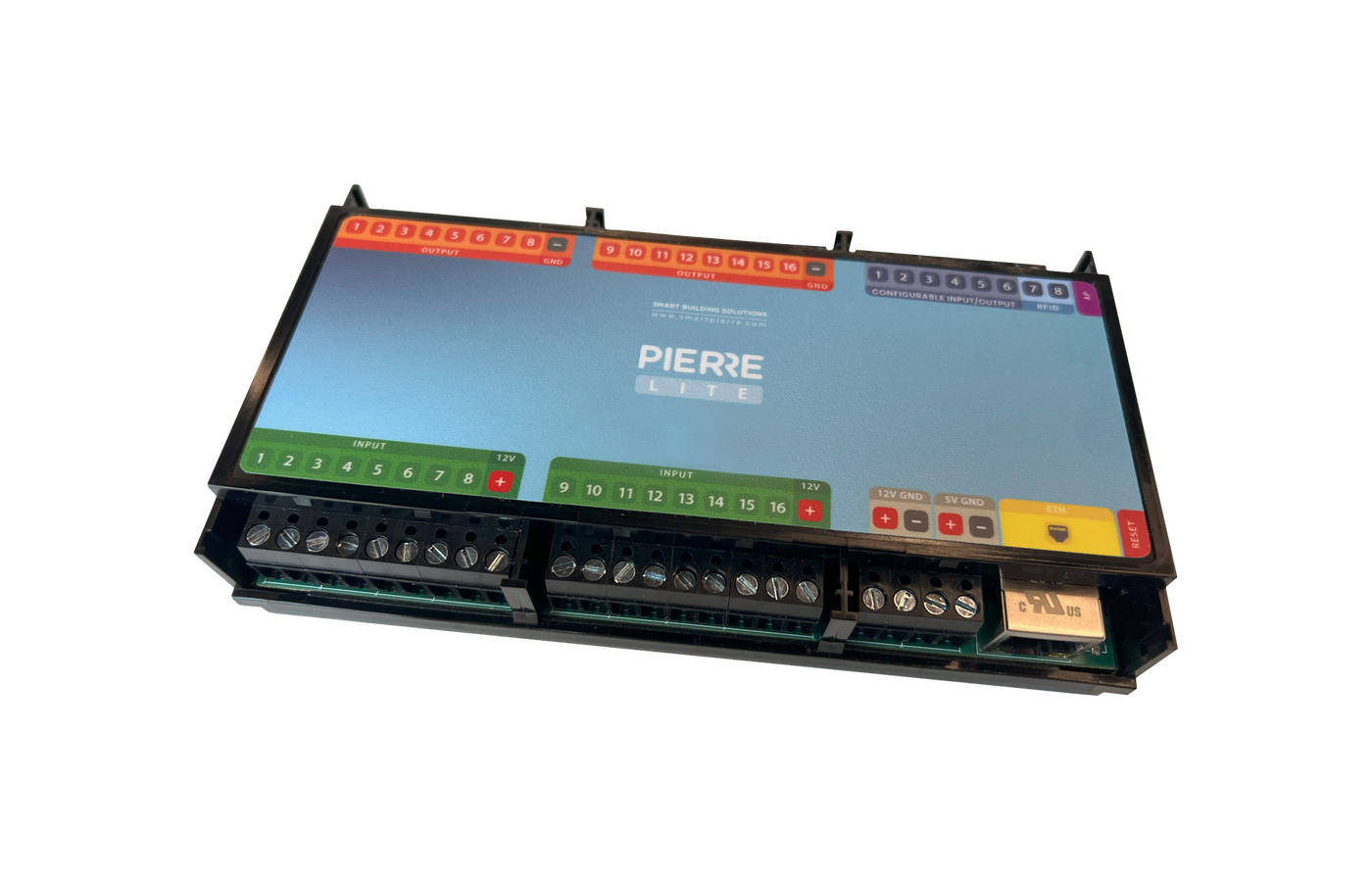
Controllers connect physical devices such as lights, locks, and sensors.
They can control connected devices, but they do not take the main coordinating role for offline communication.
Wave Gateways
Wave Gateways support compatible wireless devices.
They participate in device communication, but they do not coordinate offline control for the whole building.
What Works Offline
When offline control is active, users can continue to control essential functions such as:
- lighting
- brightness
- climate
- blinds
- locks
- scenes
Some automations may also continue working, but only if the required devices and conditions are available locally.
What Requires Internet
The following functions require internet connection:
- adding new devices
- changing device settings
- adding or removing users
- firmware updates
- creating schedules
- viewing logs and history
- initial setup
- key sharing
These functions depend on cloud-based services.
Offline Control and Direct Control
Offline control and direct control are not the same.
Offline Control
Offline control works when:
- the internet is unavailable
- the local network is still working
- a supported PIERRE display is present
In this case, devices can continue communicating inside the building.
Direct Control
Direct control is the most basic fallback behavior.
A controller or display can still control devices that are physically connected or directly paired to it, even if wider communication is not available.
Examples:
- a controller can still switch a directly wired light
- a display can still interact with devices paired to it
Direct control does not provide full communication across the building.
Smart Pierre App
The Smart Pierre app currently requires internet connection for control.
During an internet outage, users should use the PIERRE display directly.
Mobile app offline control is planned for a future release.
Status Indicators
Display Status Circle
Displays in the app can show three main status colors:
- Green – connected directly to cloud
- Blue – connected to local broker
- Red – disconnected
Blue is normal and often preferred because it indicates local communication is available.
Controller LED States
Controller LEDs show connection status:
- Solid Green – connected to cloud
- Pulsing Green – connected locally
- Purple – connecting
- Light Blue – commissioning
- Dark Blue – currently configuring
- Yellow – OTA update
- Red – disconnected
“Not Reachable” and “Offline”
These terms have different meanings.
Not Reachable
“Not Reachable” means the system cannot currently send commands to a specific device.
Possible reasons include:
- the device has no power
- the device has lost connection
- the wireless device is out of range
- the controller is offline
- the display is offline
- the phone is not connected correctly
Offline
“Offline” means the device is not connected to the network.
In some situations, a device may still support direct control even if it appears offline.
Troubleshooting
Offline control is not working
Check the following:
- there is at least one supported display in the building
- the display is powered on
- the display is connected to the local network
- all relevant devices are on the same local network
Mobile app does not work during an internet outage
This is expected behavior.
Use the PIERRE display directly when the internet is unavailable.
Display shows red status
Check:
- power supply
- Ethernet or Wi-Fi connection
- local network status
Controller LED is red
Check:
- controller power
- network connection
- router or switch connection
Device shows “Not Reachable”
Check:
- device power
- wiring
- wireless range, if applicable
- status of the controller or display it depends on
Wireless device does not respond
Check whether the device is within range of the display or gateway.
If needed, improve placement or add a repeater.
Summary
PIERRE Offline Control helps keep essential functions available when internet access is unavailable.
It works automatically, uses local communication inside the building, and helps maintain a stable control experience during internet outages.
FAQ
No. Offline control works automatically when the required conditions are met.
No. Full offline control requires at least one supported PIERRE display.
Yes, but only through direct control for devices physically connected to them.
The system automatically selects one display for the main coordinating role.
Yes. Blue means the display is connected to the local broker and ready for local communication.
The system reconnects automatically and synchronizes changes.