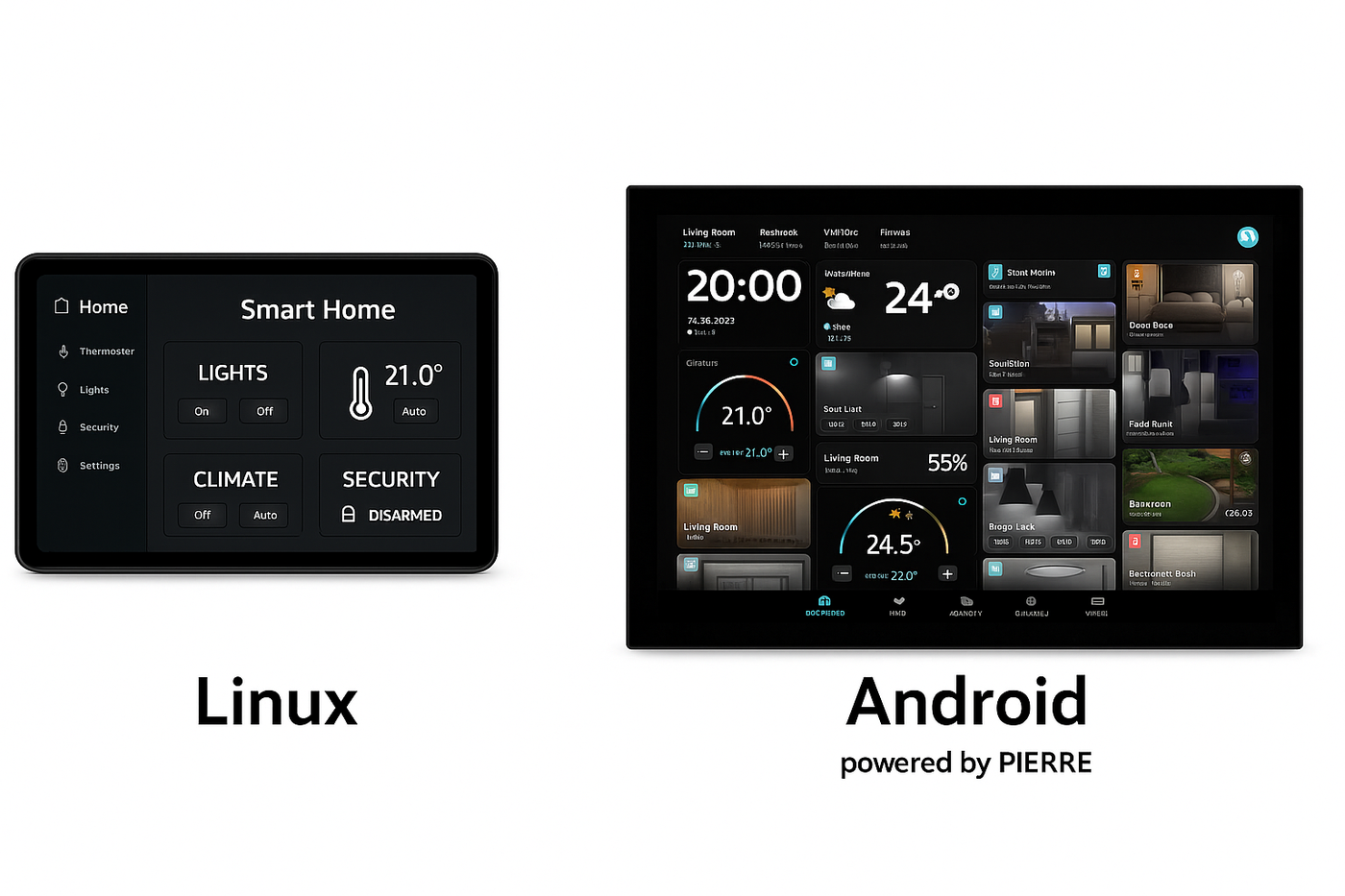
Fundamentals - Linux vs. Android
Description
A question that comes up regularly is why PIERRE displays run Android rather than a plain Linux system. Both share the same Linux kernel; the difference is what is built on top of it.
Linux and Android
- Linux is a kernel and operating system platform, widely used for servers, industrial controllers, networking equipment and embedded systems.
- Android is an operating system built on the Linux kernel, designed for devices with graphical interfaces, touch screens, multimedia and remote application management.
Why Android for the Displays
A room control display needs a modern graphical interface, touch input, hardware-accelerated graphics, video decoding (H.264 / H.265), audio management, network management, remote software updates and application lifecycle management. Android provides these as part of the operating system. Building the same functionality on a plain Linux platform would mean additional components, custom development and considerably more maintenance over the life of the product.
The PIERRE Android Platform
PIERRE uses a customised build of the Android Open Source Project (AOSP), adapted to the hardware. Unlike a consumer Android device:
- No Google Play Services are installed.
- No Google account is required.
- Software updates are managed entirely through PIERRE infrastructure.
- Only approved PIERRE applications and services are installed.
The result is a closed, predictable environment suitable for professional building automation.
Services on a Display
- PIERRE Launcher — software and firmware updates, wireless module and driver updates, network configuration, device management, display and audio configuration.
- PIERRE Application — the user interface and the automation functionality.
- Edge Services — local device communication, authentication and authorisation, and integration services. These are what keep the system working offline.
Linux in the Platform
Linux remains part of the platform: the server side runs on Linux, while Android runs on the user-facing display devices.
Software Updates
The components can be updated independently — applications, launcher components, firmware, drivers and the embedded communication modules. Updates are delivered remotely, so a version change normally needs no site visit.