
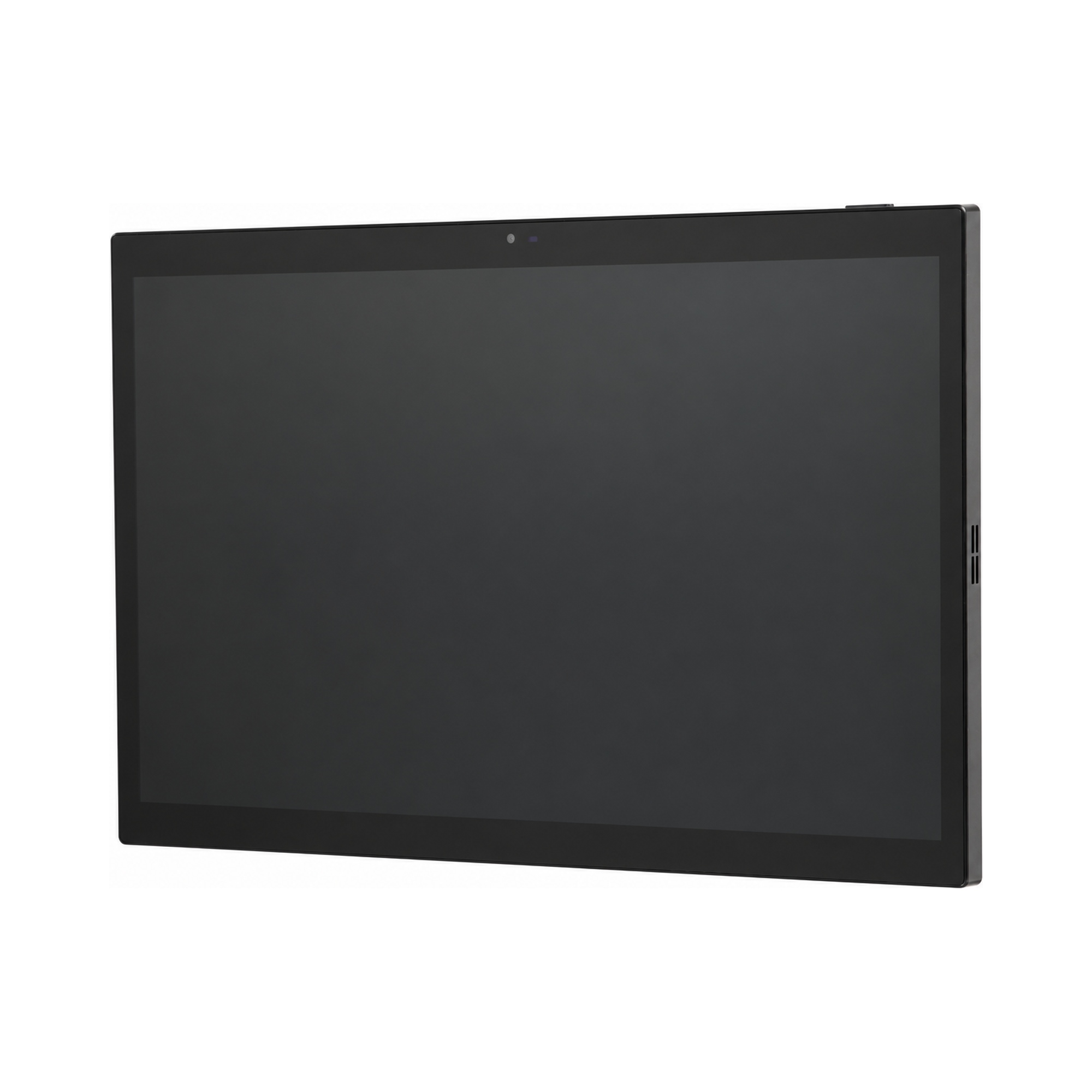
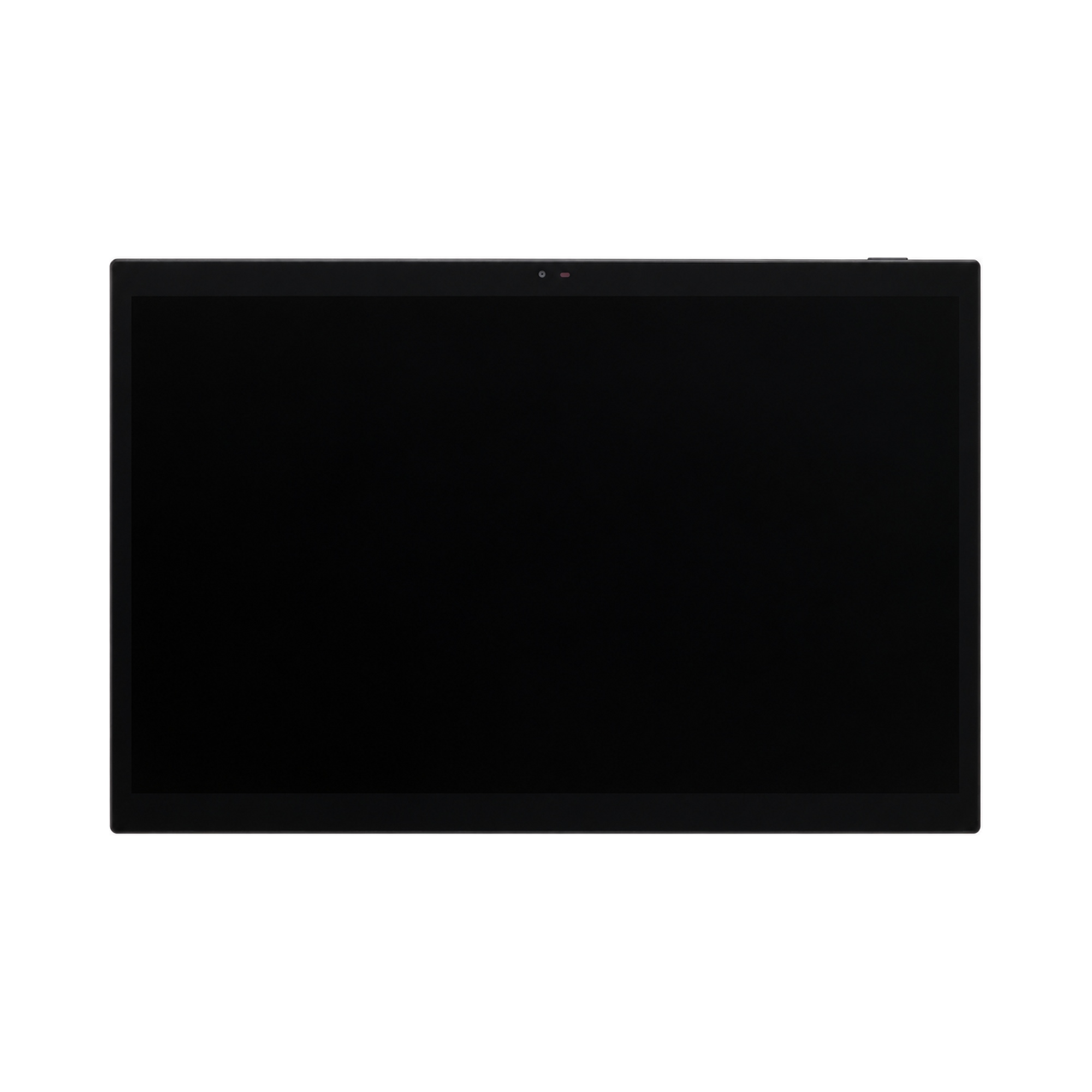
Smart Control Panel - Tokyo 15.6"

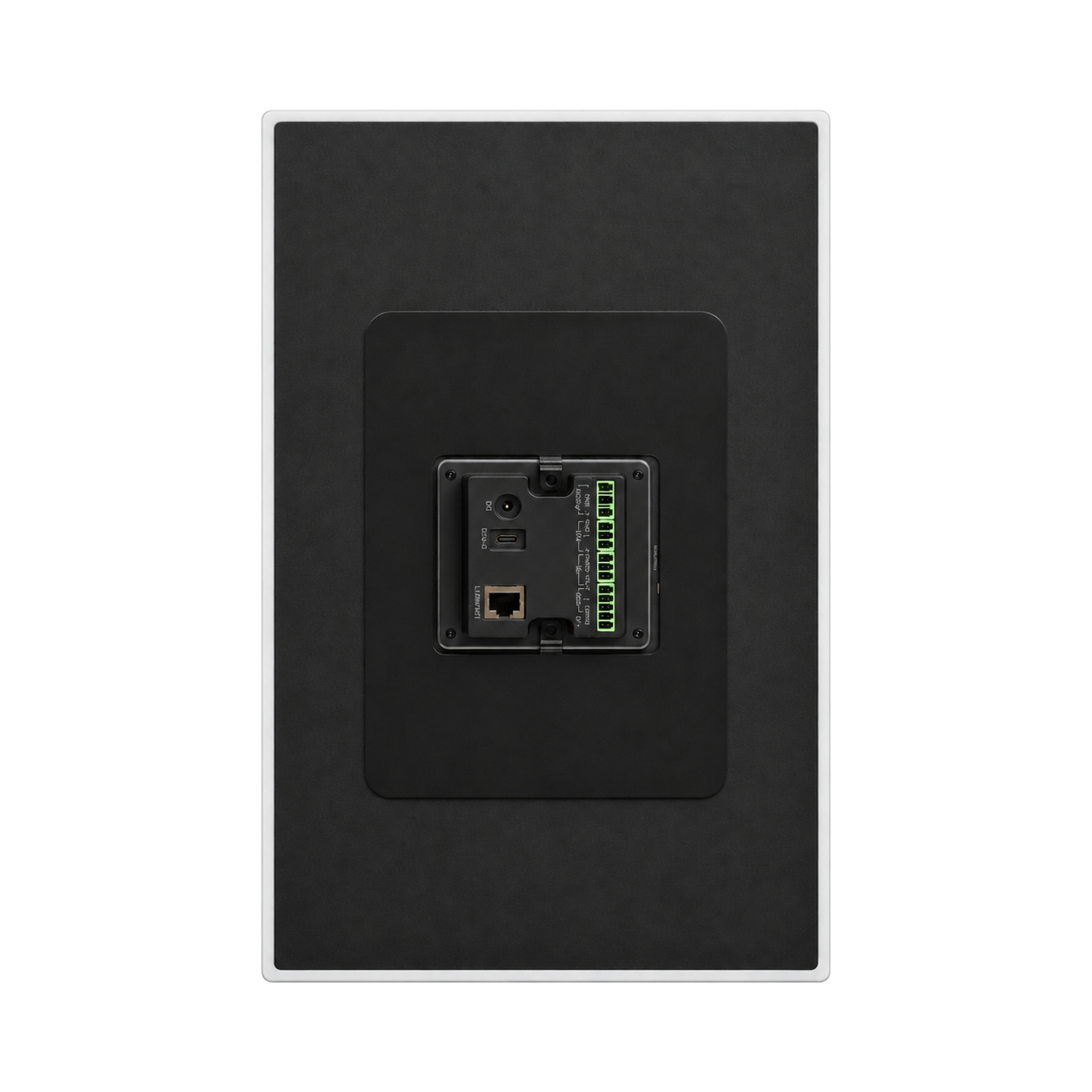
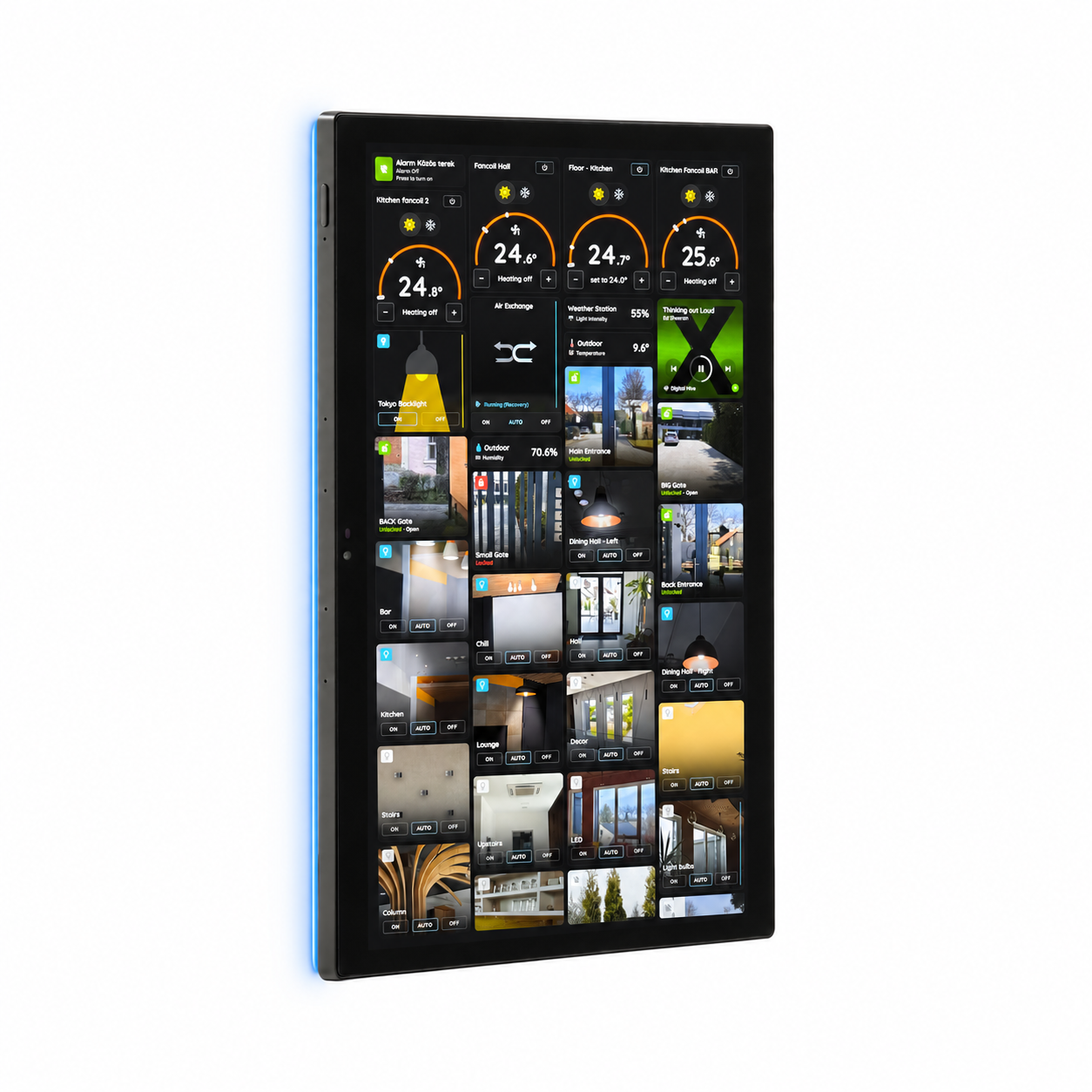
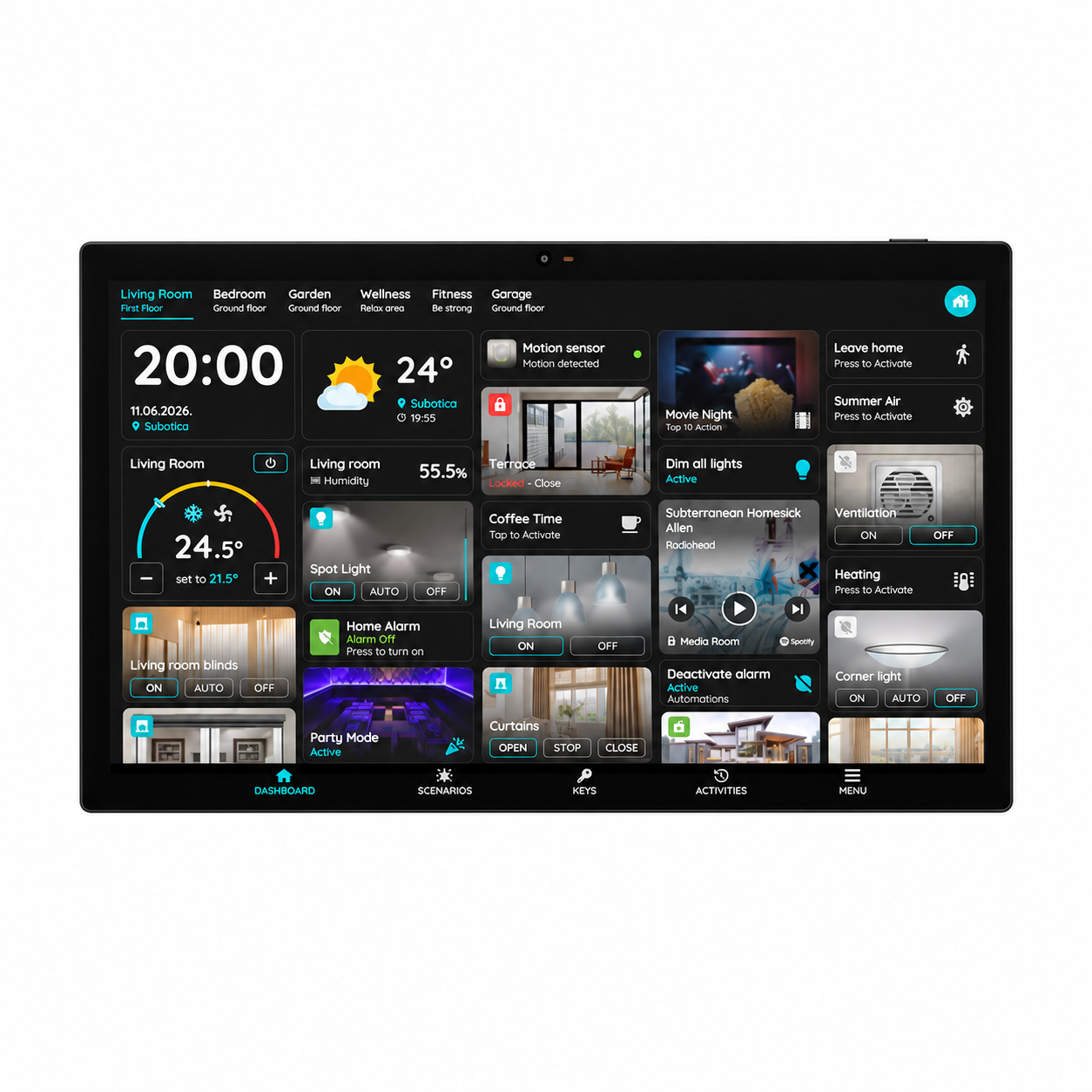
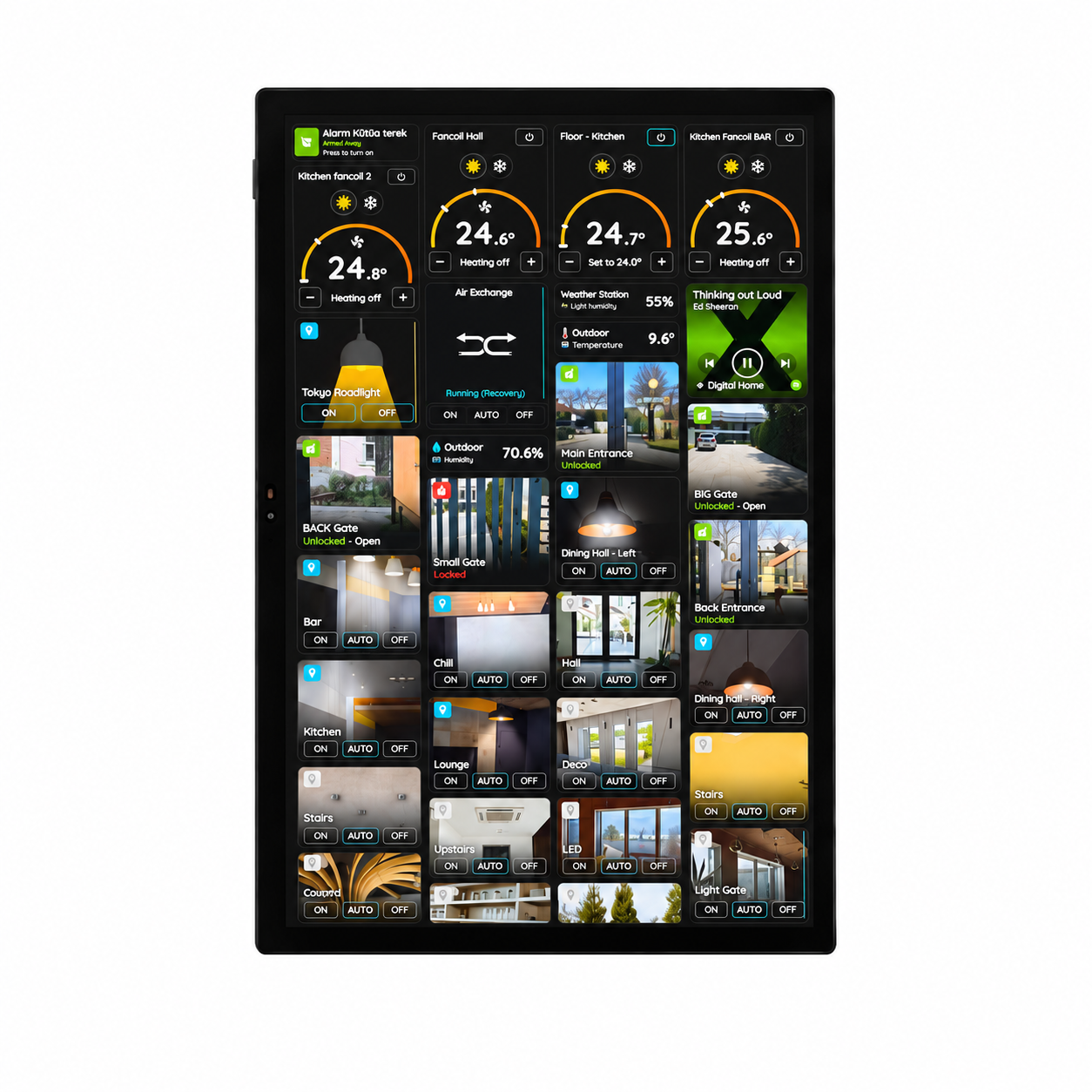
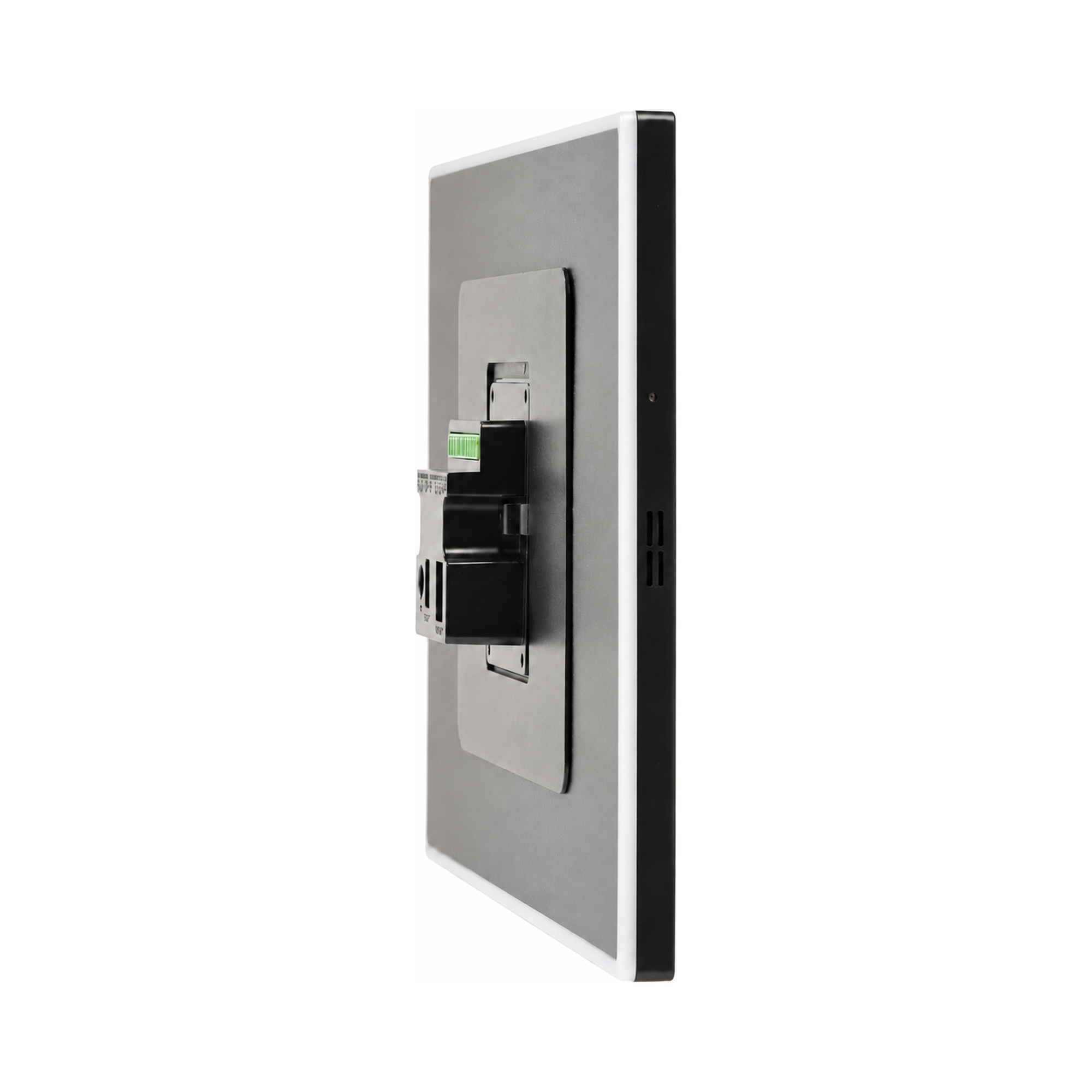
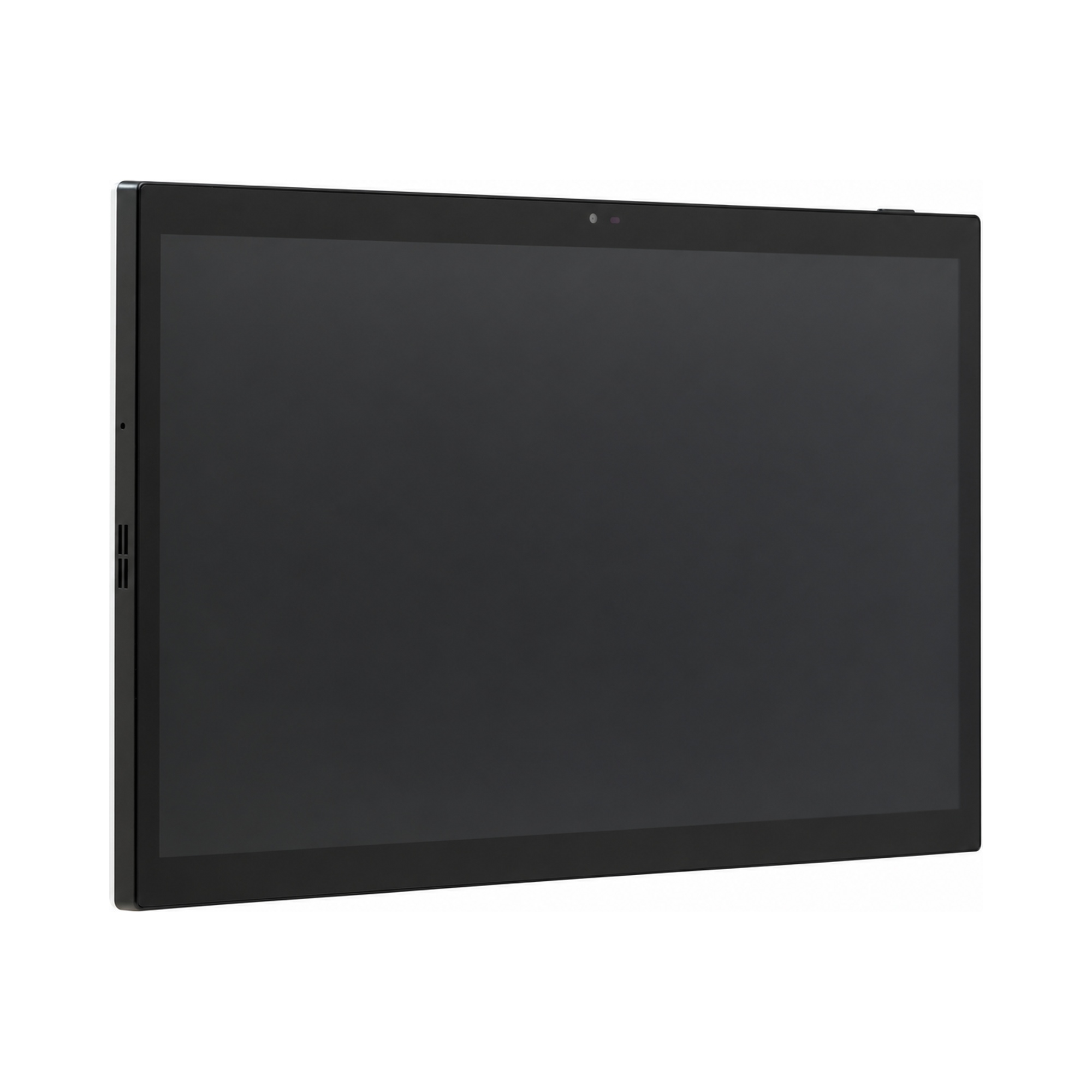

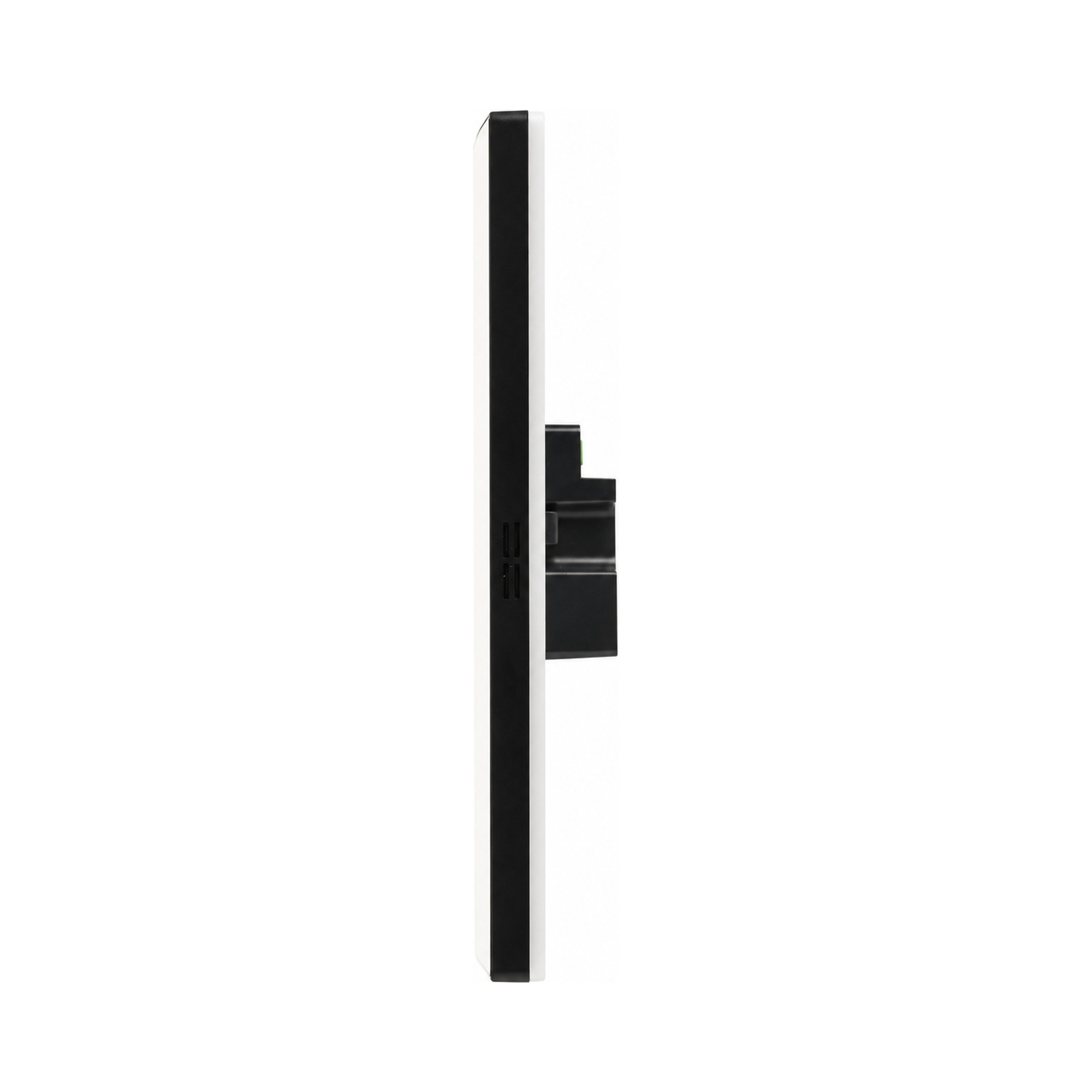
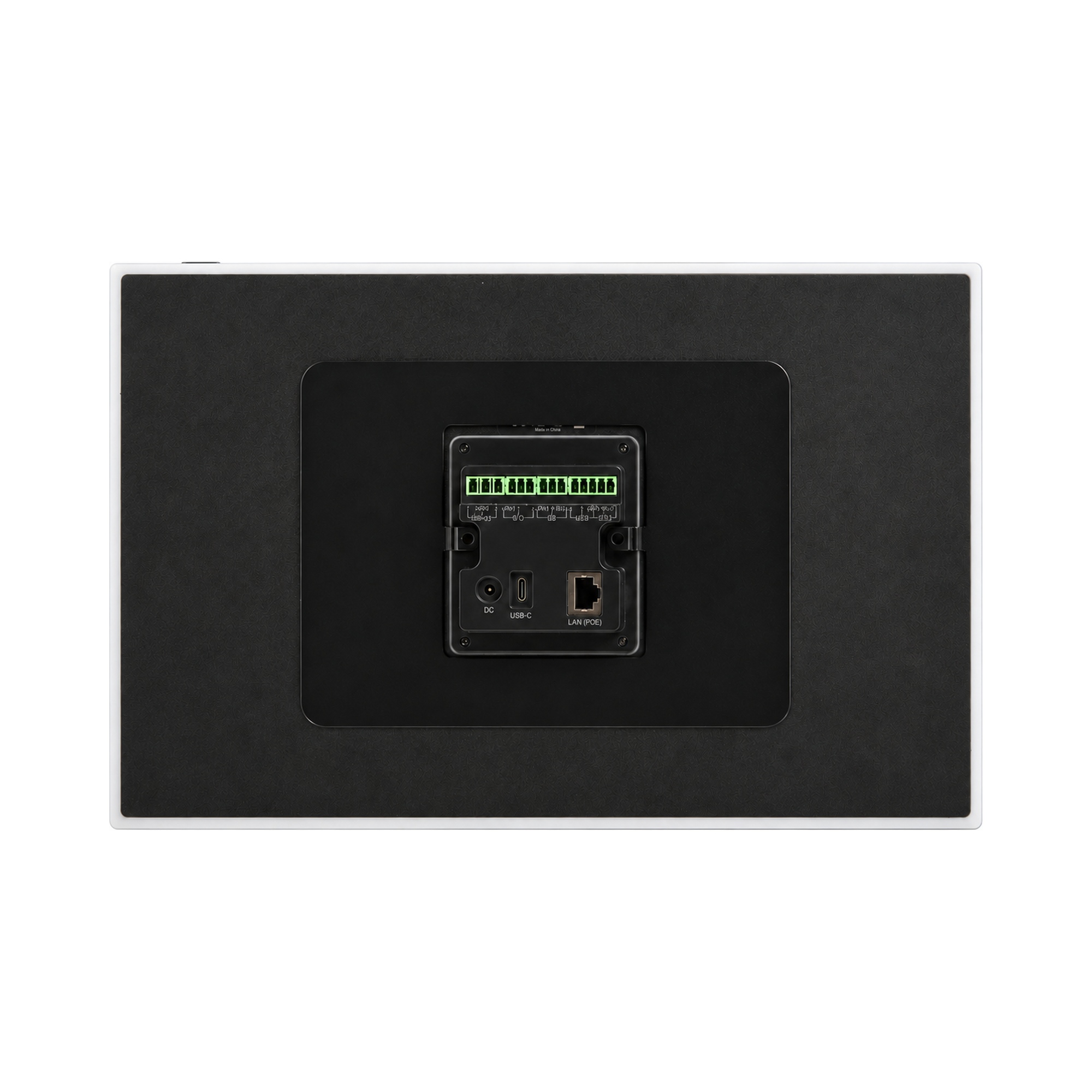
| SKU | P-DSP-TOK |
|---|---|
| Product line | PIERRE Pro, PIERRE Wave |
| Category | Displays |
| GTIN / EAN | 8606034722455 |
Overview
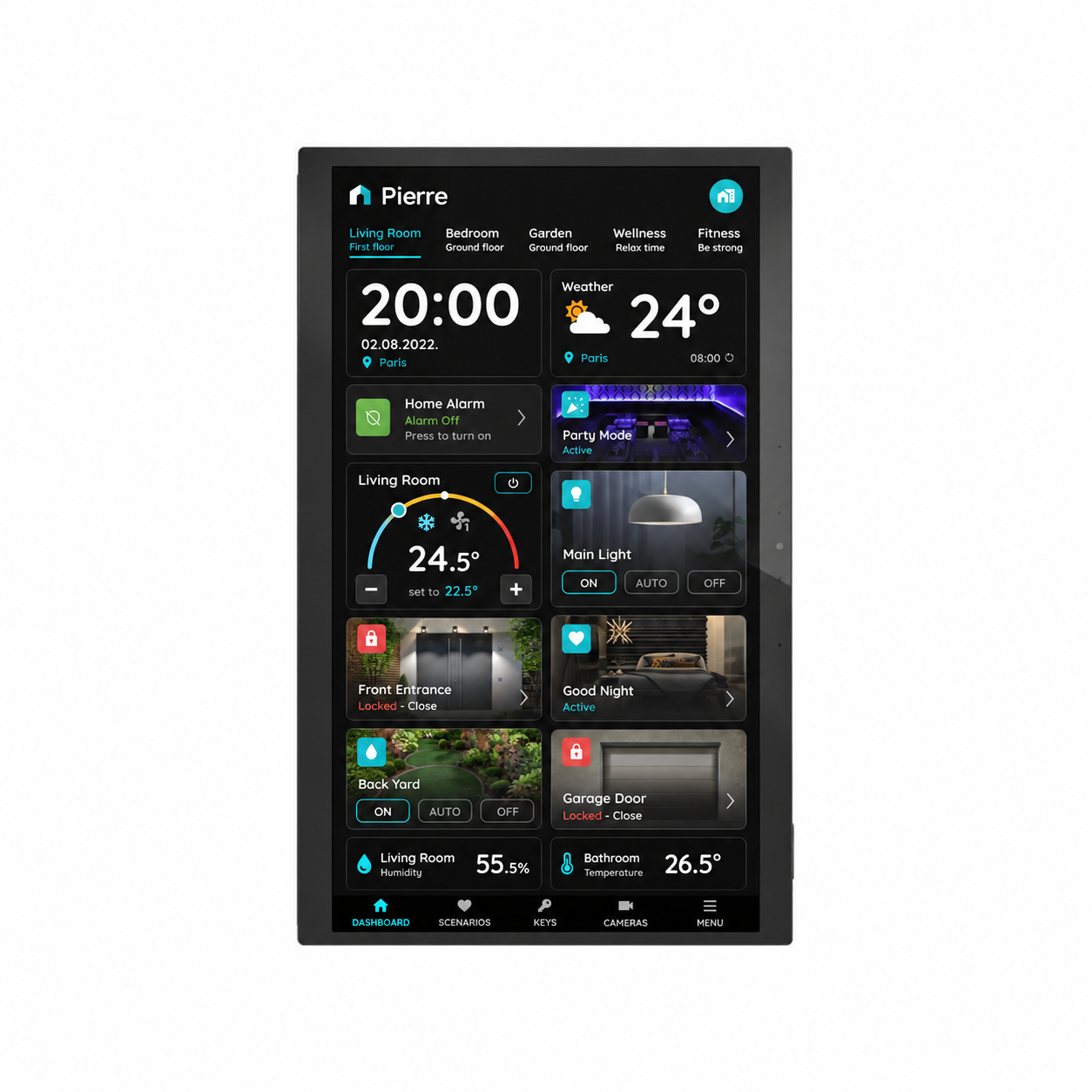
The PIERRE Smart Control Panel Tokyo 15.6" is a large-format touchscreen panel designed to provide a centralized interface for smart building and room control. Its 15.6-inch Full HD display, with a resolution of 1920 × 1080 pixels and 10-point capacitive touch, offers a spacious and intuitive interface for managing multiple functions from a single location.
Powered by a Rockchip RK3566 quad-core Cortex-A55 processor, with 2 GB RAM and 32 GB storage, the panel runs Android 13 and provides a capable platform for the Smart PIERRE application.
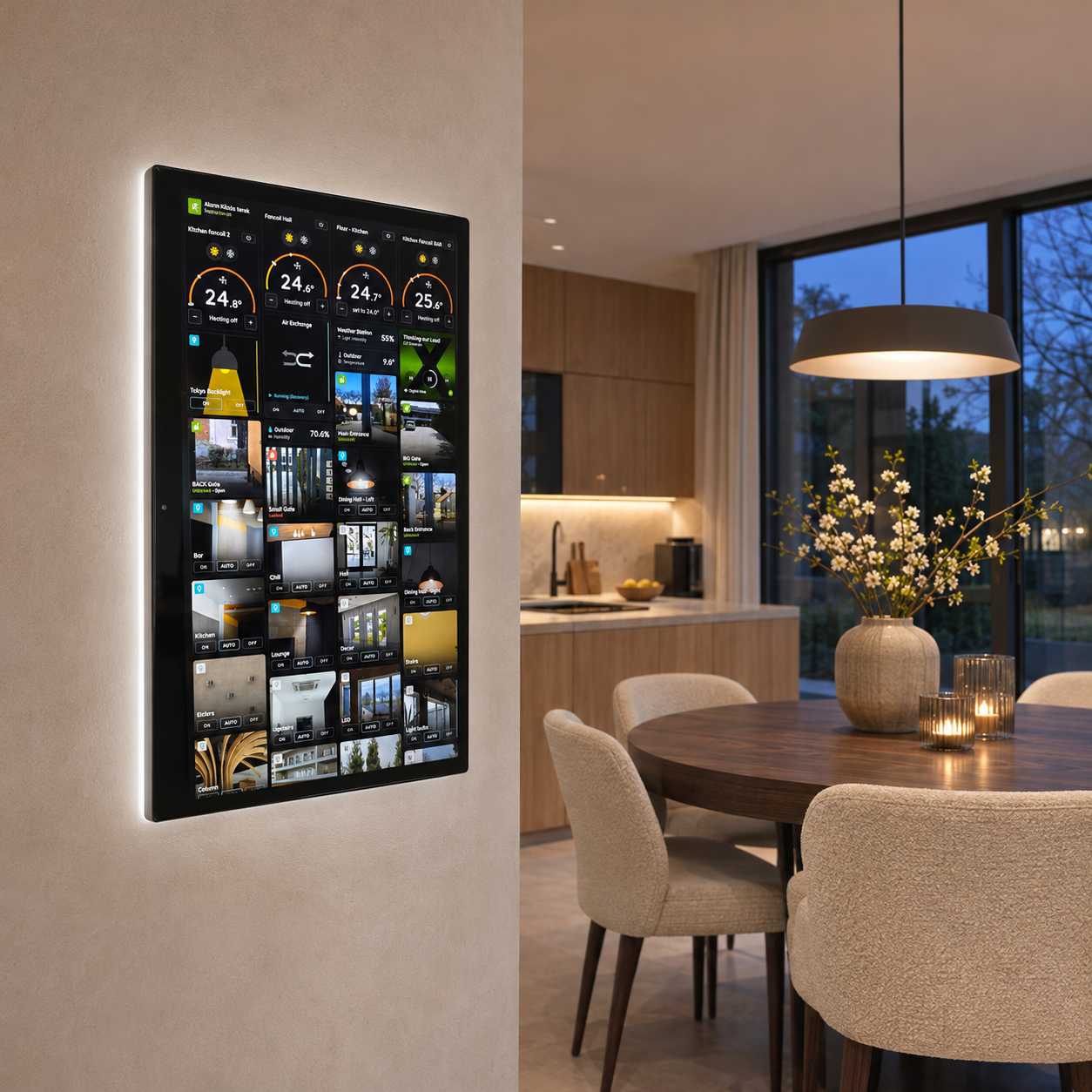
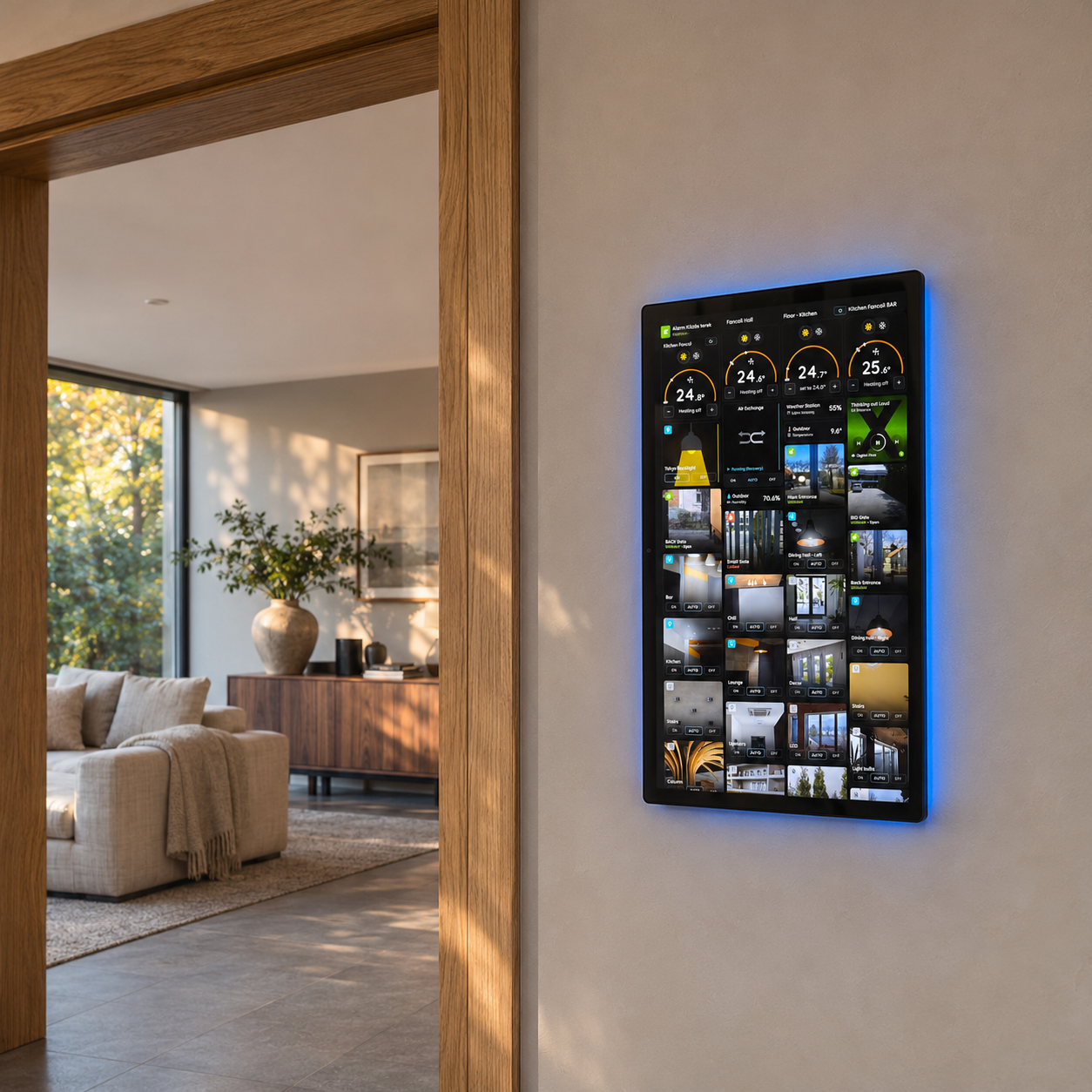
The large touchscreen is ideal for displaying room controls, lighting, climate settings, and other available Smart PIERRE functions. Its generous screen area makes it suitable for hotel rooms, residential buildings, and other smart building environments where a larger control interface is preferred.
The panel features built-in speakers, four microphones, and a 5 MP camera, providing additional hardware capabilities for applications requiring audio and video communication. An integrated relay interface allows control of compatible relay-connected devices.
It communicates via Ethernet or Wi-Fi, also serves as a gateway for PIERRE Wave products (Zigbee 3.0).
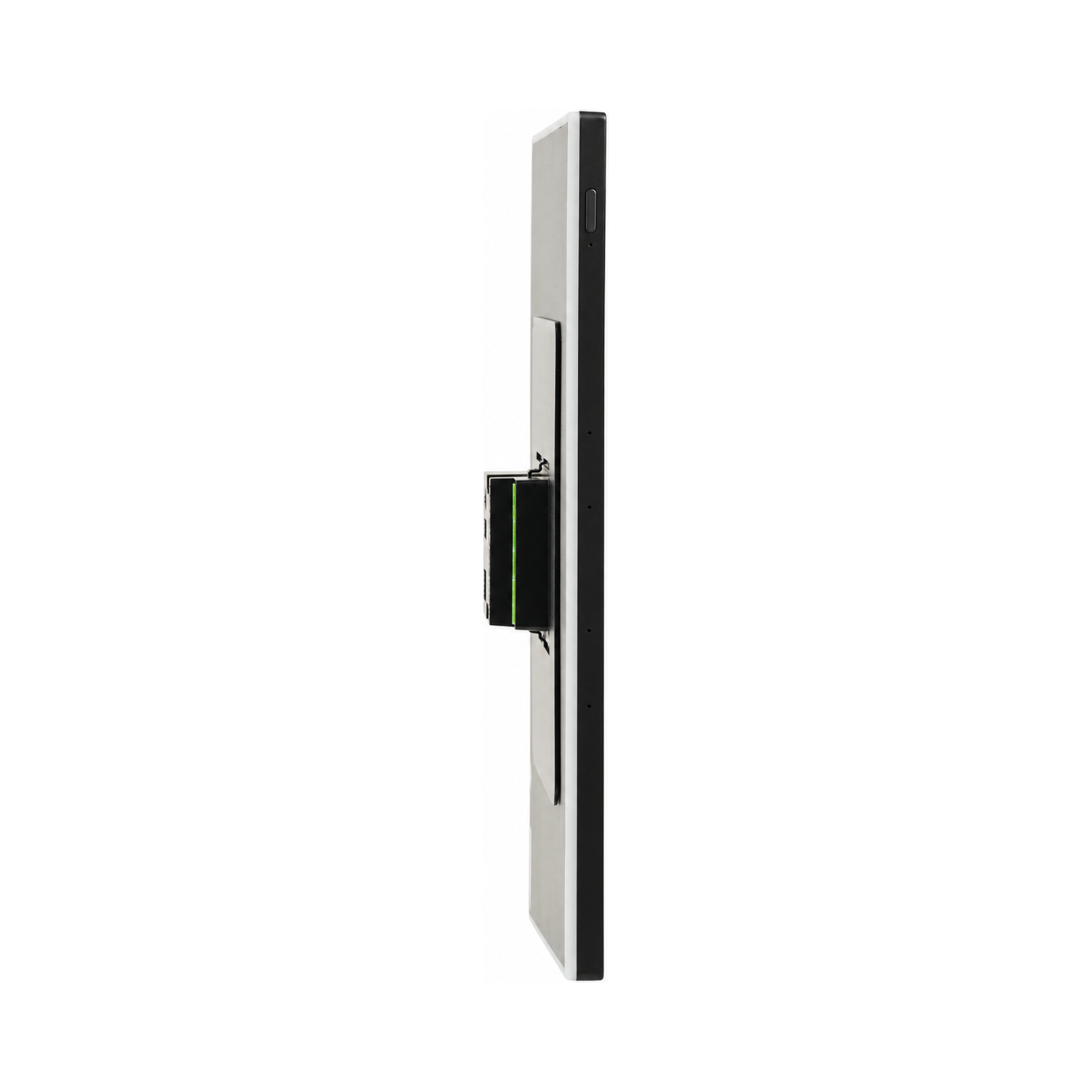
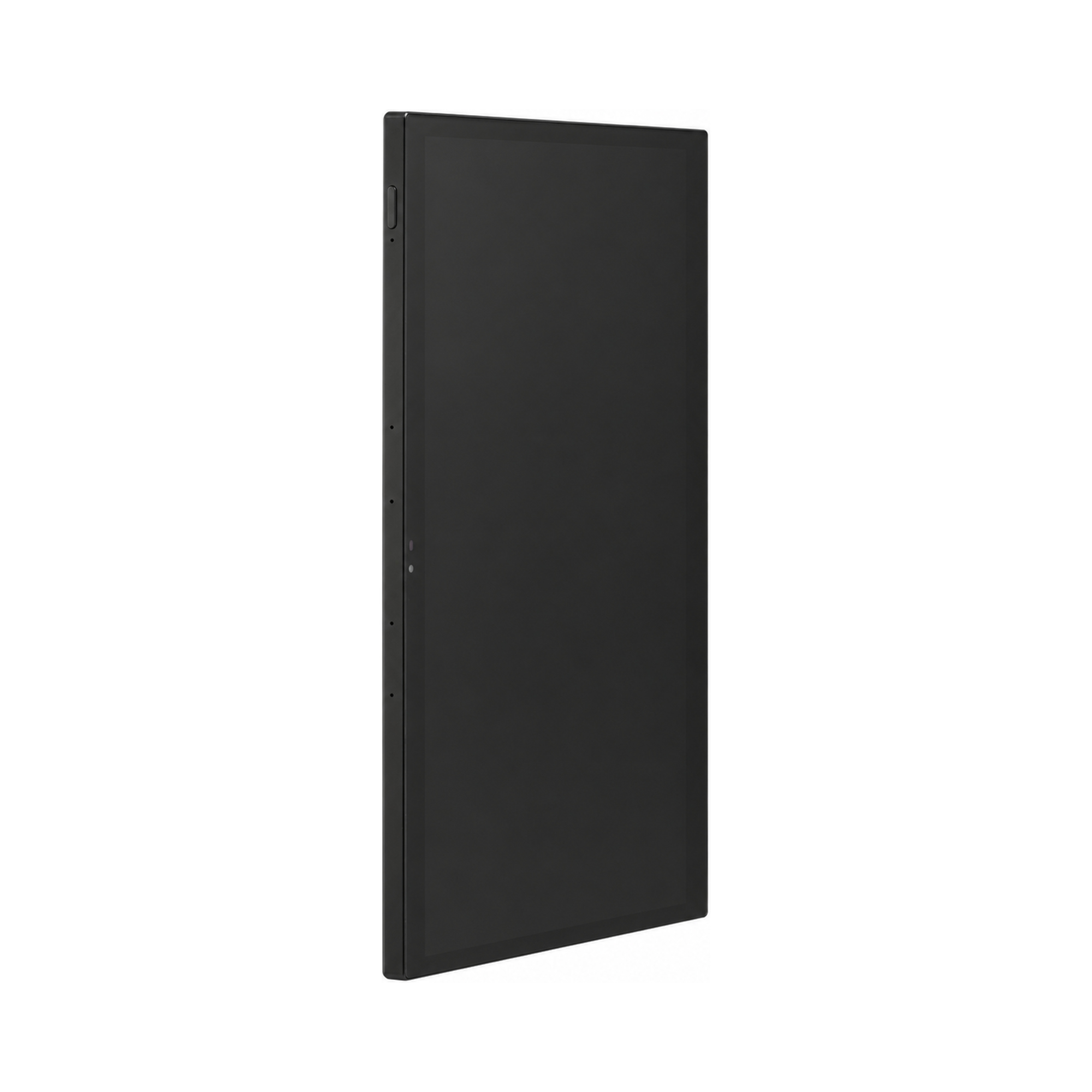
Tokyo supports Ethernet connectivity with PoE+ (IEEE 802.3at, up to 25.5 W), as well as a separate DC power input. Its slim design, measuring 363.25 × 225.99 × 13.6 mm, allows it to integrate into modern residential and hospitality interiors.
The panel operates at temperatures from 0 °C to +40 °C.
Key features
15.6-inch Full HD touch screen (1920 × 1080)
RK3566 quad-core Cortex-A55, 2 GB RAM, 32 GB ROM
Android 13 operating system
It communicates via Ethernet with PoE or Wi-Fi, also serves as a gateway for PIERRE Wave products (Zigbee 3.0).
10-point capacitive touch
Built-in speakers and four microphones
5 MP front camera
Built-in relay interface
DC power input option
Customizable RGB LED edge lighting
Adjustable lighting colors
Technical specifications
| Certification | |
|---|---|
| CE Marking | Yes |
| RoHS Compliant | Yes |
| Warranty | 2 years |
| Connectivity | |
| PoE Support | Yes |
| PoE Protocol | IEEE 802.3af/at 15.4W/30W |
| Connectivity | 10M/100M Ethernet RJ45, 2.4GHz Wi-Fi (802.11 b/g/n), Zigbee |
| Display | |
| Touch Screen Dimension | 15.6 inch |
| Touch Screen Resolution | 1920x1080px pixels |
| Electrical | |
| Power Supply | DC 12V 2A |
| Environmental | |
| Operating Temperature (°C) | 0°C - +40°C |
| Features | |
| LED Indicators | RGB Edge Lights |
| Hardware | |
| CPU | Rockchip RK3576 Quad core Cortex-A72 |
| Operating System | Android |
| OS Version | 14 |
| Memory (RAM) | 4 GB |
| Memory (ROM) | 64 GB |
| Physical | |
| Width | 363.3 mm |
| Height | 226 mm |
| Depth | 13.6 mm |
| Panel Material | ABS+PC material |
| Product Color | Black |
| Mounting Type | Wall mount |
| Mounting Box | 86x86x50mm |
| Bolt Hole Distance | 60 mm |
Dimension drawings
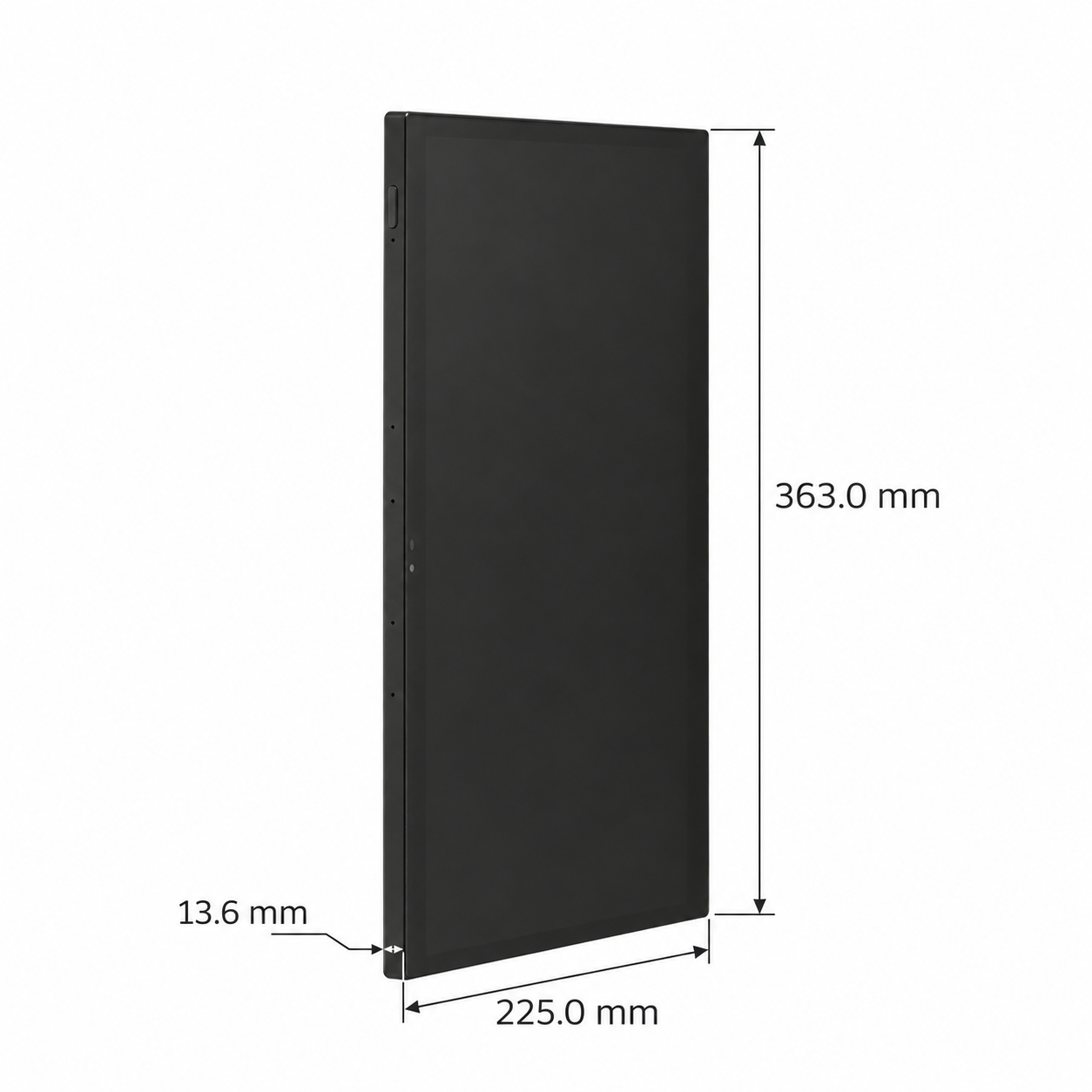
Physical & packaging
| Dimensions (L × W × H) | 13.6 × 225 × 363 mm |
|---|
User manual
- 1. Dimensions
- 2. Interface and Ports
- 3. Product specifications
- 4. Installation instructions
- 5. Wiring instructions
- 6. Add Display
- 7. FAQ
1. Dimensions
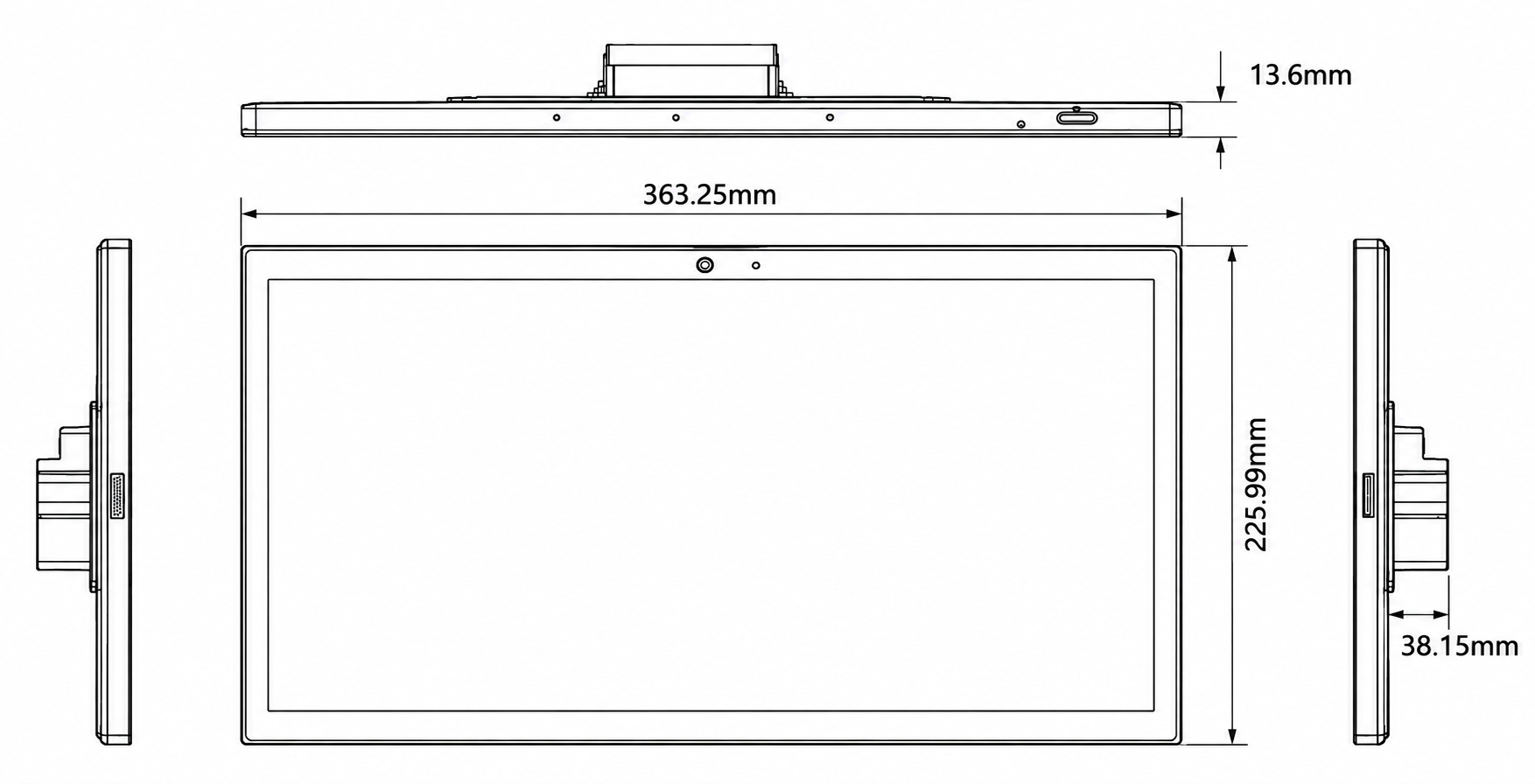
- W: 363.25mm
- H: 225.99mm
- D: 13.6mm
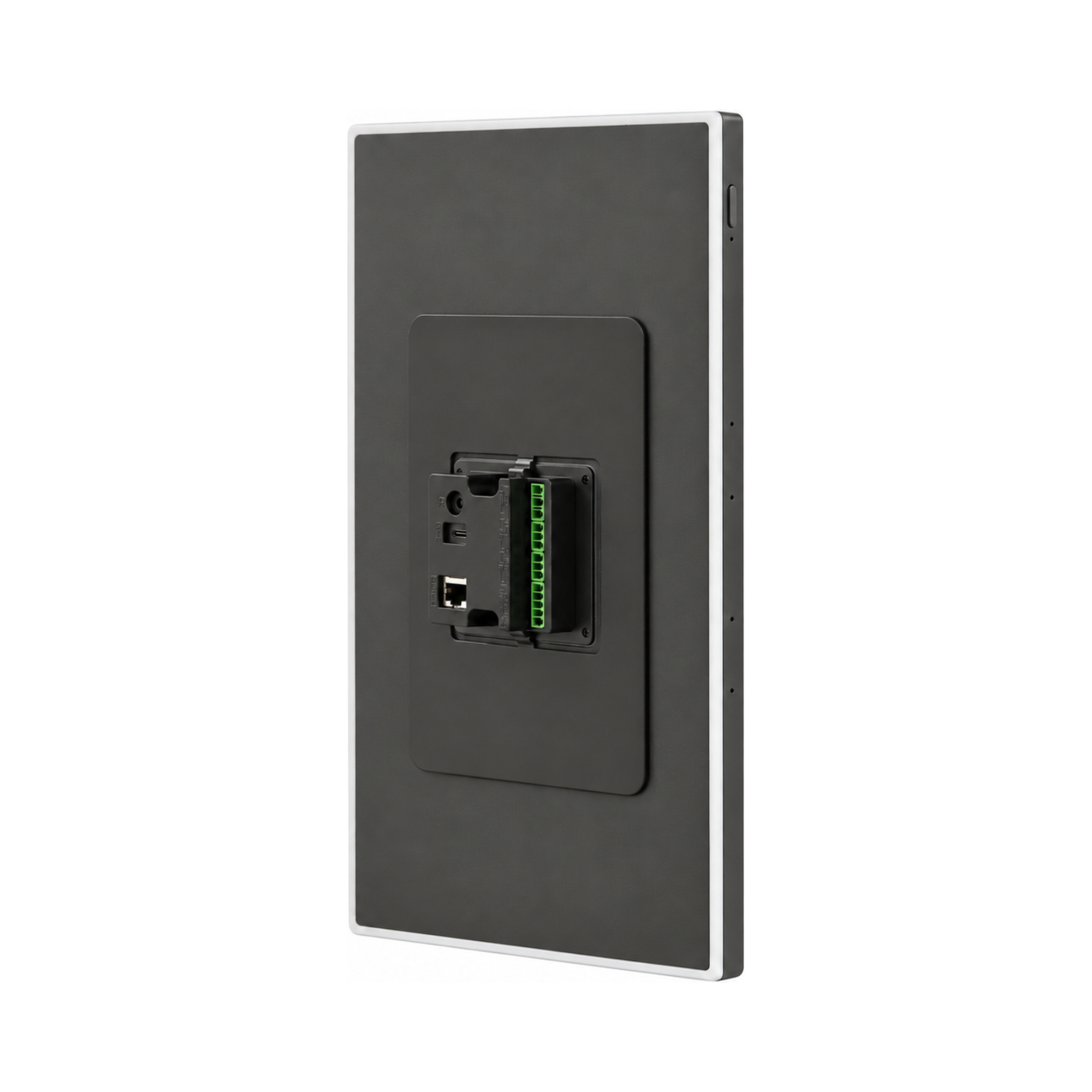
2. Interface and Ports
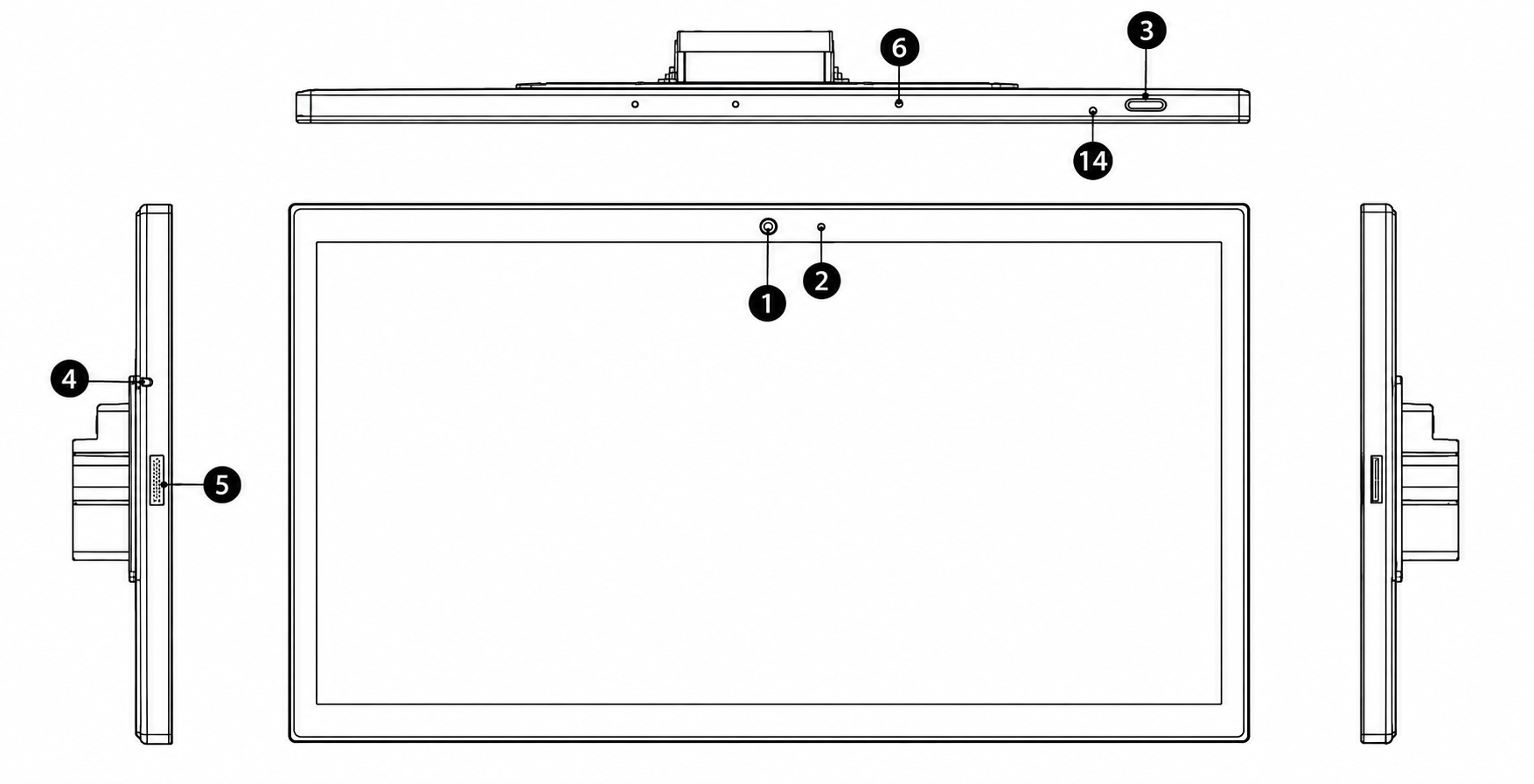
1 - Camera
2 - Light sensor
3 - Power
4 - Temperature sensor
5 - Speaker
6 - Microphone
14 - Recovery
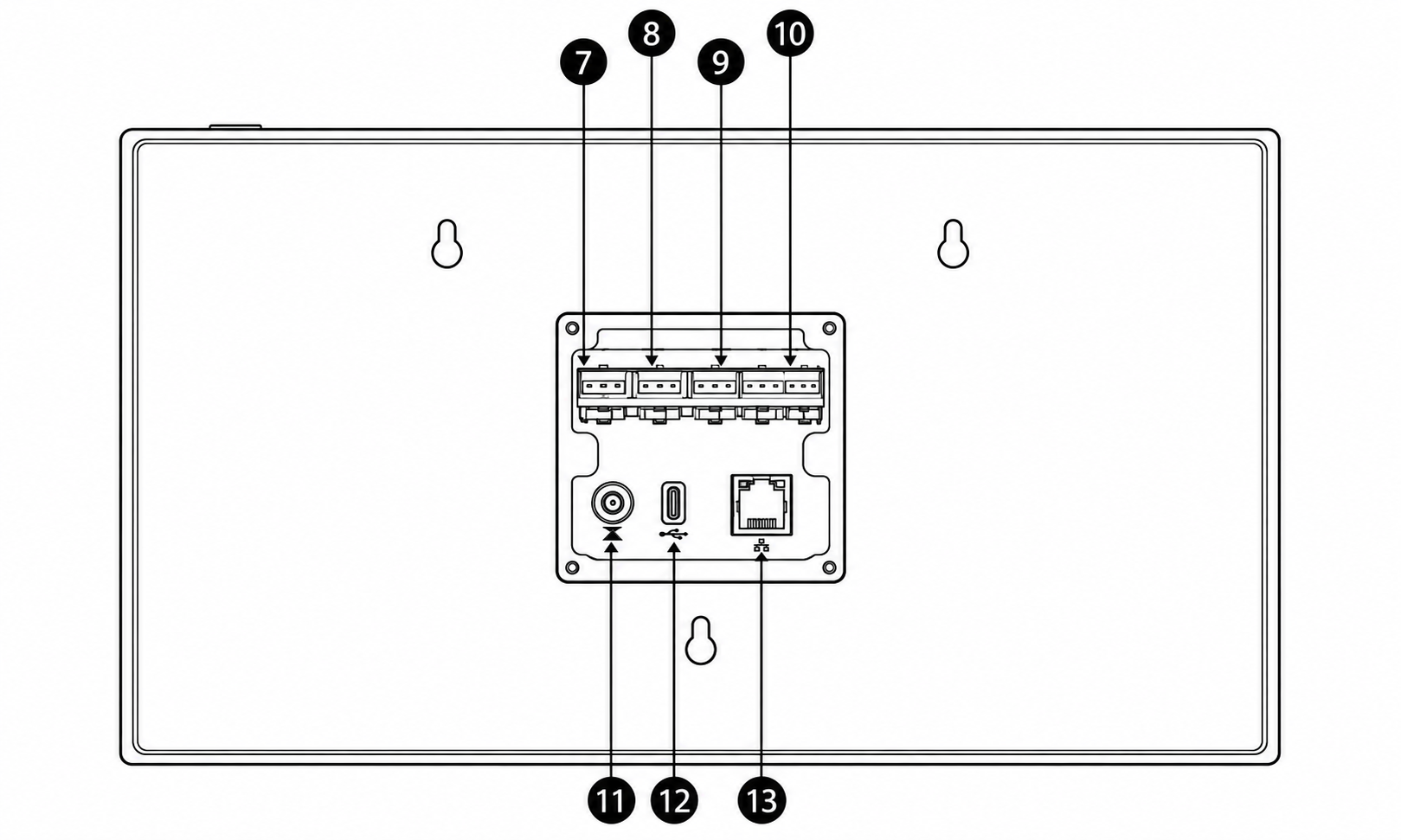
7 - Relay, 1 / COM / 2
8 - I/O, GND / 1 / 2
9 - IR, GND / IR / VCC
10 - RS-485 / RS-232, A / B / GND / RX / TX
11 - DC in
12 - Type-C
13 - RJ45 with PoE
3. Product specifications
4. Installation instructions
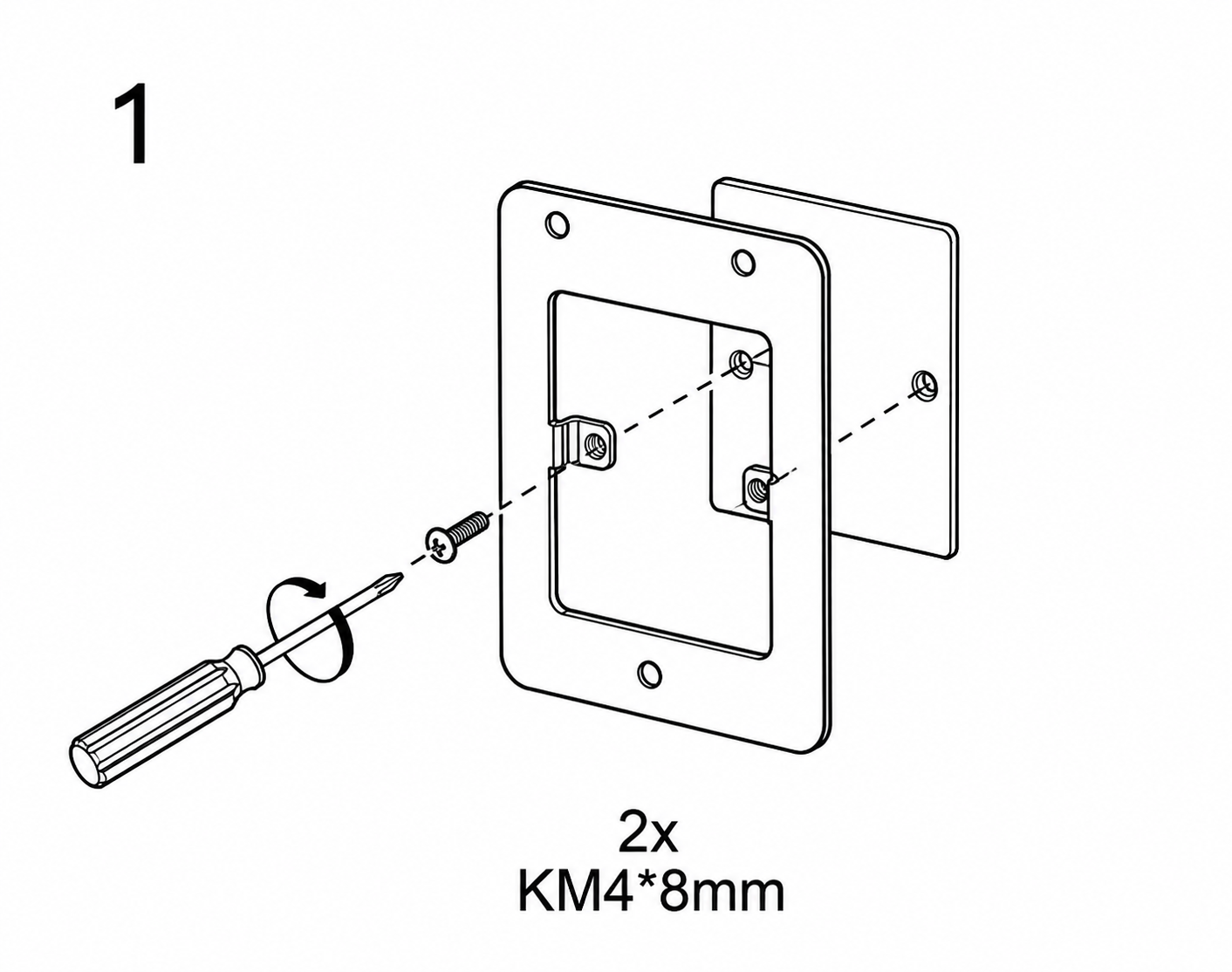
Fasten the base to the wall box with the mounting screws (M4 × 25 or M4 × 45).
- 86 × 86 mm standard wall box
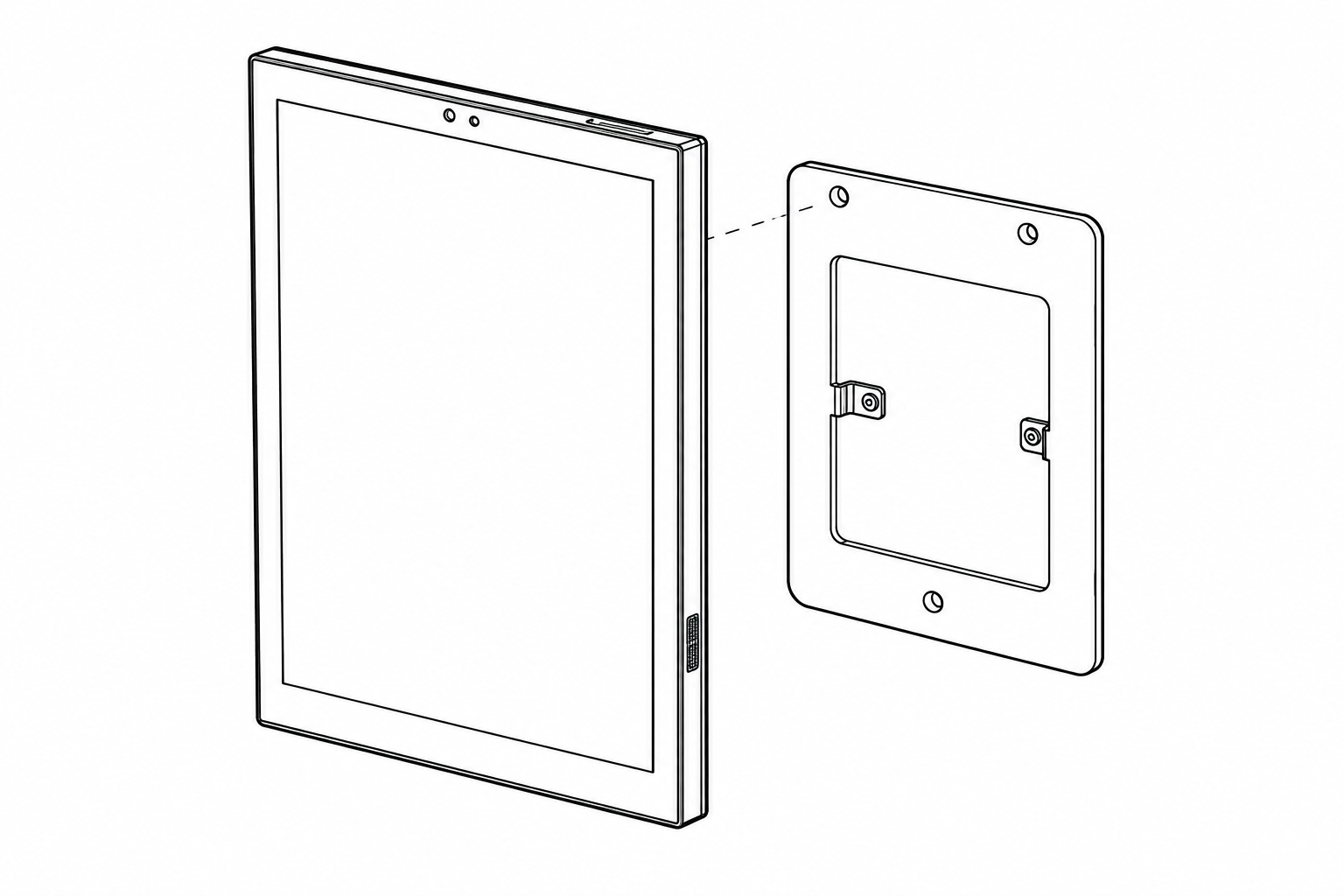
Fix the display back onto the base.
5. Wiring instructions
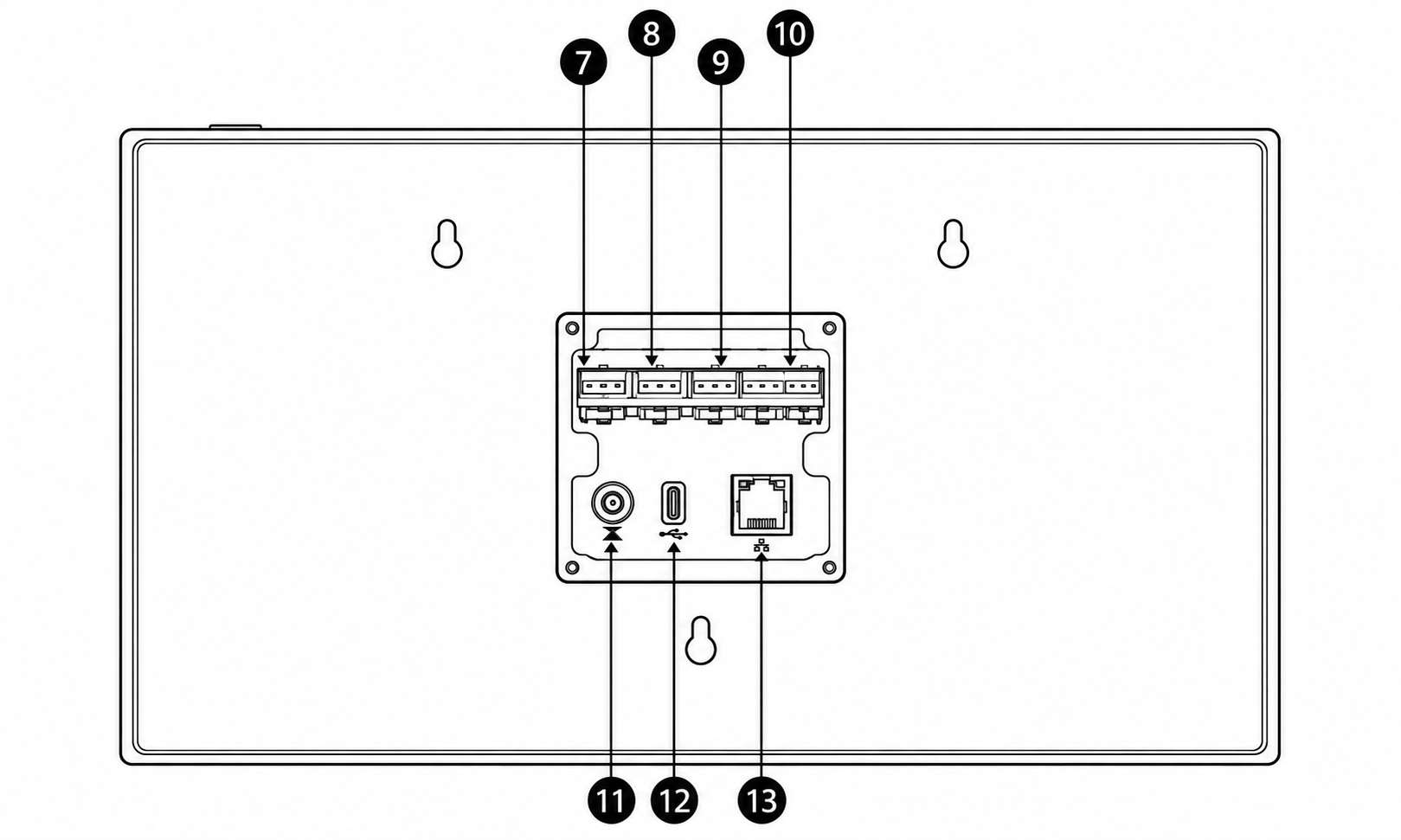
Connection Instructions
The package includes connectors with pre-attached wires for the connection points shown in the diagram (7–13). Use the appropriate included connector and cable for each required connection. Connect the wires according to the pin assignments specified for the corresponding interface.
7 - Relay, 1 / COM / 2
8 - I/O, GND / 1 / 2
9 - IR, GND / IR / VCC
10 - RS-485 / RS-232, A / B / GND / RX / TX
11 - DC in
12 - Type-C
13 - RJ45 with PoE
6. Add Display
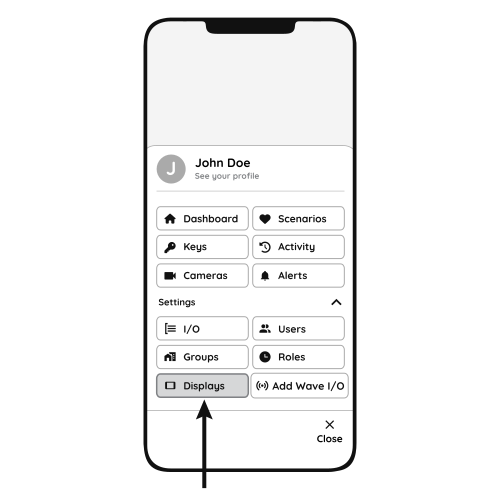
Follow the steps below to add the Helsinki display.
- Open Displays
- Open the Menu and, under Settings, tap Displays.
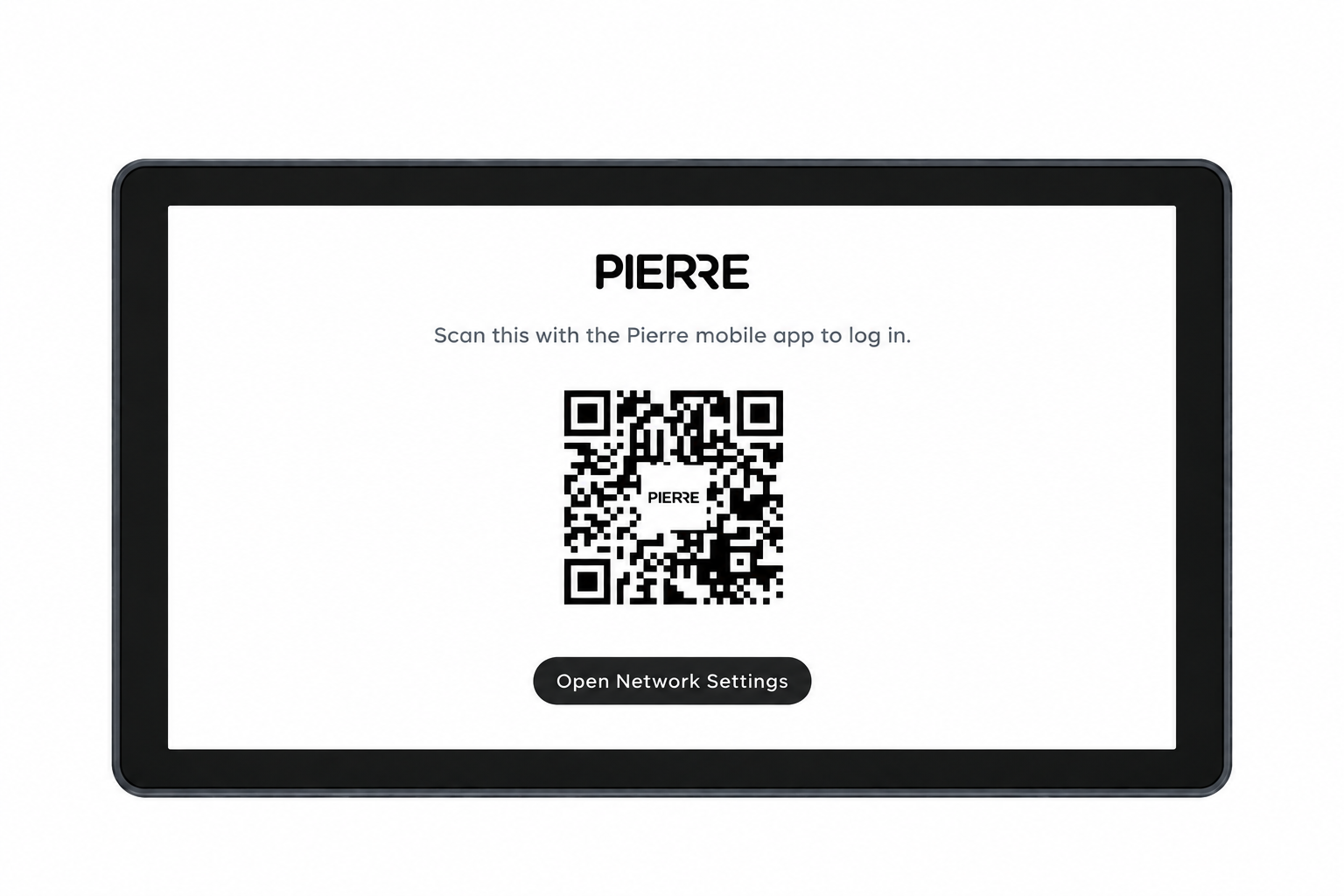
- QR code
- Scan the QR code shown on the display with your smartphone to add the Berlin display, then follow the steps on the screen.
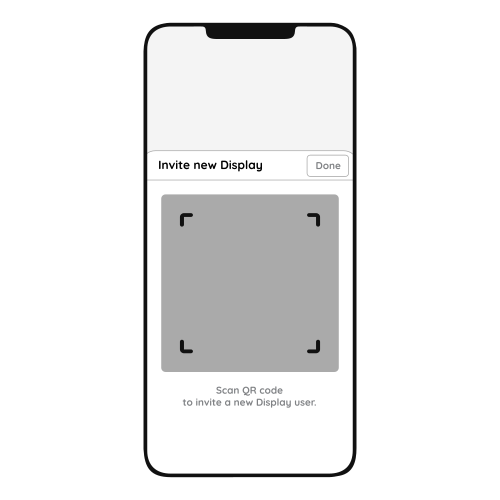
- Invite New Display
- Scanning the QR code invites the new Helsinki display to the system.
- Tap Done to confirm.
7. FAQ
Q1: Can the display’s sound be adjusted?
Yes. Swipe down from the top of the display to open the menu, where you find the sound settings.
Q2: Do displays need to be connected to a controller?
No. Displays connect to the system through the network, wired or wireless, and do not need a direct connection to the Controller.
Q3: Can the display size be upgraded?
Yes. A smaller display can be replaced with a larger one.
Q4: Are the displays waterproof?
No. The displays are not waterproof and are not suitable for areas exposed to moisture or rain.
Q5: Is a thermostat required?
No. A temperature sensor integrated in the PIERRE system can monitor the room temperature and control the heating/cooling devices.
Q6: Does PIERRE have its own thermostat?
Yes. PIERRE offers its own smart thermostats; see the thermostat product category.
Q7: Can the Berlin display work as a thermostat?
Yes. The Helsinki display has a built-in temperature and humidity sensor and two relays, so it can control heating/cooling devices like a thermostat.
Q8: If I remove an old thermostat, can I replace it with a PIERRE display for heating control?
Yes. The Helsinki display has a built-in temperature sensor and can replace an old thermostat.
Q9: Can the display relay control underfloor heating valves?
Yes. The display relays can control underfloor heating valves as well as other heating and cooling devices.
Q10: How accurate is the temperature sensor?
PIERRE temperature sensors are available in wired and wireless versions; see the product specifications for the accuracy of each sensor.
Q11: How many temperature sensors do I need?
At least one sensor for basic heating/cooling control. Install a sensor in every heating/cooling zone or room where you want individual temperature control.
Q12: What is required for connecting displays?
A mains supply (2 × 1.5 mm², L and N) and a network connection through a UTP (Cat 5e) cable.
Q13: How can heat quantity measurement be solved with the PIERRE system?
With a PIERRE Pro Controller and an M-Bus to Modbus converter. The heat meters are connected to the M-Bus side of the converter.
Q14: Can I adjust different temperatures in different rooms?
Yes. The temperature can be controlled room by room.
Q15: Is it necessary to calibrate the temperature sensor?
Not always, but it is often useful.
Not necessary if: the sensor is factory-calibrated (±0.5 °C or better); the application does not need high precision (comfort heating/cooling in a home); the installation location is good (away from direct sun, drafts and heat sources).
Useful if: the displayed temperature does not match a reliable reference thermometer; the device is installed where it is affected by heat from electronics, sunlight or poor airflow; the system needs precise control (HVAC, energy optimisation).
In the Smart PIERRE app, calibration is optional. You can add or subtract an offset to fine-tune the reading.