
Door/Window sensor
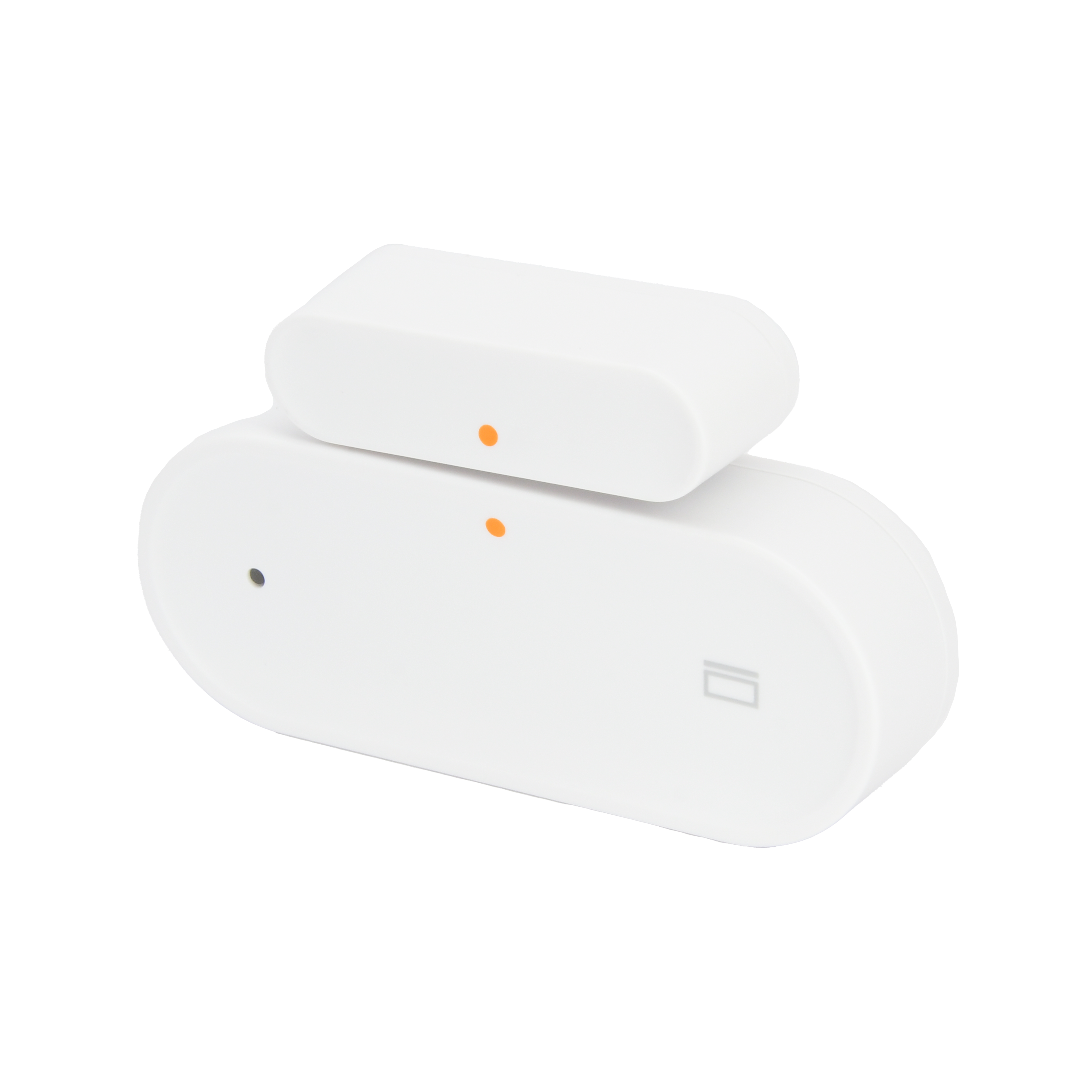
| SKU | PW-SNS-CONTACT 1 |
|---|---|
| Product line | PIERRE Wave |
| Category | Sensors / Contact sensors |
| Manufacturer | RSHTech |
| Manufacturer SKU | RSH-Zigbee-DS01 |
| GTIN / EAN | 8606034720468 |
| HS code | 9031808000 |
Overview
The PIERRE Wave Door/Window sensor is designed for enhanced smart home security, featuring precise monitoring of entry points. The sensor operates on a single CR2032 battery, providing a low-power design that extends battery life up to six months. It uses the PIERRE Wave protocol to ensure stable connectivity and reliable integration within automated home networks. With built-in tamper detection, it actively monitors and alerts users of any potential interference.
Constructed with durable ABS plastic, its compact design allows for quick and secure installation on various door and window types, making it an essential addition to smart home systems.
Key features
PIERRE Wave, CR2032 battery-powered, low power consumption, tamper detection, durable ABS plastic design, low battery indicator, real-time door/window status monitoring.
Technical specifications
| Electrical | |
|---|---|
| Power Supply | CR2032 Battery |
| Connectivity | |
| Connectivity | Zigbee |
| Physical | |
| Panel Material | ABS plastic |
| Product Color | White |
| Mounting Type | Wall |
| Features | |
| LED Indicators | Yes |
| Low Battery Indication | Yes |
| Alarm Triggering Distance | 23 mm |
| Environmental | |
| Operating Temperature (°C) | -10 - +55 |
| Operating Temperature | +14°F - +131°F |
| Operating Humidity | No Condensation, < 95 % RH |
| Safety | |
| Safety Features | Tamper Protection, Anti-theft, Door status detection |
| Sensors | |
| Detection Technology | Magnetic reed switch |
Pin layout
| Pin | Label | Type | Position |
|---|---|---|---|
| 1 | COM | power_12V_input | top |
| 2 | Sig | signal | top |
Physical & packaging
| Dimensions (L × W × H) | 25 × 13 × 55 mm |
|---|---|
| Weight | 24 g |
| Box dimensions (L × W × H) | 37 × 18 × 57 mm |
| Box weight | 30 g |
User manual
- 1. Product Description
- 2. System requirements
- 3. Power on and pairing mode
- 4. Pairing mode
- 5. Installation Instructions
- 6. App-to-Device Pairing
- 7. Video
- 8. FAQ
1. Product Description
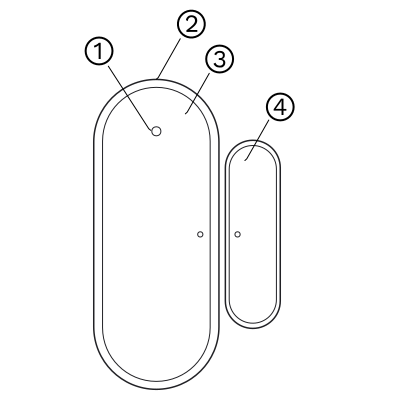
- Status Indicator
- Reset Button
- Main Body
- Magnet
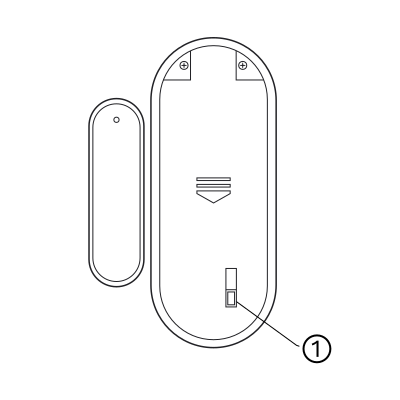
- Tamper Switch
2. System requirements
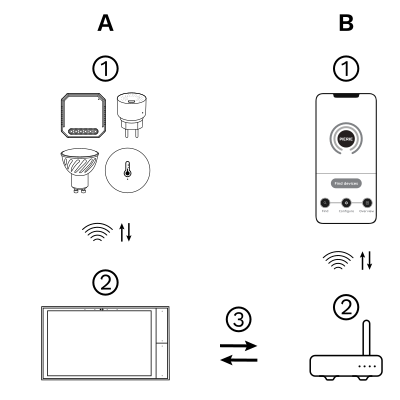
The PIERRE Wave (Zigbee 3.0, 2.4 GHz) system consists of the following components.
Required
- PIERRE Wave products: switches, modules, sensors, thermostats and other devices. They connect wirelessly to the gateway.
- Gateway: a PIERRE display and/or gateway. It links all PIERRE Wave devices and handles the communication with the app.
Optional
- Smart PIERRE app: control and monitoring from a smartphone or tablet. Not required for basic operation.
- Router: gives the gateway internet access for remote control.
Operation: the gateway connects to the router by Wi-Fi or LAN. PIERRE Wave products communicate wirelessly with the gateway in both directions: commands are sent and status updates are received through the Smart PIERRE app.
What you need
Zigbee gateway. Needs a PIERRE display acting as gateway or through The One gateway. Requires CR2032 batteries.
3. Power on and pairing mode
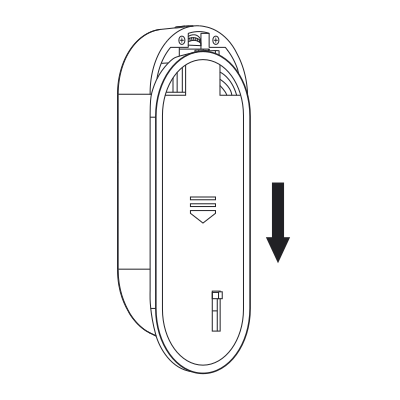
To power on the product, follow these three steps:
- Slide down the rear cover to open it.
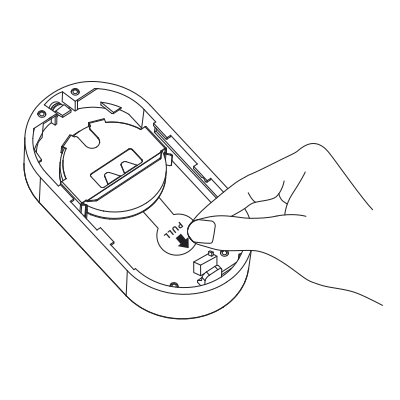
- Remove the battery insulation film to power on the product
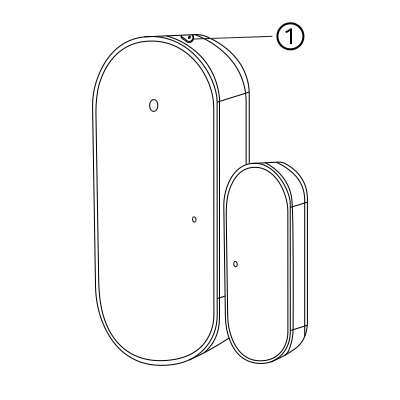
- Press the reset button for 5s and release, the green LED will flash for network setting.
4. Pairing mode
Press the reset button for 5 s and release it. The LED flashes to show that the sensor is in pairing mode. It keeps flashing for 20 s. If pairing does not succeed within that time, press the reset button for 5 s again and retry.
5. Installation Instructions
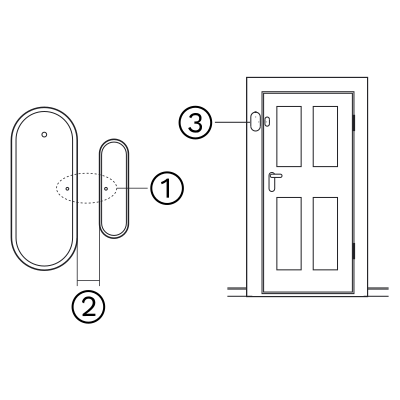
Install the product on a door or window with the main body fixed on the door or window frame (wooden doors and windows are recommended), as shown in the figure.
- Alignment mark
- < 10 mm
- The installation position is for reference only. Use the 3M sticker to fix the product.
Note
- Do not install the product outdoors, on an unstable base or anywhere unprotected from rain.
- Do not place magnetic metals or other magnetic objects near the product. When fitting with the adhesive, make sure the surface is smooth, dry and clean.
6. App-to-Device Pairing
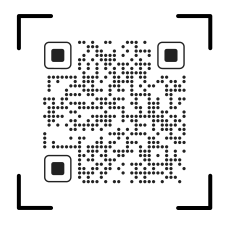
Please scan the QR code to download PIERRE application
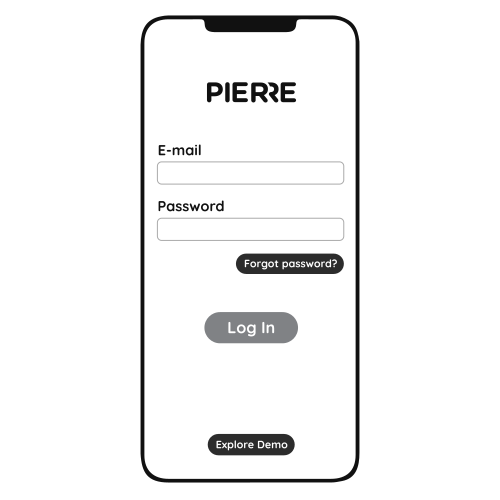
Log in with your Username and Password
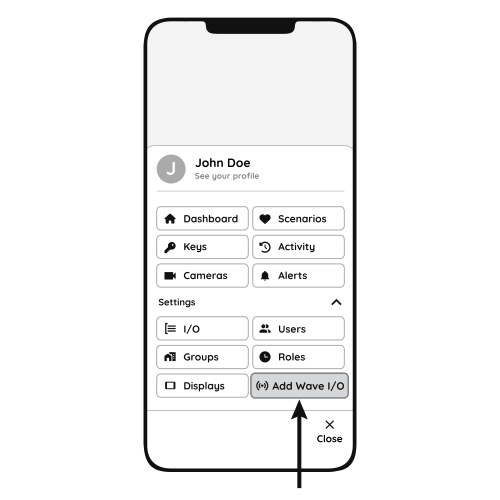
Open Settings and press "Add Wave I/O"
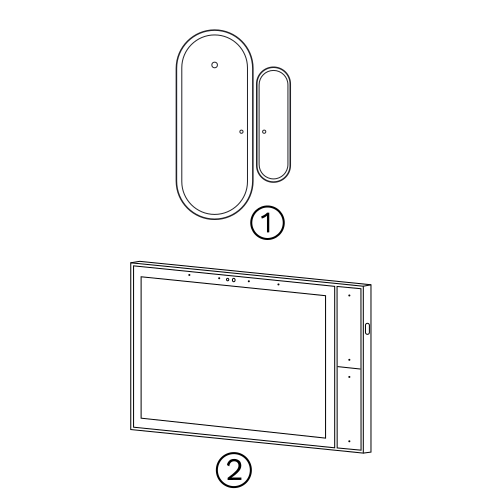
Press and hold the Reset Key for 5 seconds and the green LED will flash for network setting.
- Sensor
- PIERRE Wave gateway
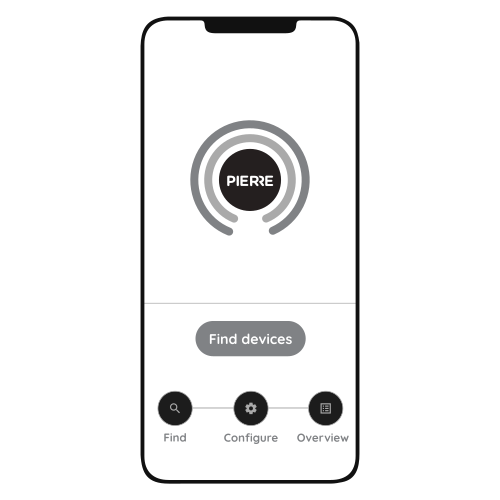
Press "Find Devices"
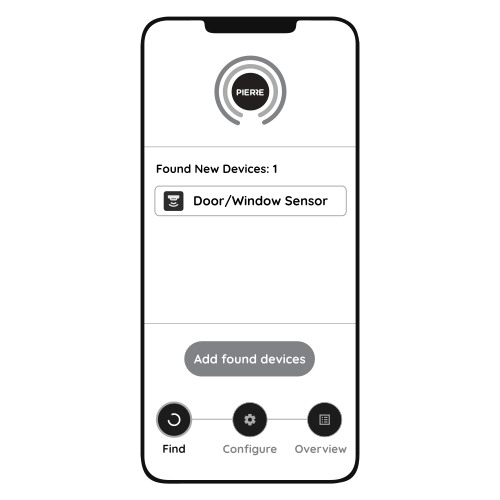
PIERRE application will show the list of available devices. Press "Add found devices"
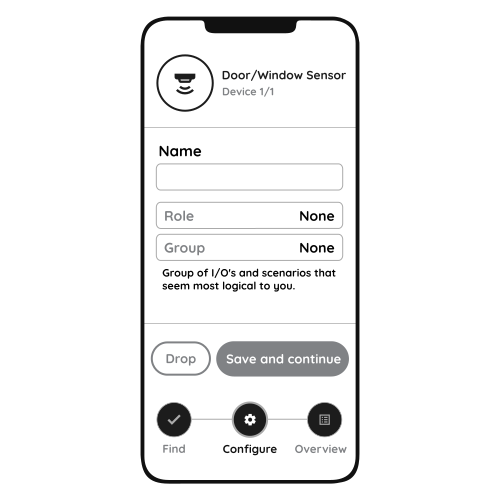
Enter Name, Role and Group settings and Save it
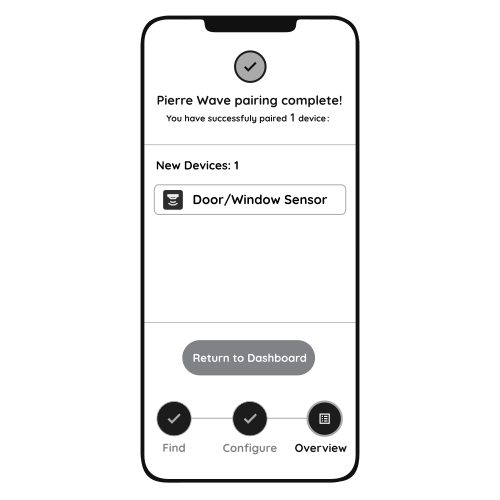
When the Light indicator stops flashing, the PIERRE Wave pairing process is finished
7. Video
How to install and set up the door and window sensor. https://www.youtube.com/watch?v=rZzP5D-k9M8
8. FAQ
Q1: Where should the contact sensor be placed?
The contact sensor should be installed so that the sensor and magnet are aligned when the door or window is closed. For windows, placing the sensor on the top allows it to detect even when the window is tilted open.