
Menu & Settings
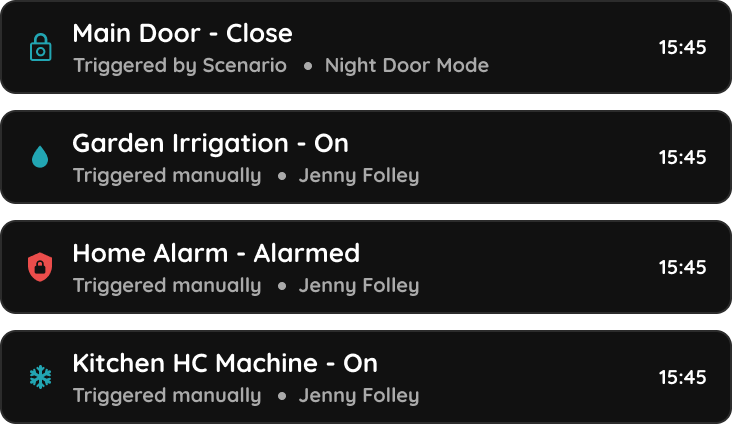
Smart PIERRE - Activity Log
The Activity log in the Smart PIERRE application offers a detailed and comprehensive record of all actions within the system over a specified period. To access the Activity log…
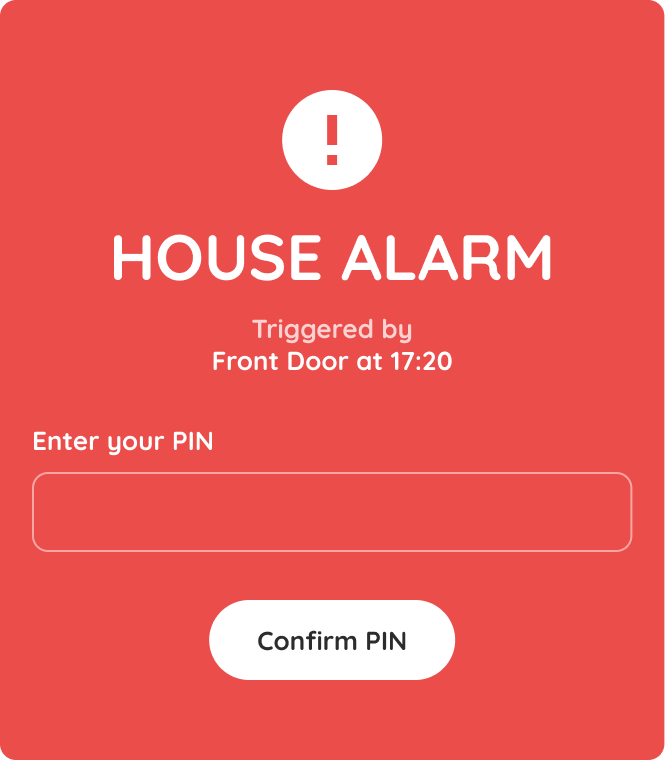
Smart PIERRE - Alerts
The Alerts section in Smart PIERRE application allows users and system administrators to create, manage, and monitor real-time notifications based on specific events, device…
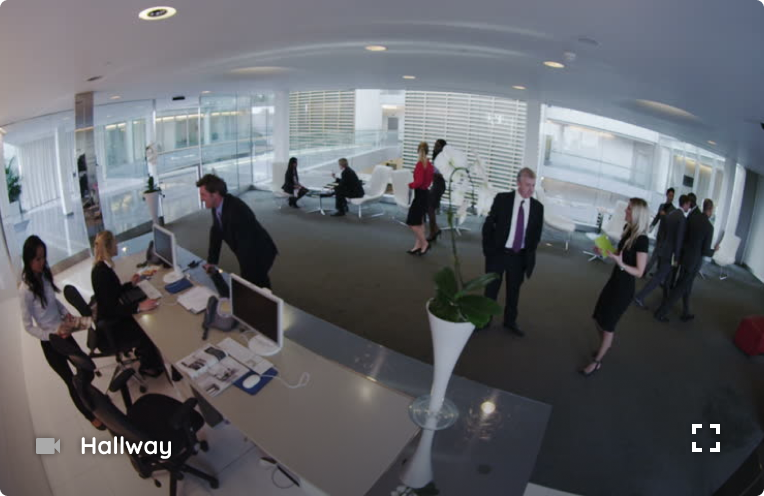
Smart PIERRE - Cameras
Cameras The Cameras section of the Smart PIERRE app allows you to view all connected security cameras. Features Camera Overview View all connected cameras and their current status…
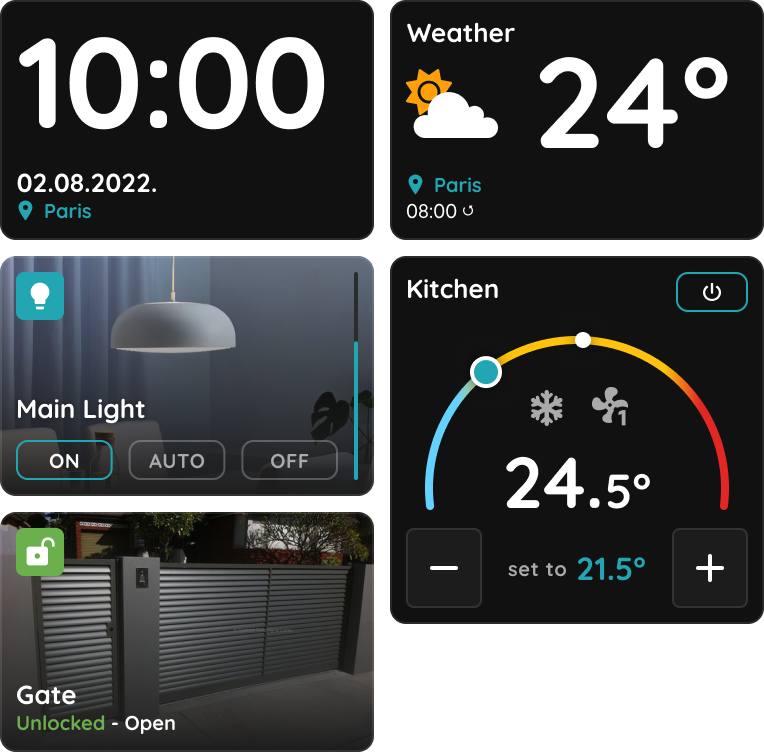
Smart PIERRE - Dashboard
The Dashboard is the main screen of the Smart PIERRE application. Devices (I/Os) are organised into tabs and groups, so the functions that matter to a given user are reachable in…
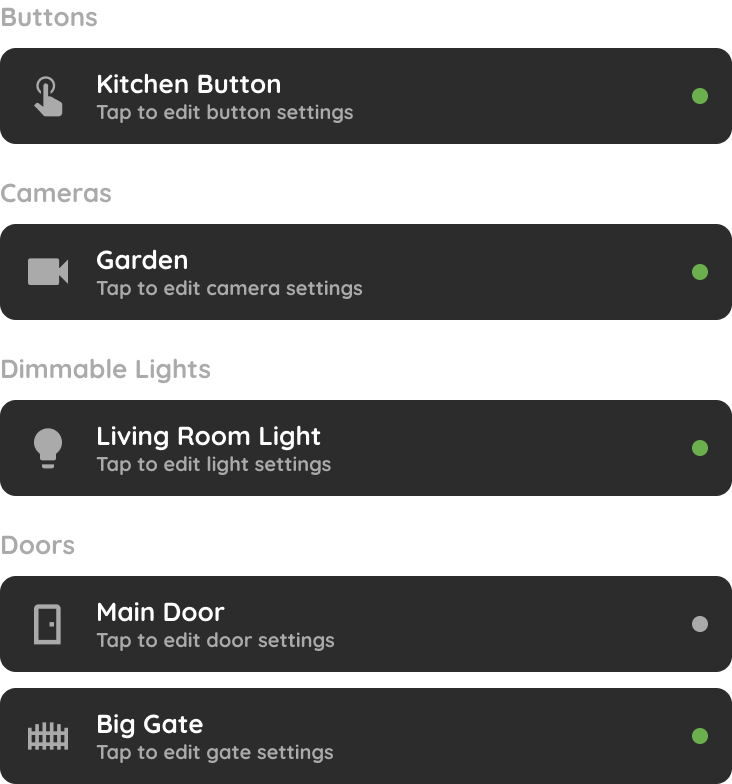
Smart PIERRE - I/O list
The I/O section in the Settings of the Smart PIERRE app lists every input and output device in the system, grouped by type. Organised List I/Os are grouped by device type —…
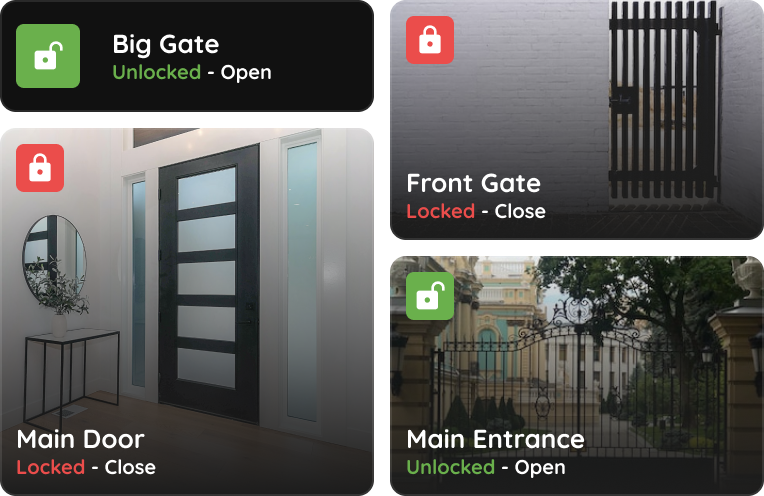
Smart PIERRE - Keys
The Keys section of the Smart PIERRE app lists every door and gate in the property and shows the state of each one. Real-Time Status Each entry point shows whether it is locked or…
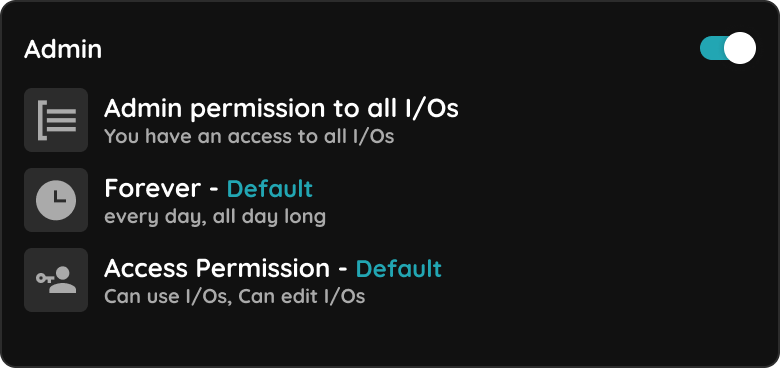
Smart PIERRE - Roles
The Roles section in the Settings of the Smart PIERRE application defines which I/Os users can access and when that access is permitted. A Role is the access-control unit of the…
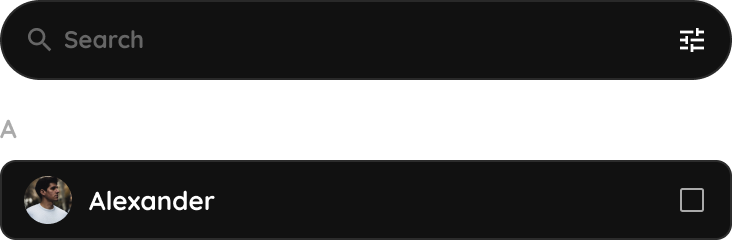
Smart PIERRE - User management
The Users section allows administrators and authorized users to manage access to the PIERRE system. From this section, users can invite new members, manage permissions, review…