
Smart Control Panel - Oslo 10.1"

| SKU | P-DSP-OSL |
|---|---|
| Product line | PIERRE Pro, PIERRE Wave |
| Category | Displays |
| GTIN / EAN | 8606034722486 |
Overview
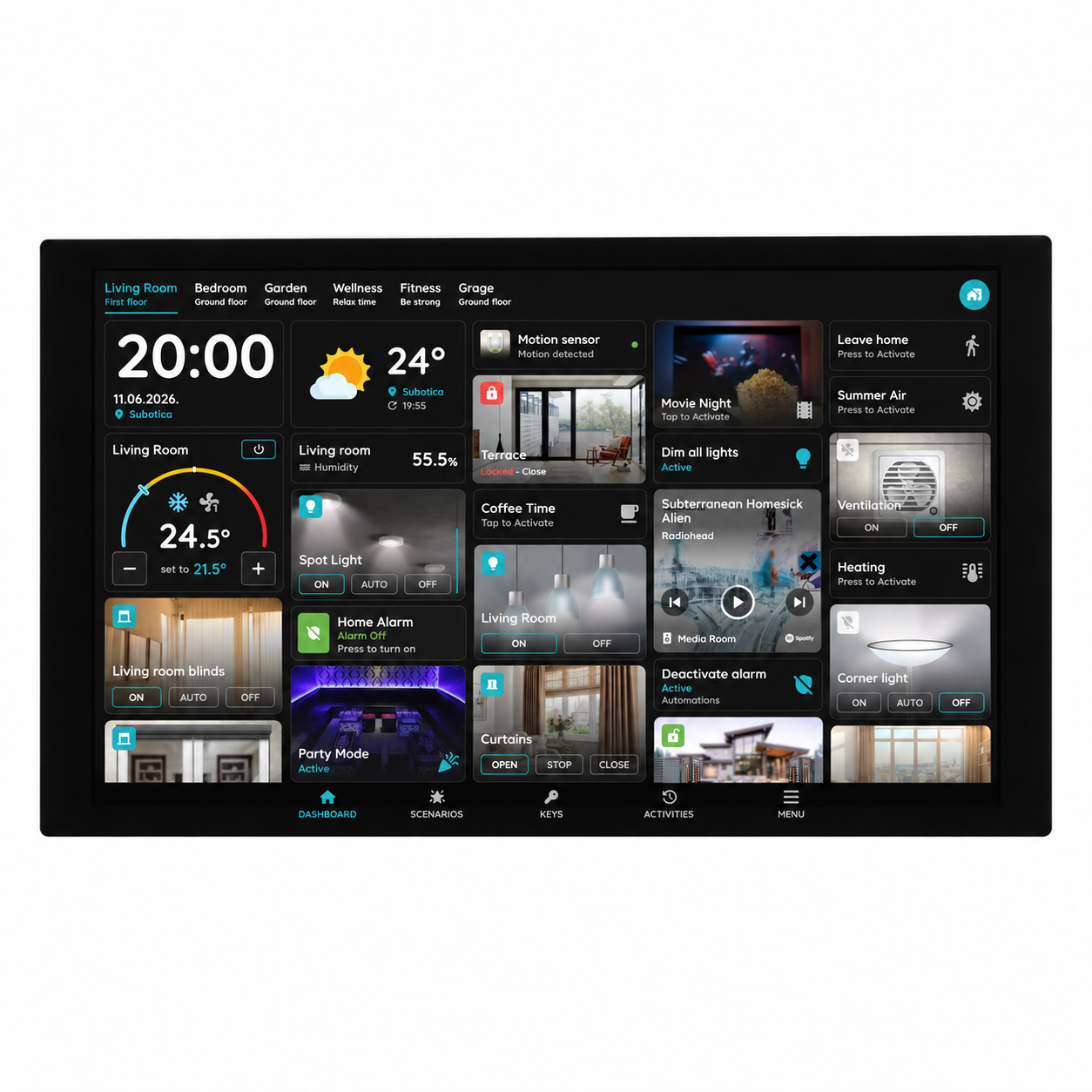
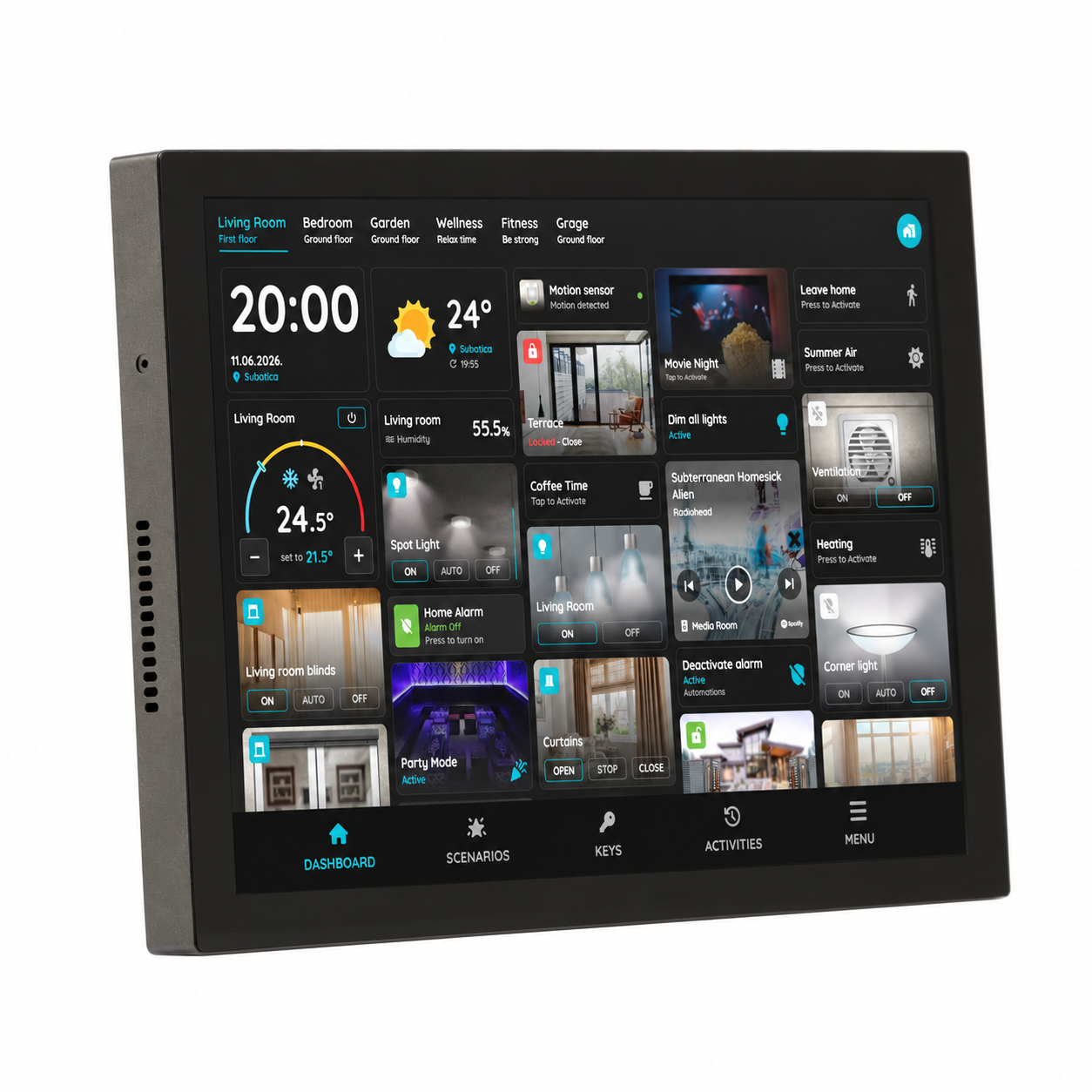
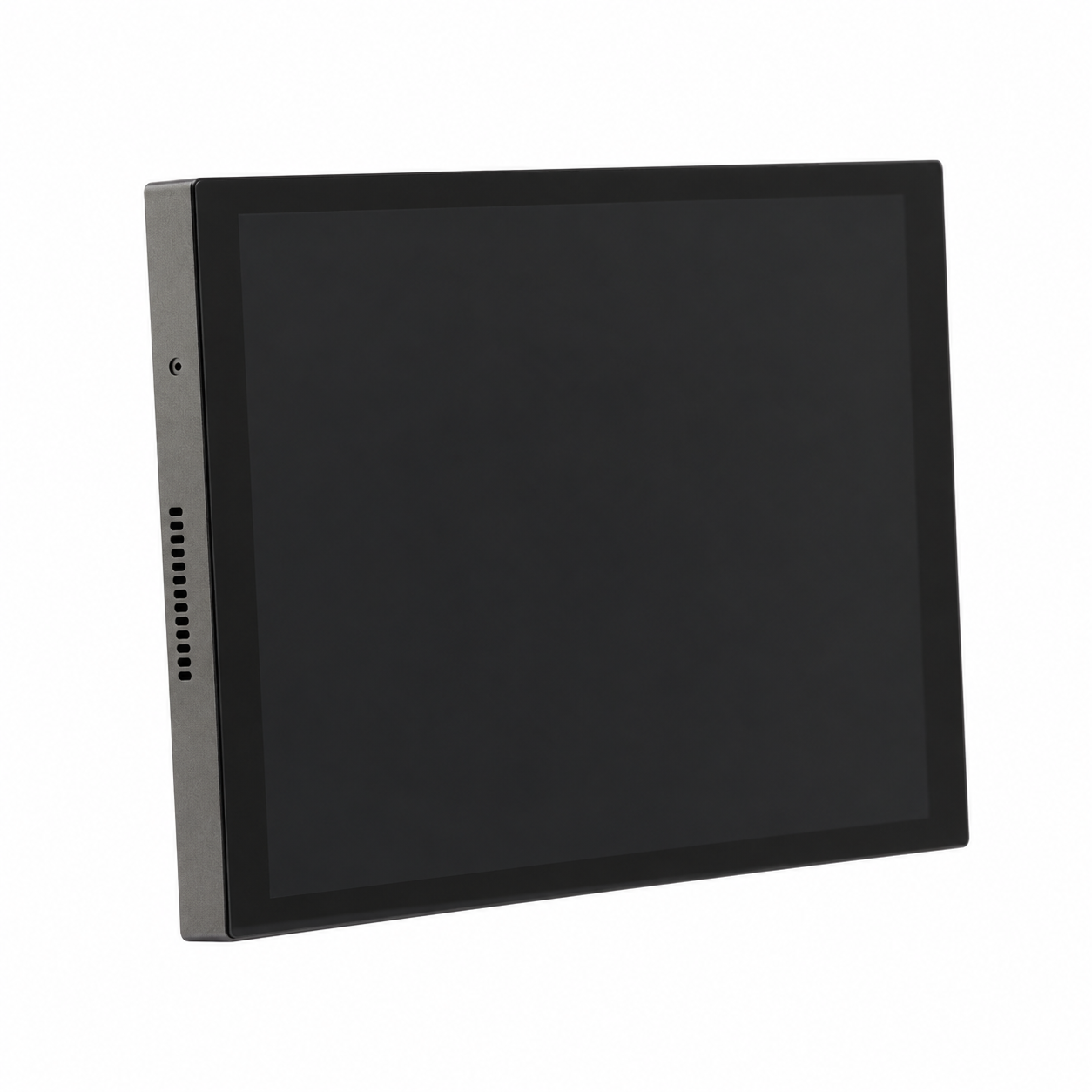
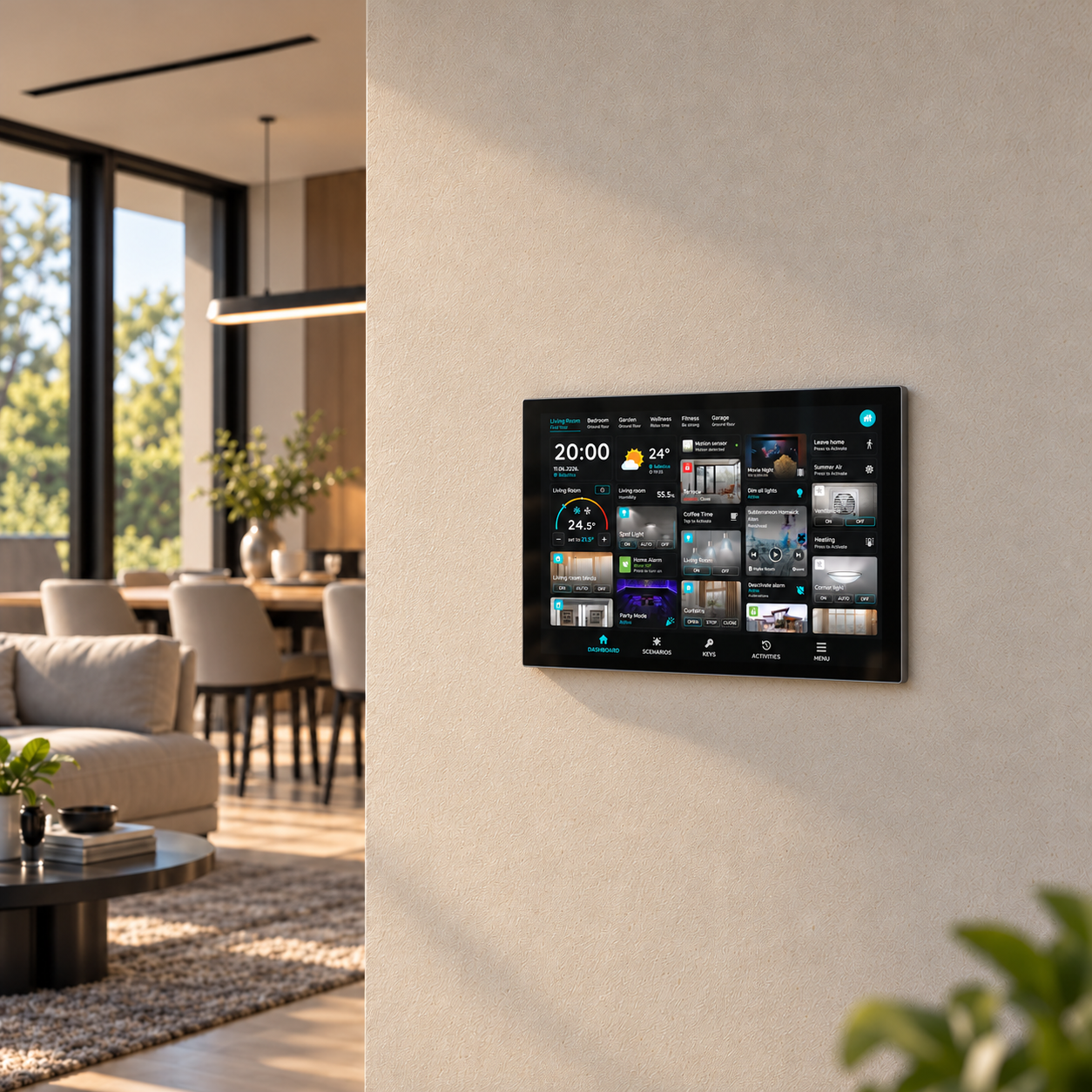
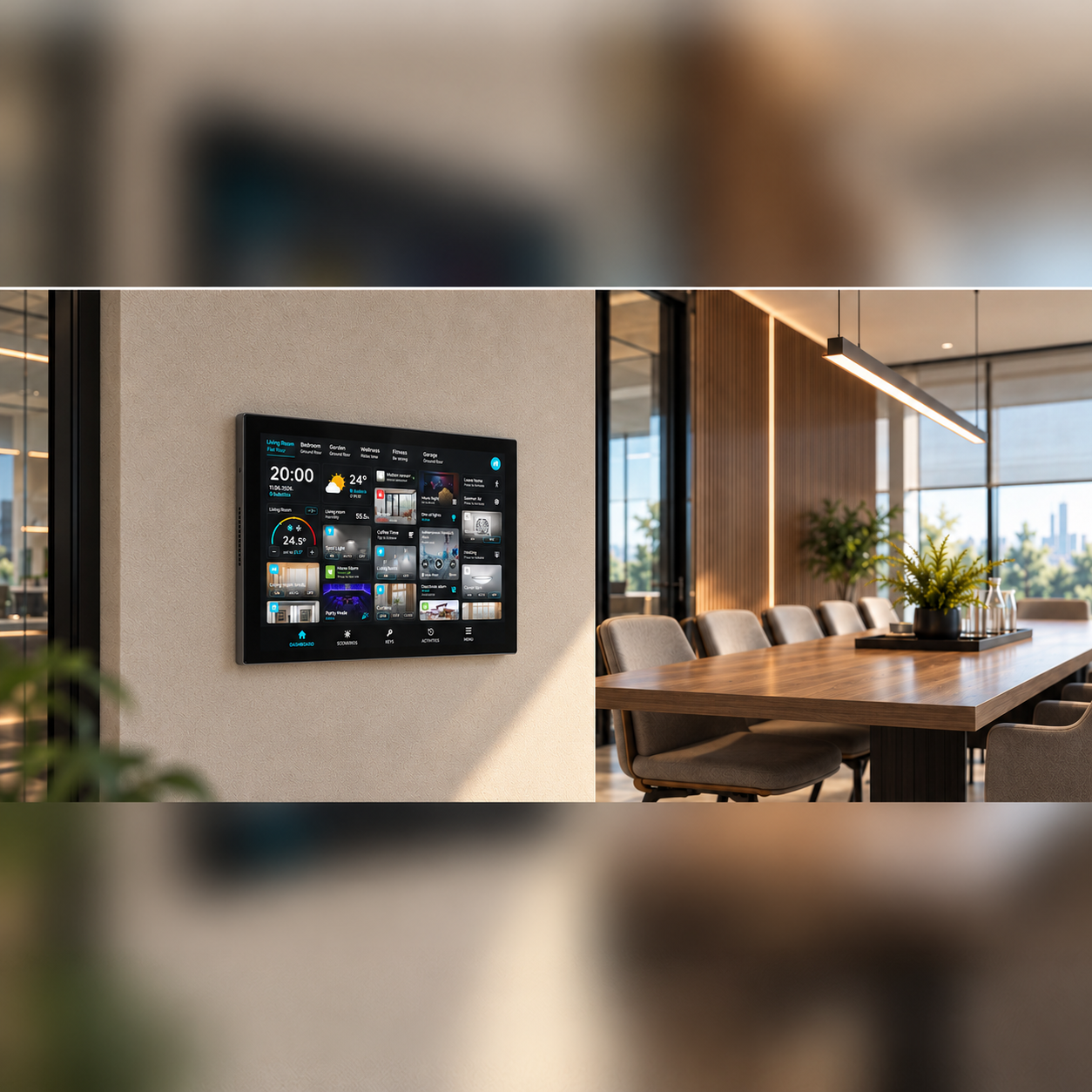
The PIERRE Smart Control Panel Oslo is a wall-mounted touchscreen panel designed to provide a centralized interface for smart building and room control. Its 10.1-inch display, with a resolution of 1280 × 800 pixels, offers a clear and intuitive interface for operating compatible smart building functions.
Powered by a Rockchip PX30 processor, with 2 GB RAM and 16 GB storage, the panel provides a hardware platform for the Smart PIERRE application.
The panel supports multiple communication interfaces, including Wi-Fi, Bluetooth, Zigbee, RS-485, and Ethernet, allowing it to serve as a versatile interface for connected building systems.
Its compact design, measuring 285 × 150 × 11.9 mm, makes it suitable for wall-mounted installation in residential buildings, apartments, and hospitality environments.
Key features
- 10.1-inch touchscreen display
- Screen resolution: 1280 × 800 pixels
- Rockchip PX30 processor
- 2 GB RAM and 16 GB storage
- Wi-Fi and Bluetooth connectivity
- Zigbee wireless communication support
- RS-485 communication interface
- Ethernet network connectivity
- Wall-mounted installation
- Designed for residential and hospitality environments
Technical specifications
| Certification | |
|---|---|
| CE Marking | Yes |
| RoHS Compliant | Yes |
| Warranty | 2 years |
| Control | |
| Number of Channels | 2 channels |
| Display | |
| Touch Screen Dimension | 10.1 inch |
| Touch Screen Resolution | 1280x800px pixels |
| Electrical | |
| Power Supply | 100-240V AC 50-60Hz |
| Max Load | 1000W |
| Environmental | |
| Operating Temperature (°C) | -25°C - +55°C |
| Operating Humidity | ≤ 93% RH % RH |
| IP Rating | IP20 |
| Hardware | |
| CPU | Rockchip PX30 |
| Operating System | Android |
| OS Version | 10 |
| Memory (RAM) | 2 GB |
| Memory (ROM) | 16 GB |
| Physical | |
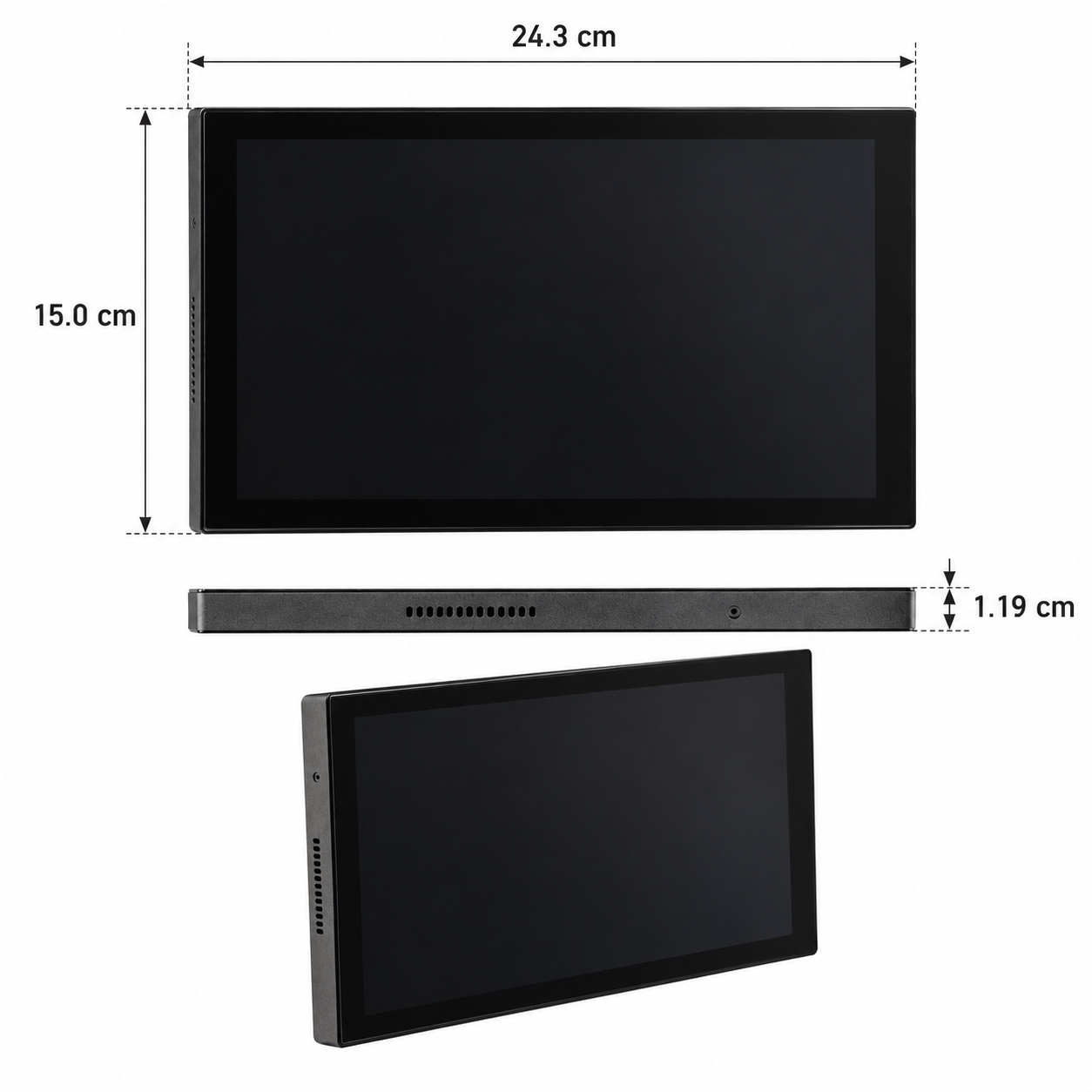
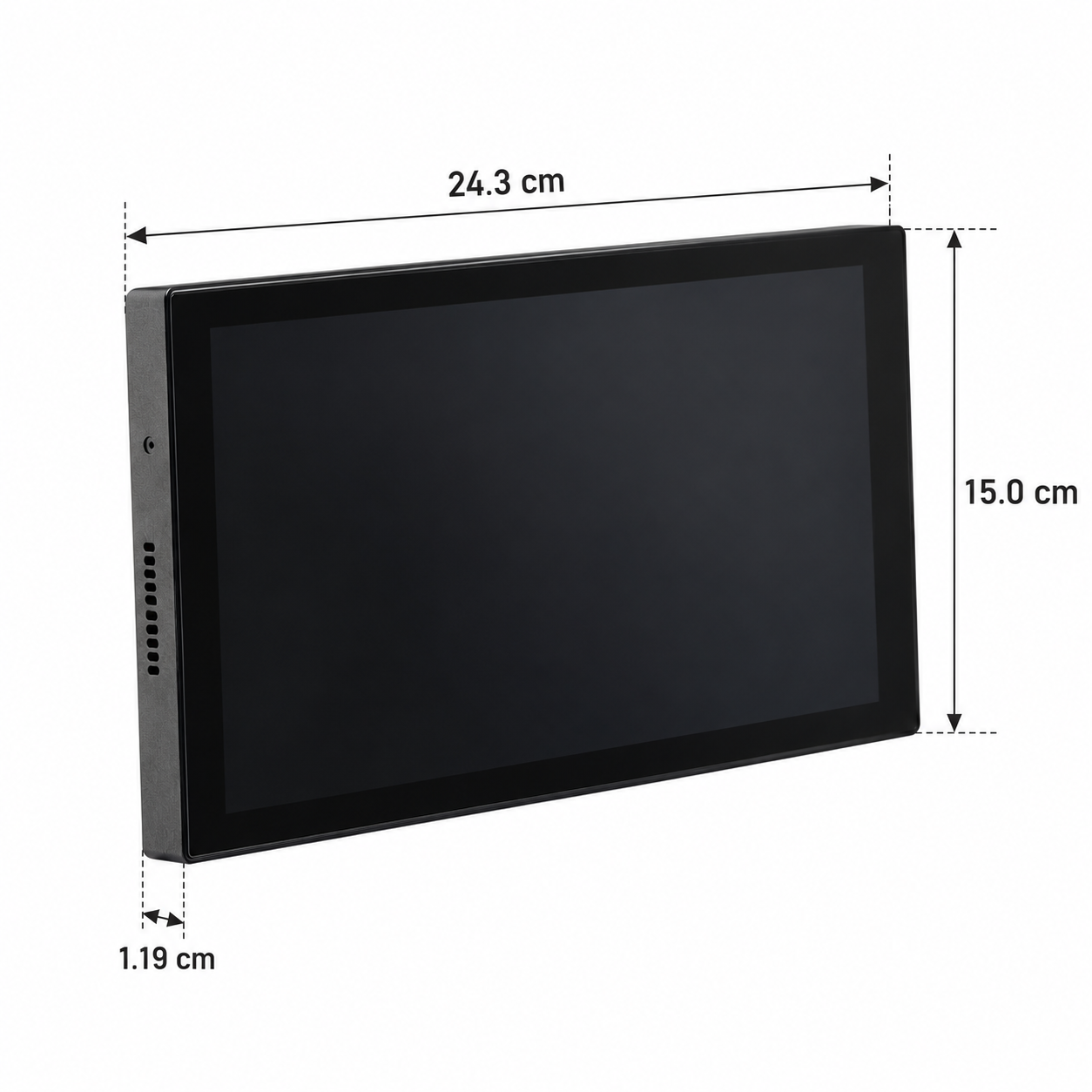
| Width | 243 mm |
| Height | 150 mm |
| Depth | 11.9 mm |
| Panel Material | ABS+PC material |
| Mounting Type | Wall mount |
| Mounting Box | 86x86x50mm |
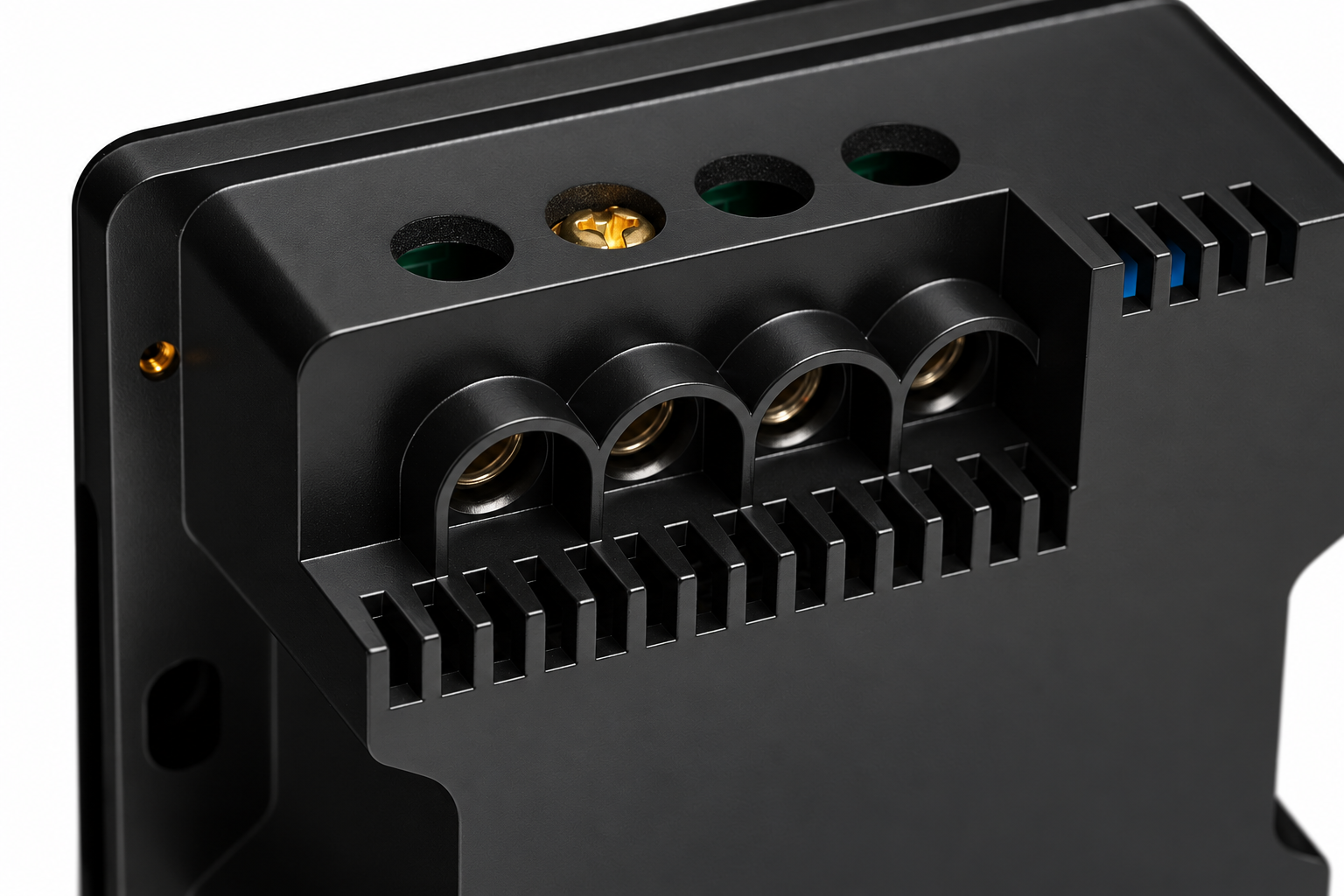
| Wiring Requirements | N - Neutral, L - Live |
| Connectivity | |
| Connectivity | 10M/100M Ethernet RJ45, 2.4GHz Wi-Fi (802.11 b/g/n), Zigbee, Modbus |
| Sensors | |
| Built-in Sensors | Temperature, Humidity, Brightness |
Dimension drawings
Physical & packaging
| Dimensions (L × W × H) | 11.9 × 243 × 150 mm |
|---|
User manual
- 1. Dimensions
- 2. Product specifications
- 3. Installation instructions
- 4. Wiring instructions
- 5. Add Display
- 6. FAQ
1. Dimensions
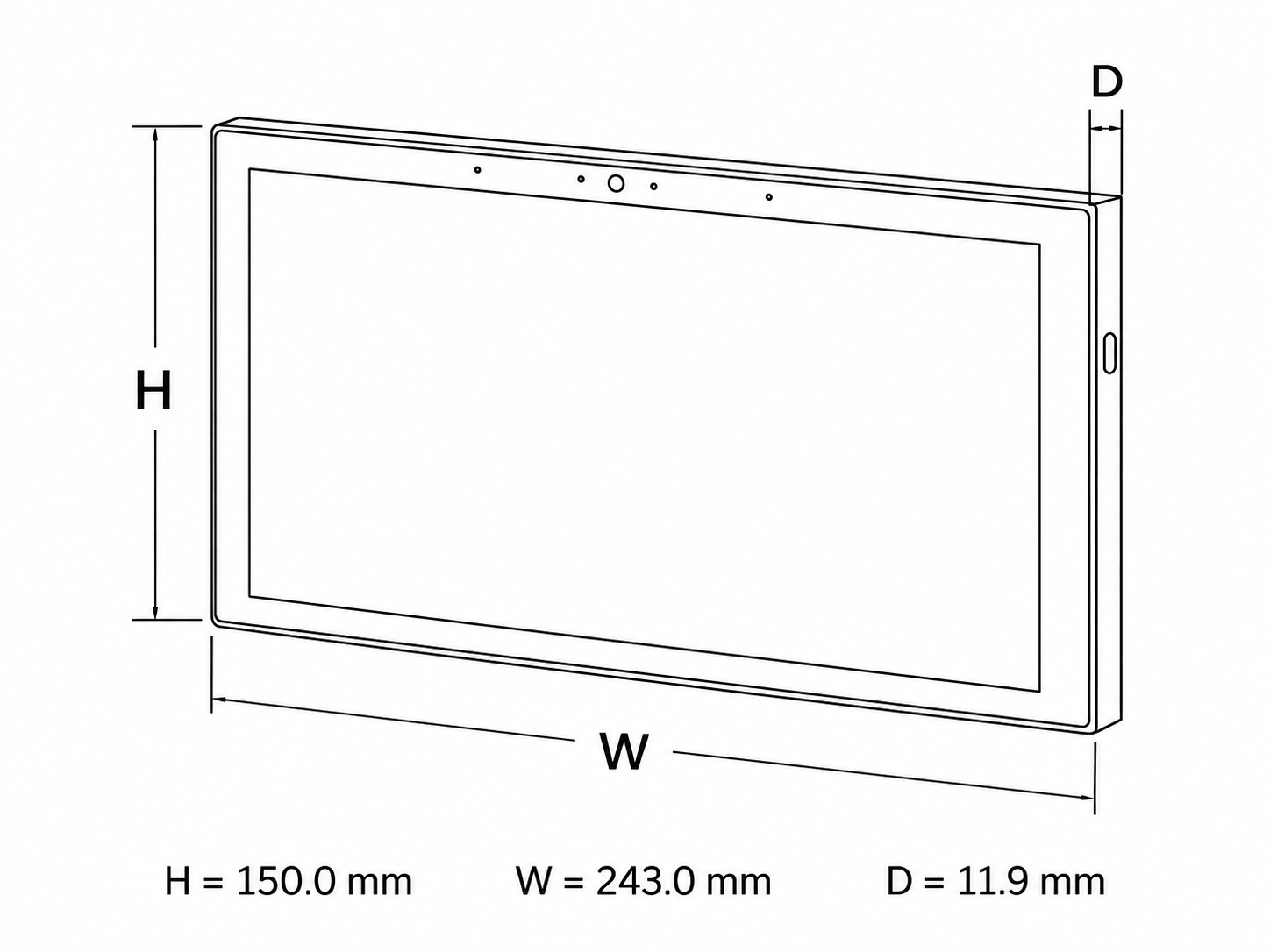
- W: 24.3 cm
- H: 15.0 cm
- D: 1.19 cm
2. Product specifications
3. Installation instructions
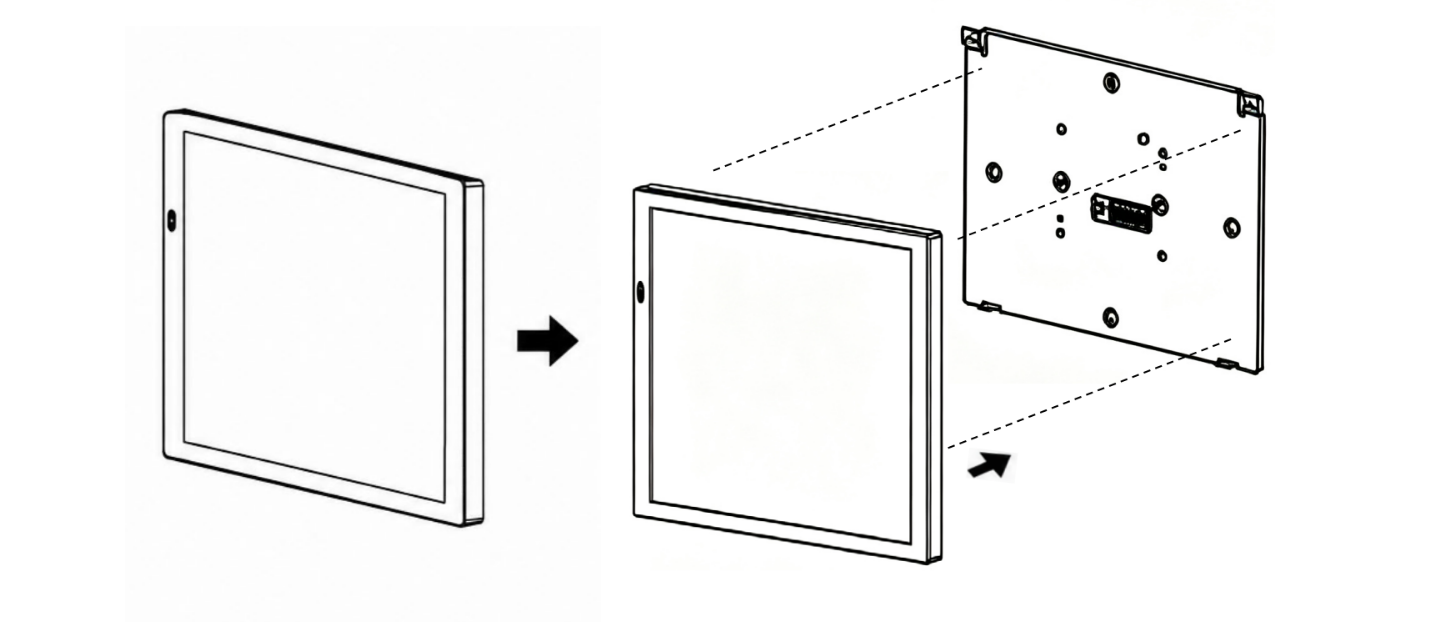
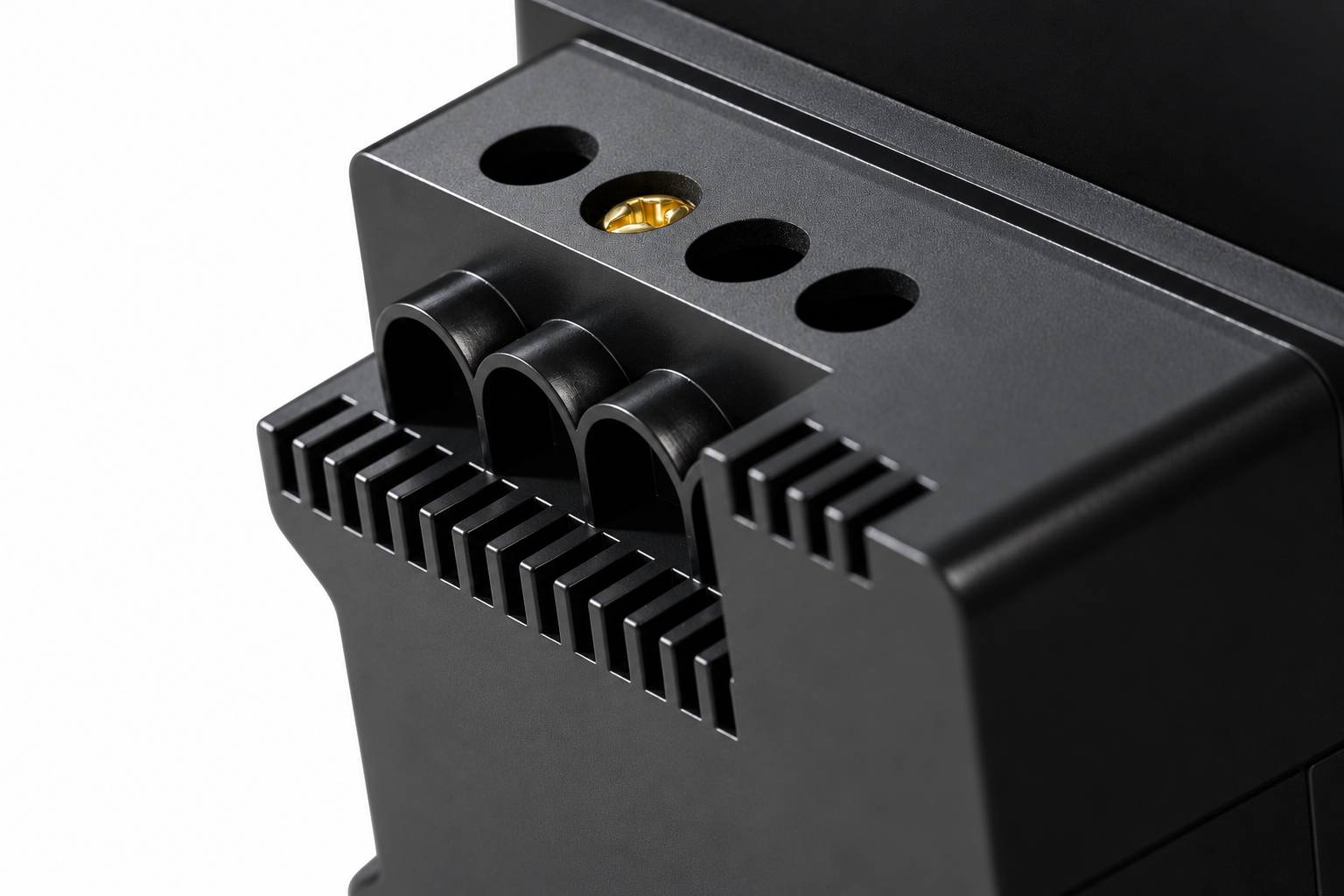
Separate the base from panel into two parts: the display screen and the power supply module.
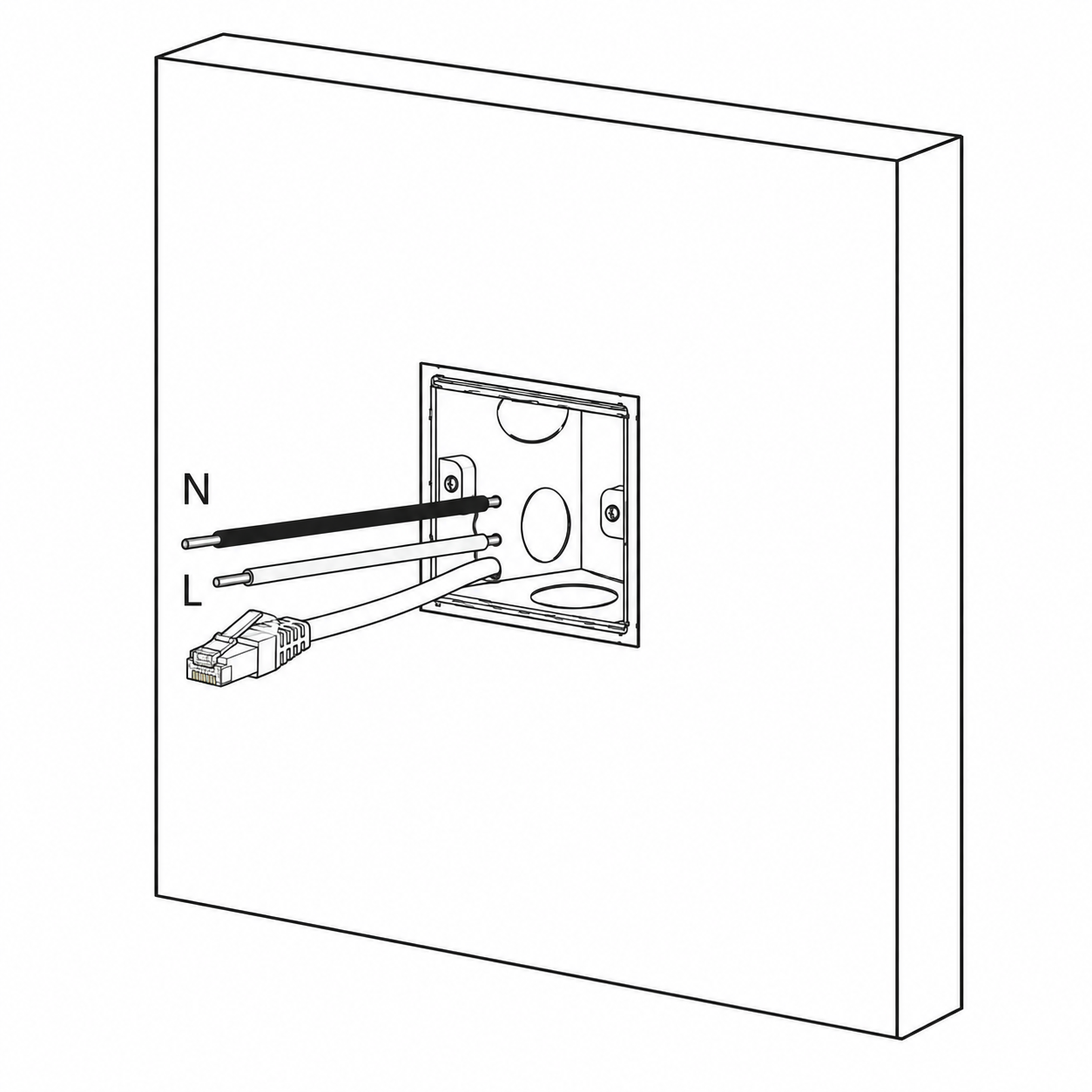
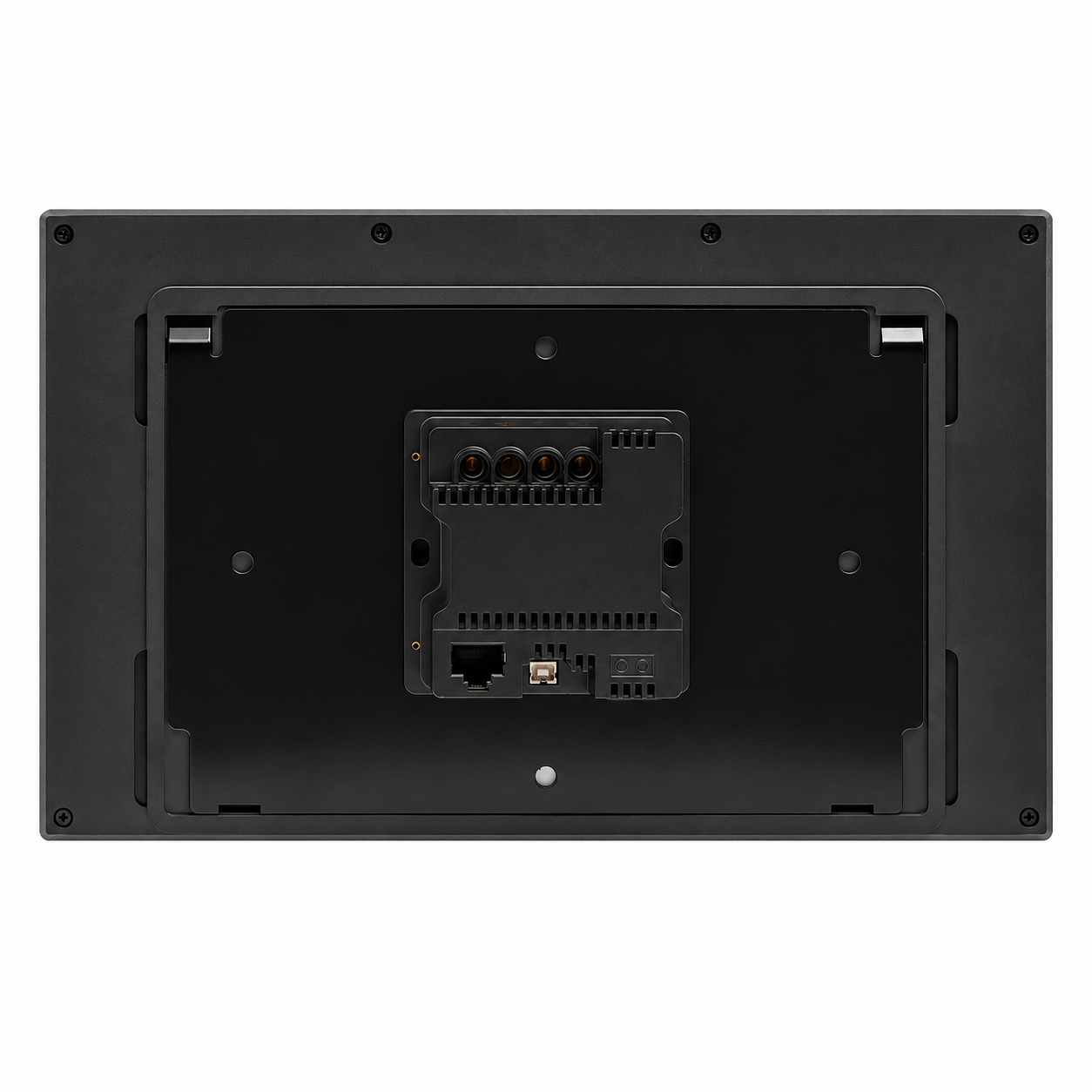
Please reserve 86 type electrical box opening and provide live, neutral and ethernet wires in the wall for installation.
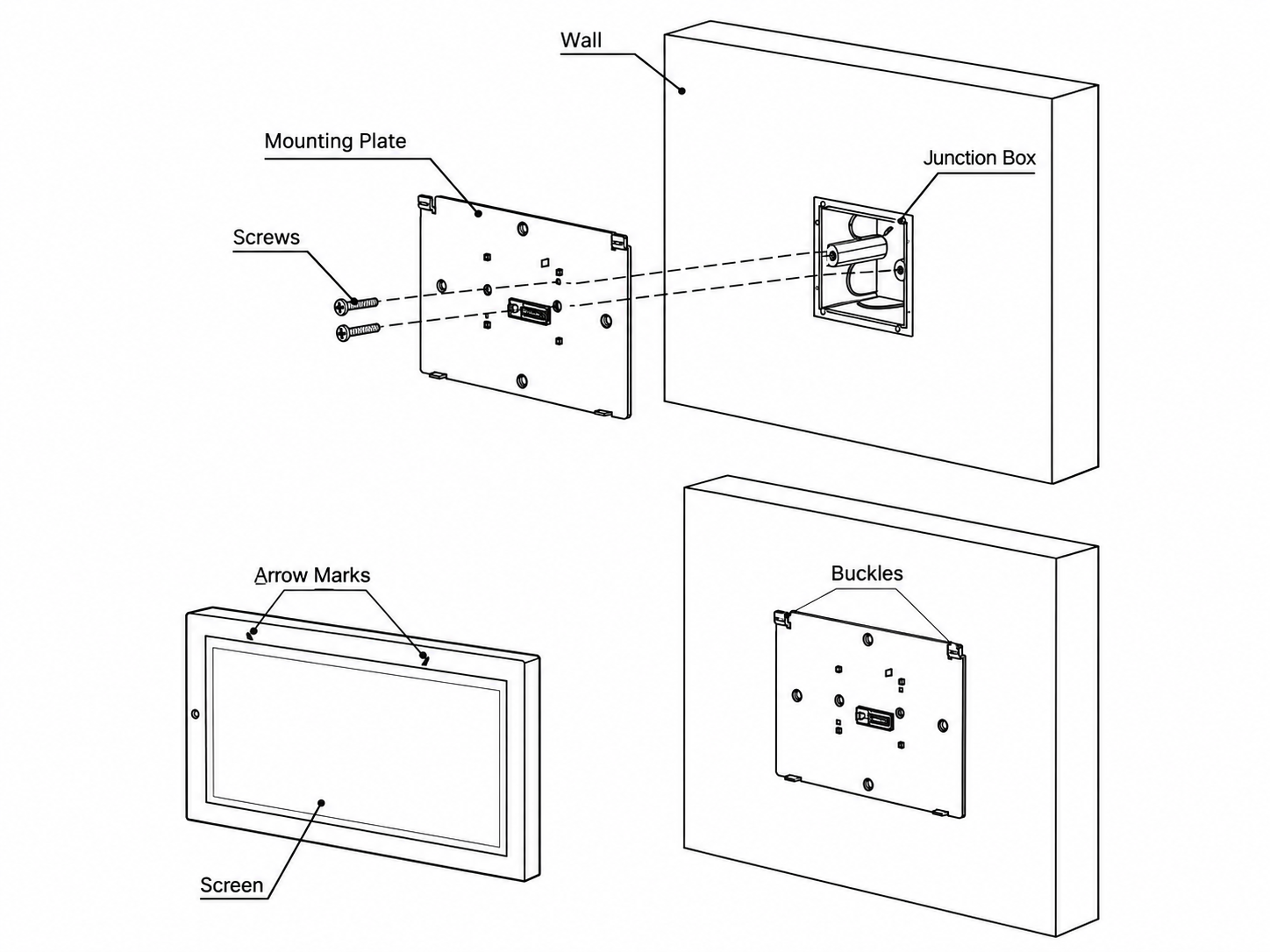
Fix the display back onto the base with the mounting screws.
Note: Do not overtighten the screws; this can deform or damage the screen or hardware.
4. Wiring instructions
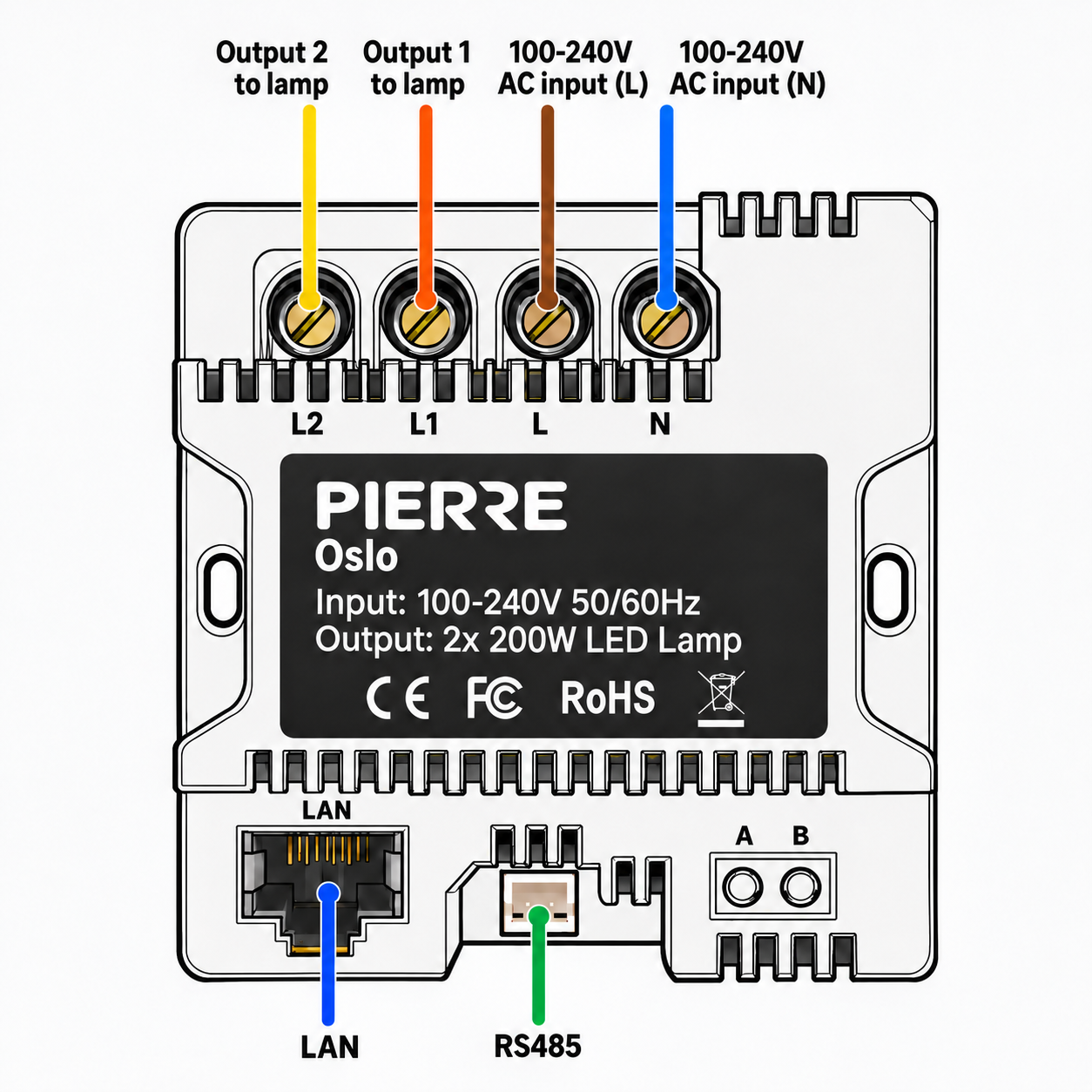
PIERRE Oslo wiring
5. Add Display
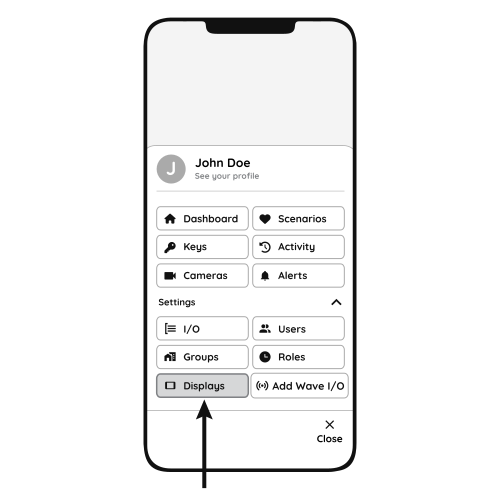
Follow the steps below to add the Helsinki display.
- Open Displays
- Open the Menu and, under Settings, tap Displays.
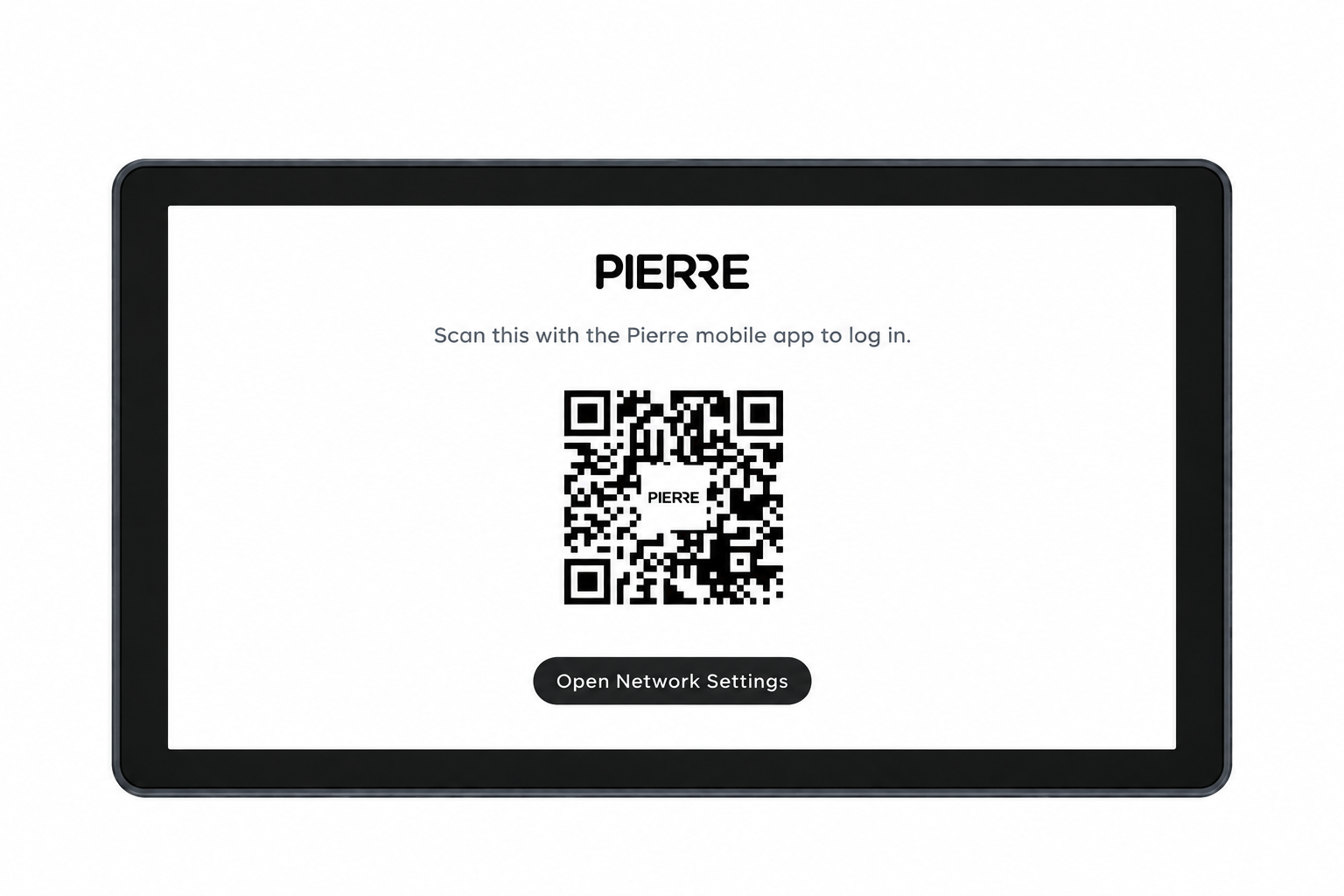
- QR code
- Scan the QR code shown on the display with your smartphone to add the Berlin display, then follow the steps on the screen.
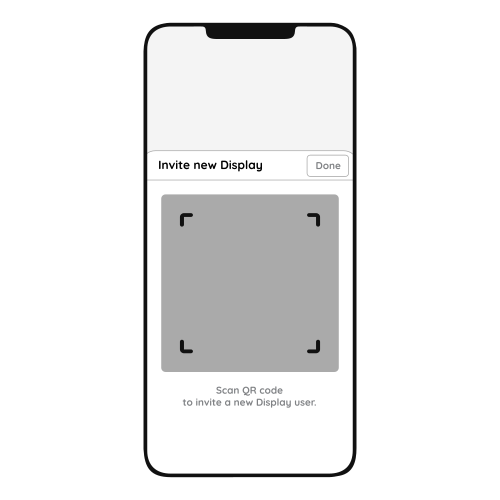
- Invite New Display
- Scanning the QR code invites the new Helsinki display to the system.
- Tap Done to confirm.
6. FAQ
Q1: Can the display’s sound be adjusted?
Yes. Swipe down from the top of the display to open the menu, where you find the sound settings.
Q2: Do displays need to be connected to a controller?
No. Displays connect to the system through the network, wired or wireless, and do not need a direct connection to the Controller.
Q3: Can the display size be upgraded?
Yes. A smaller display can be replaced with a larger one.
Q4: Are the displays waterproof?
No. The displays are not waterproof and are not suitable for areas exposed to moisture or rain.
Q5: Is a thermostat required?
No. A temperature sensor integrated in the PIERRE system can monitor the room temperature and control the heating/cooling devices.
Q6: Does PIERRE have its own thermostat?
Yes. PIERRE offers its own smart thermostats; see the thermostat product category.
Q7: Can the Berlin display work as a thermostat?
Yes. The Helsinki display has a built-in temperature and humidity sensor and two relays, so it can control heating/cooling devices like a thermostat.
Q8: If I remove an old thermostat, can I replace it with a PIERRE display for heating control?
Yes. The Helsinki display has a built-in temperature sensor and can replace an old thermostat.
Q9: Can the display relay control underfloor heating valves?
Yes. The display relays can control underfloor heating valves as well as other heating and cooling devices.
Q10: How accurate is the temperature sensor?
PIERRE temperature sensors are available in wired and wireless versions; see the product specifications for the accuracy of each sensor.
Q11: How many temperature sensors do I need?
At least one sensor for basic heating/cooling control. Install a sensor in every heating/cooling zone or room where you want individual temperature control.
Q12: What is required for connecting displays?
A mains supply (2 × 1.5 mm², L and N) and a network connection through a UTP (Cat 5e) cable.
Q13: How can heat quantity measurement be solved with the PIERRE system?
With a PIERRE Pro Controller and an M-Bus to Modbus converter. The heat meters are connected to the M-Bus side of the converter.
Q14: Can I adjust different temperatures in different rooms?
Yes. The temperature can be controlled room by room.
Q15: Is it necessary to calibrate the temperature sensor?
Not always, but it is often useful.
Not necessary if: the sensor is factory-calibrated (±0.5 °C or better); the application does not need high precision (comfort heating/cooling in a home); the installation location is good (away from direct sun, drafts and heat sources).
Useful if: the displayed temperature does not match a reliable reference thermometer; the device is installed where it is affected by heat from electronics, sunlight or poor airflow; the system needs precise control (HVAC, energy optimisation).
In the Smart PIERRE app, calibration is optional. You can add or subtract an offset to fine-tune the reading.