PIERRE Partner - Modbus Transfer Layer
Description
The PIERRE system supports both Modbus RTU (RS485) and Modbus TCP/IP. These interfaces allow Modbus-capable equipment — HVAC controllers, thermostats, inverters, meters and sensors — to be read and controlled as regular I/Os in the system.
Choosing the Transfer Layer
- Modbus RTU — serial communication over RS485. Used for devices with a two-wire serial port.
- Modbus TCP/IP — communication over the building network. Used for devices with an Ethernet port.
Wiring for Modbus RTU
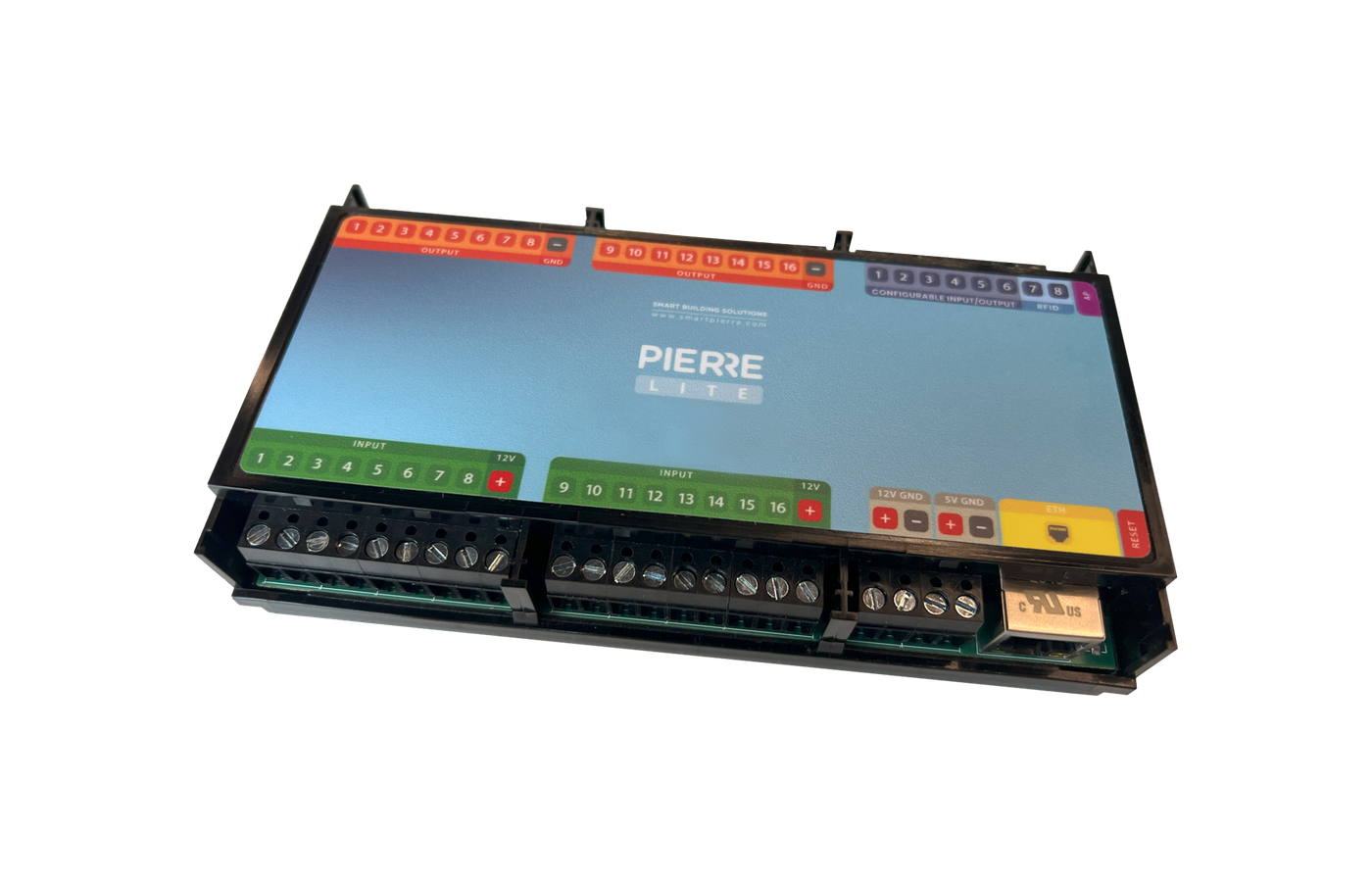
One TTL converter is connected per controller, and up to 32 devices can be connected to that converter.
- Use shielded twisted-pair cable.
- Wire the devices in a bus (daisy-chain) topology, not a star.
- Fit a termination resistor at both ends of the line.
- Keep the Modbus line on a separate route from mains wiring.
- Each device on the line needs a unique Modbus address.
Device Integration
Some manufacturers have a ready-made integration in the PIERRE system, so their registers do not need to be entered manually. Devices without a ready-made integration are added as Generic Modbus, where the register map is configured by hand.
Technical Notes
- Both transfer layers can be used in the same installation.
- The device documentation must state the register map, baud rate, parity and stop bits.
- Serial parameters must match on every device sharing an RS485 line.
Modbus RTU
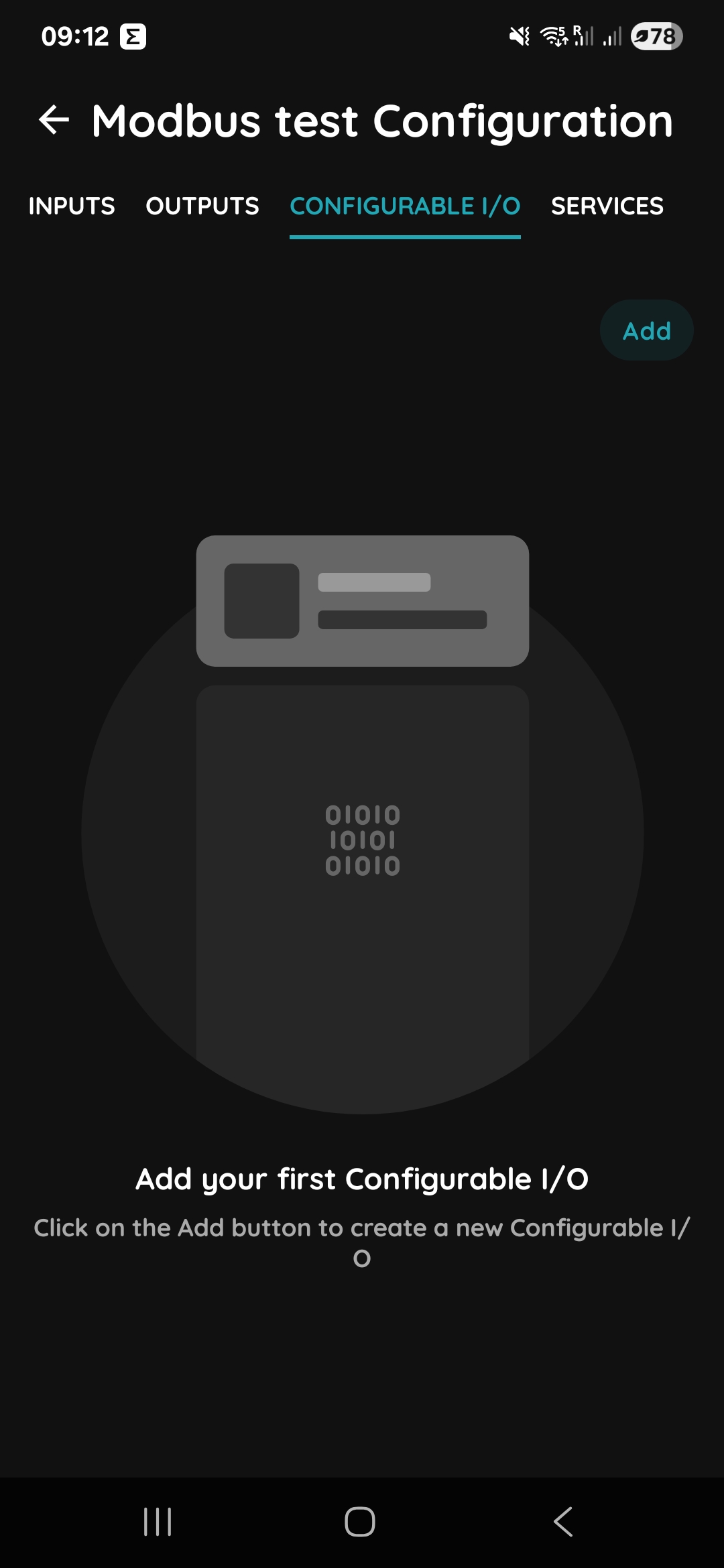
Step 1
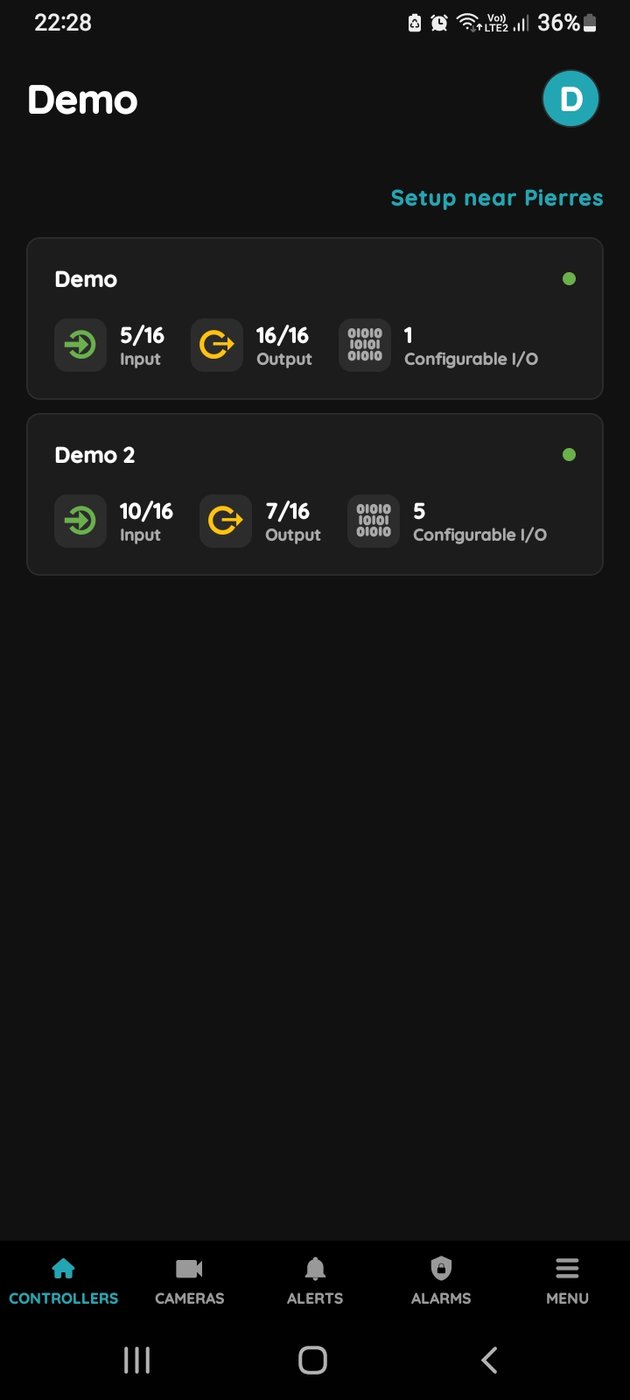
If you wish to add a Modbus RTU device, in the PIERRE Partner application navigate to the CONFIGURABLE I/O tab of the selected controller, press Add.
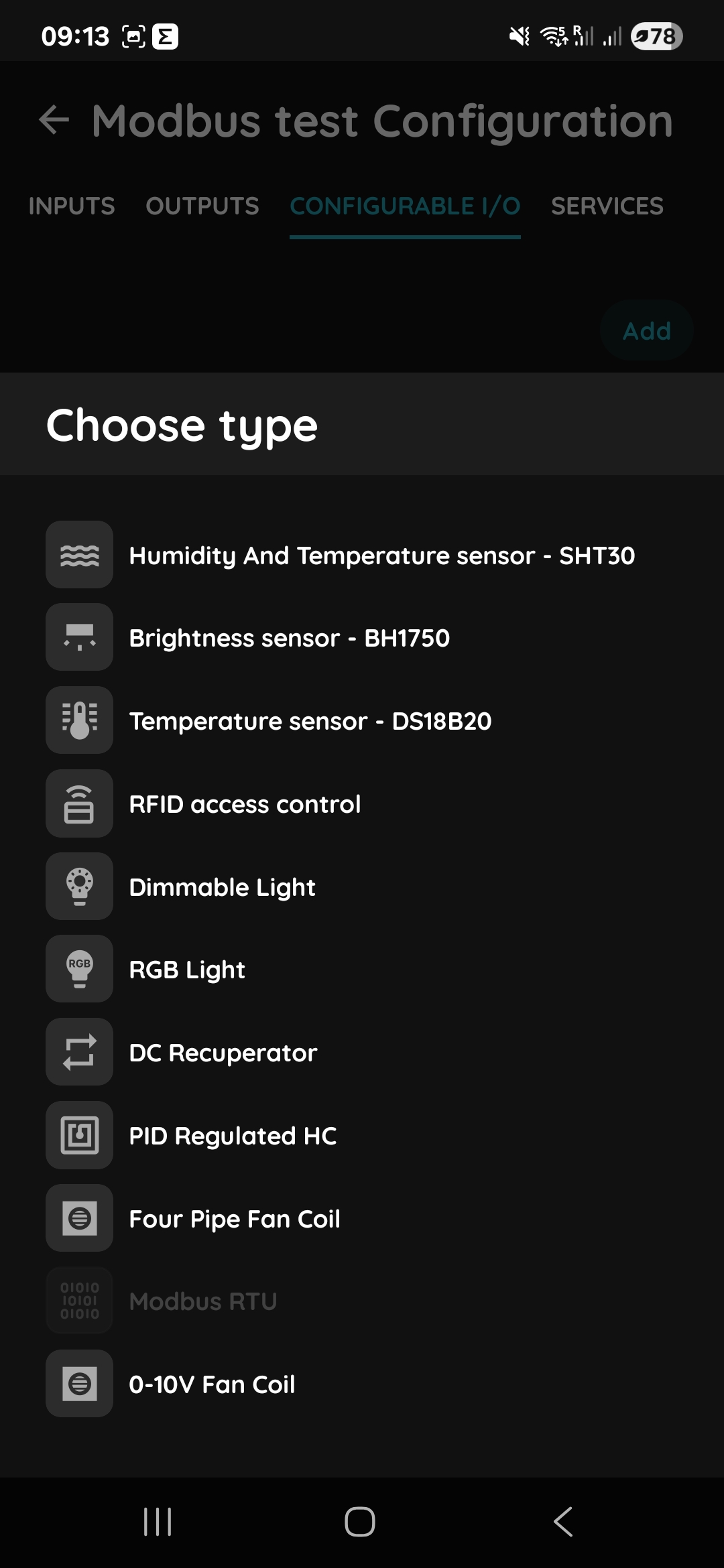
Step 2
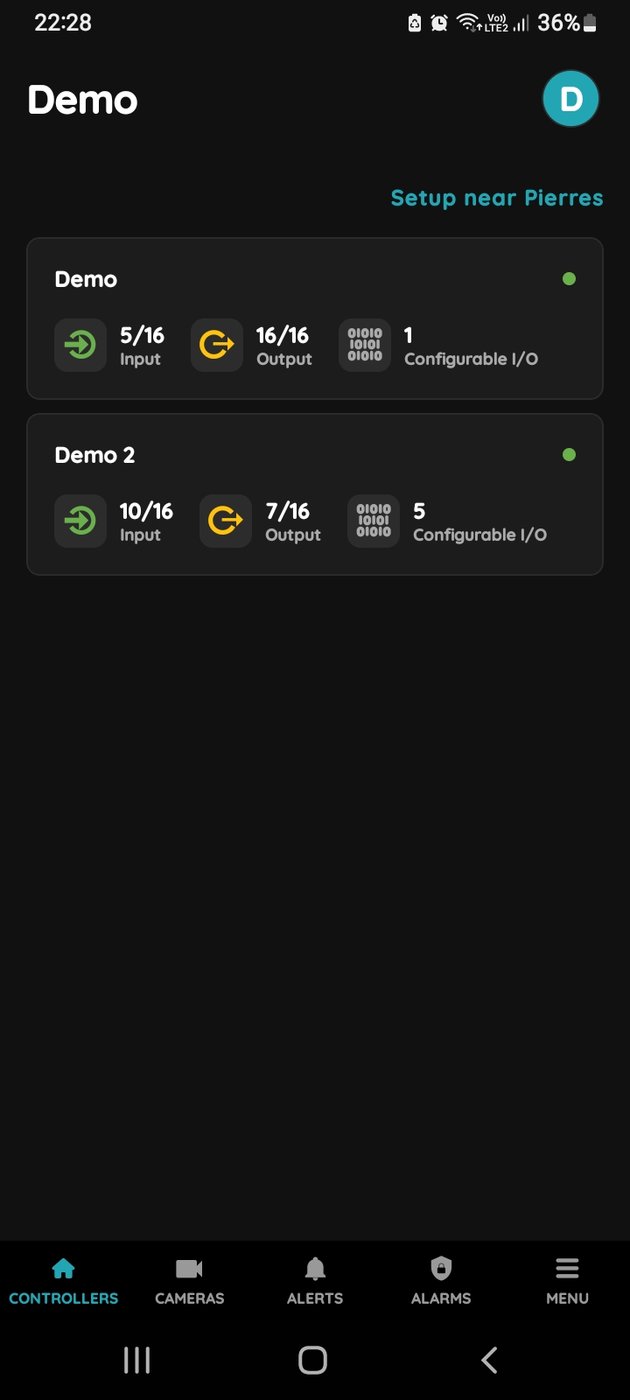
After that select Modbus RTU.
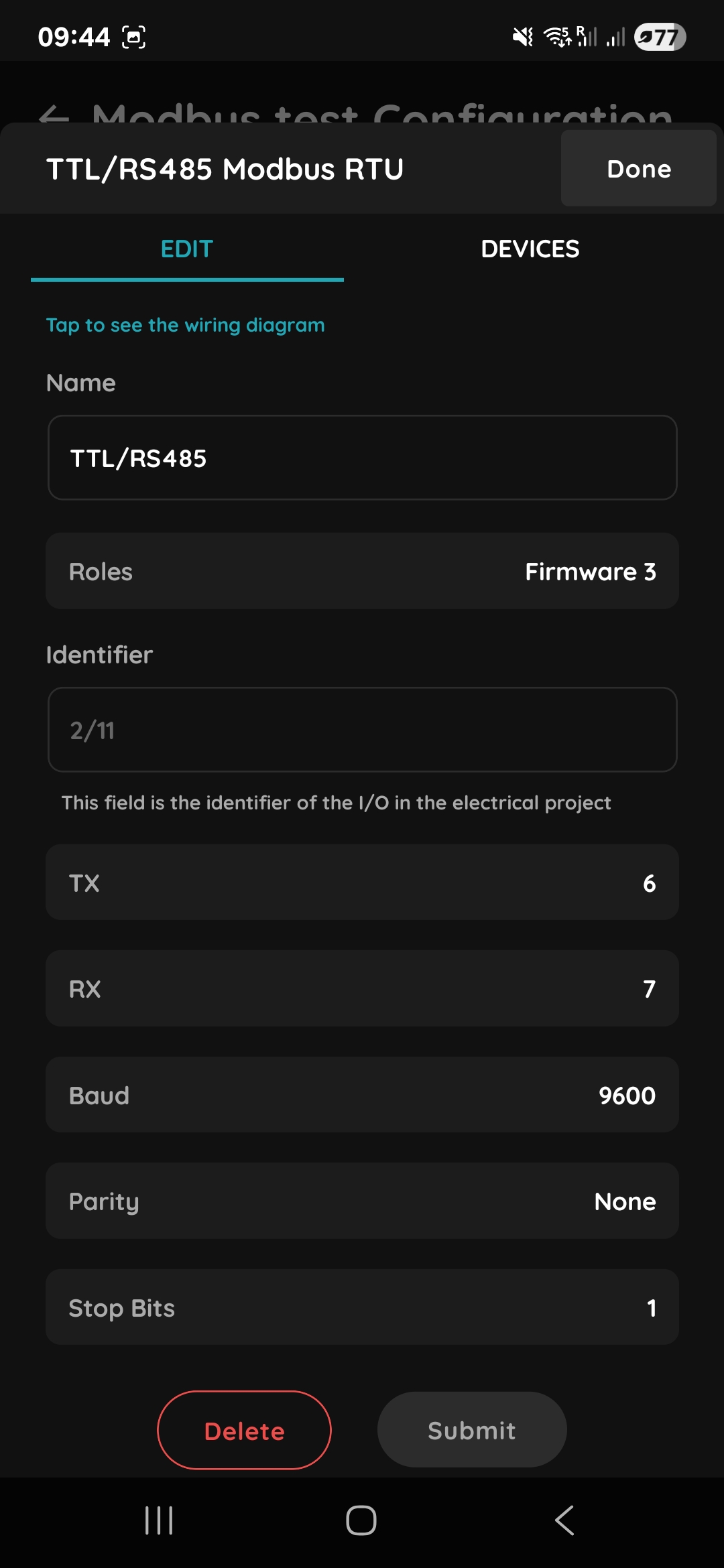
Step 3
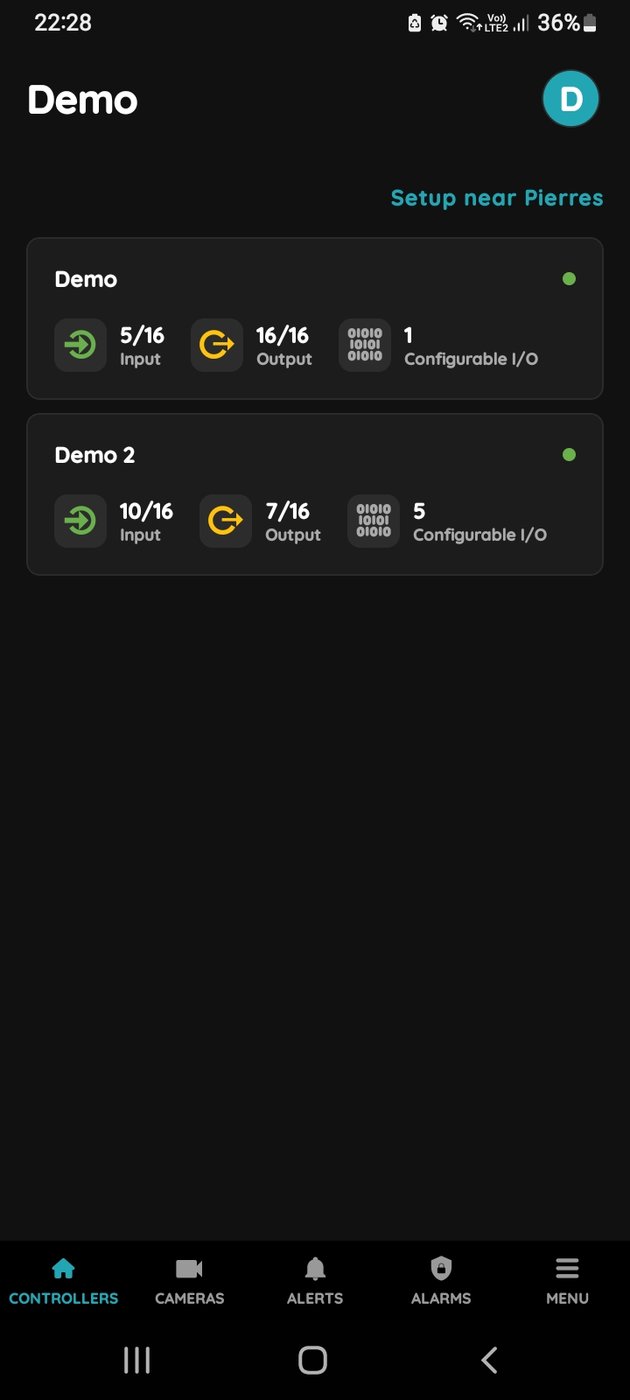
You should select the TX and RX pin assignment according to the wiring of your TTL/RS485 adapter and the communication parameters, i.e. baud rate, parity and stop bits. Consult the PIERRE Wiki for the former and the target device documentation for the latter.
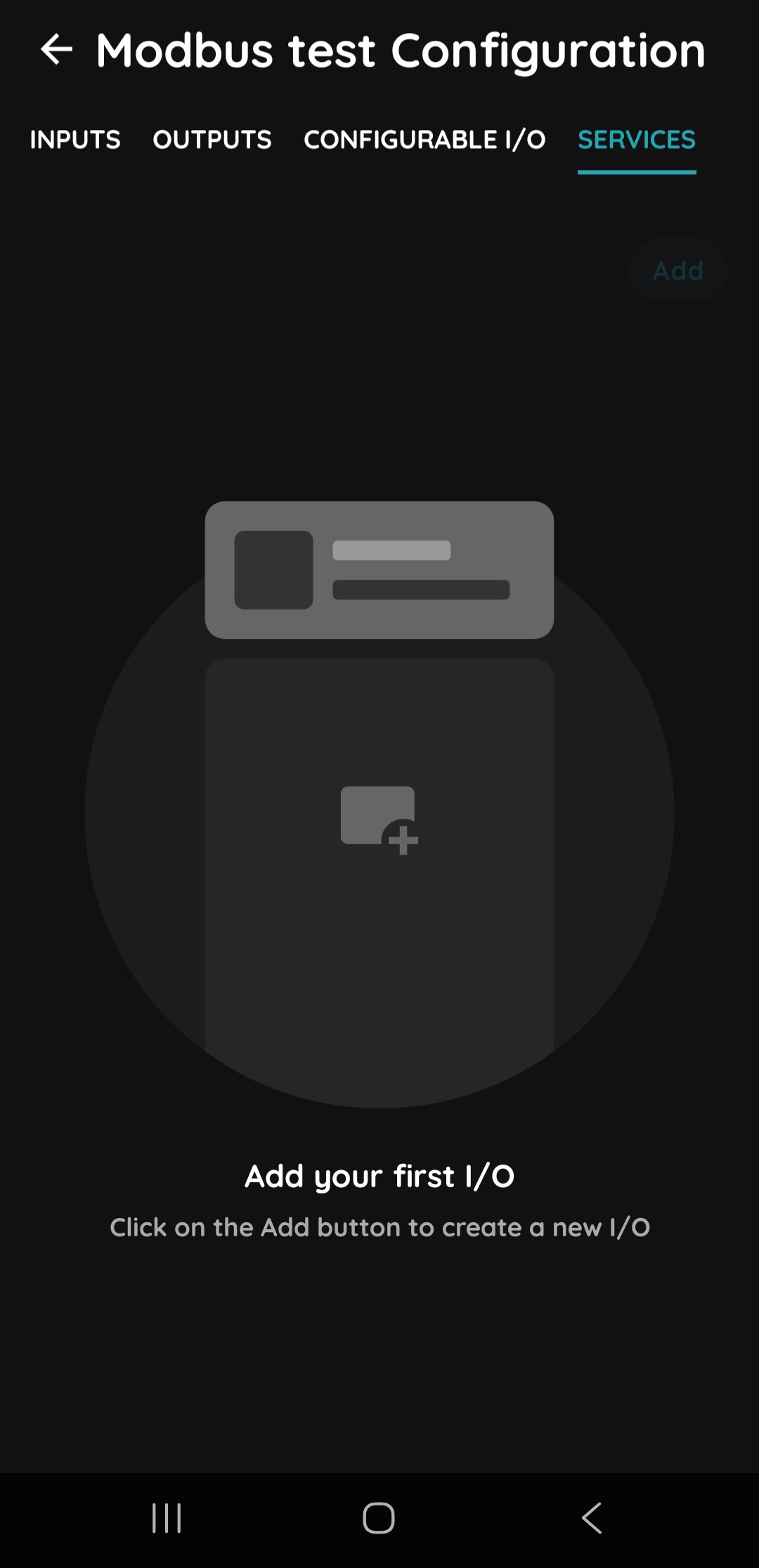
Step 1
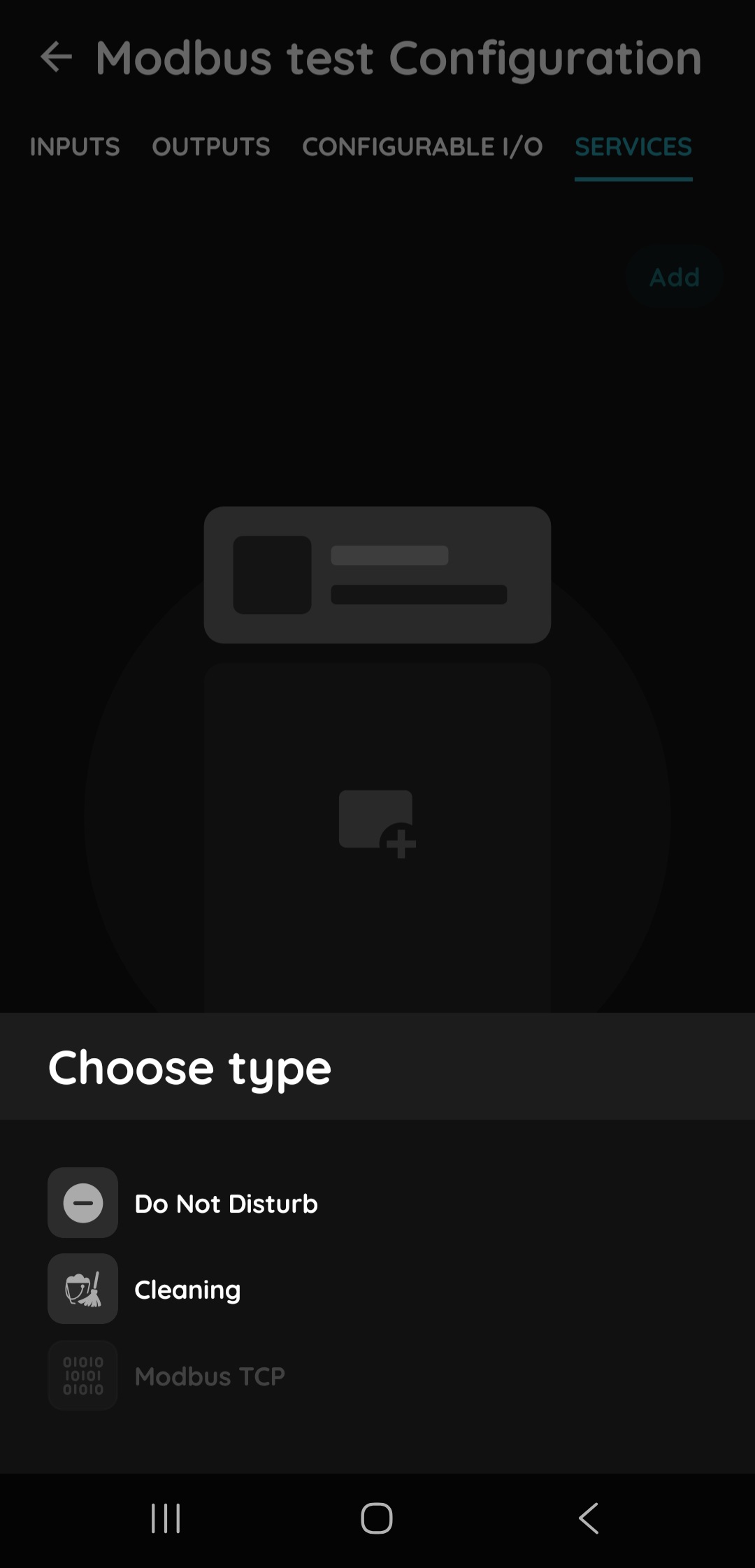
If you wish to add a Modbus TCP device, in the PIERRE Partner application navigate to the SERVICES tab of the selected controller, press Add.
Step 2
After that select Modbus TCP.
Step 3
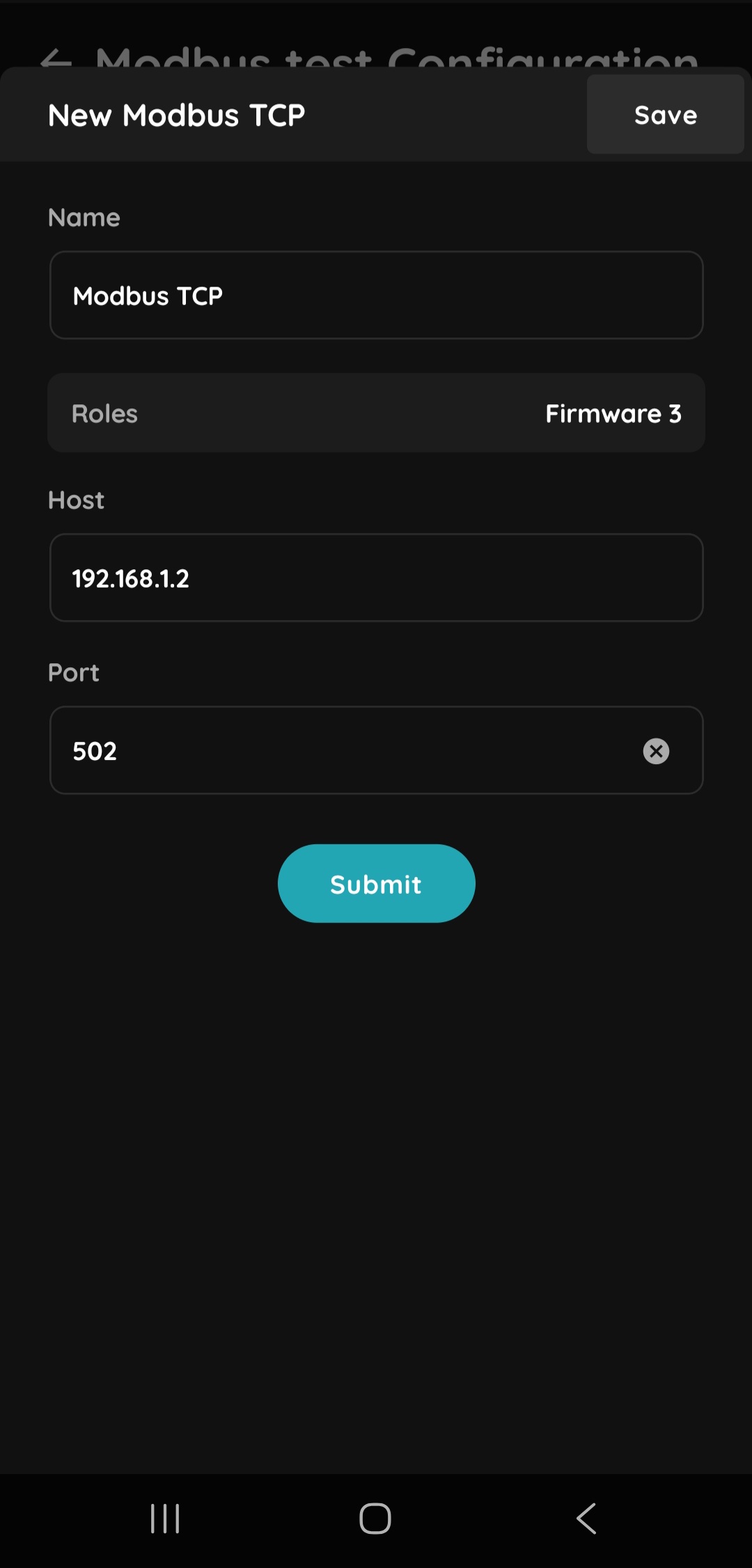
Then configure the IP address at which the device is located and the port number where it’s listening for Modbus TCP connections(502 by default or consult the device documentation).