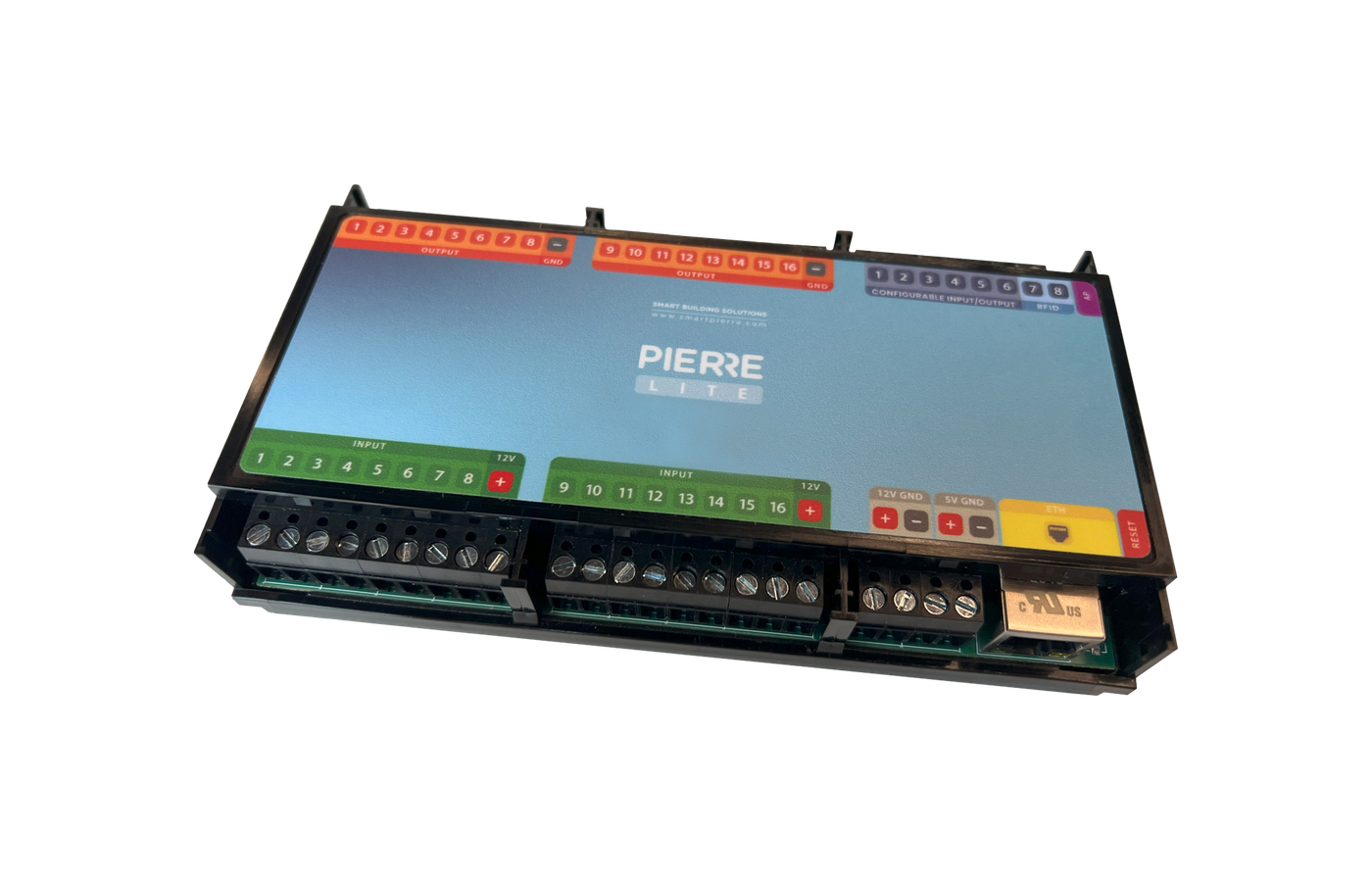
Pro
Solution - RGB Lights
2 min read
Beginner
Updated 2026-11-02
RGB
Light
Description
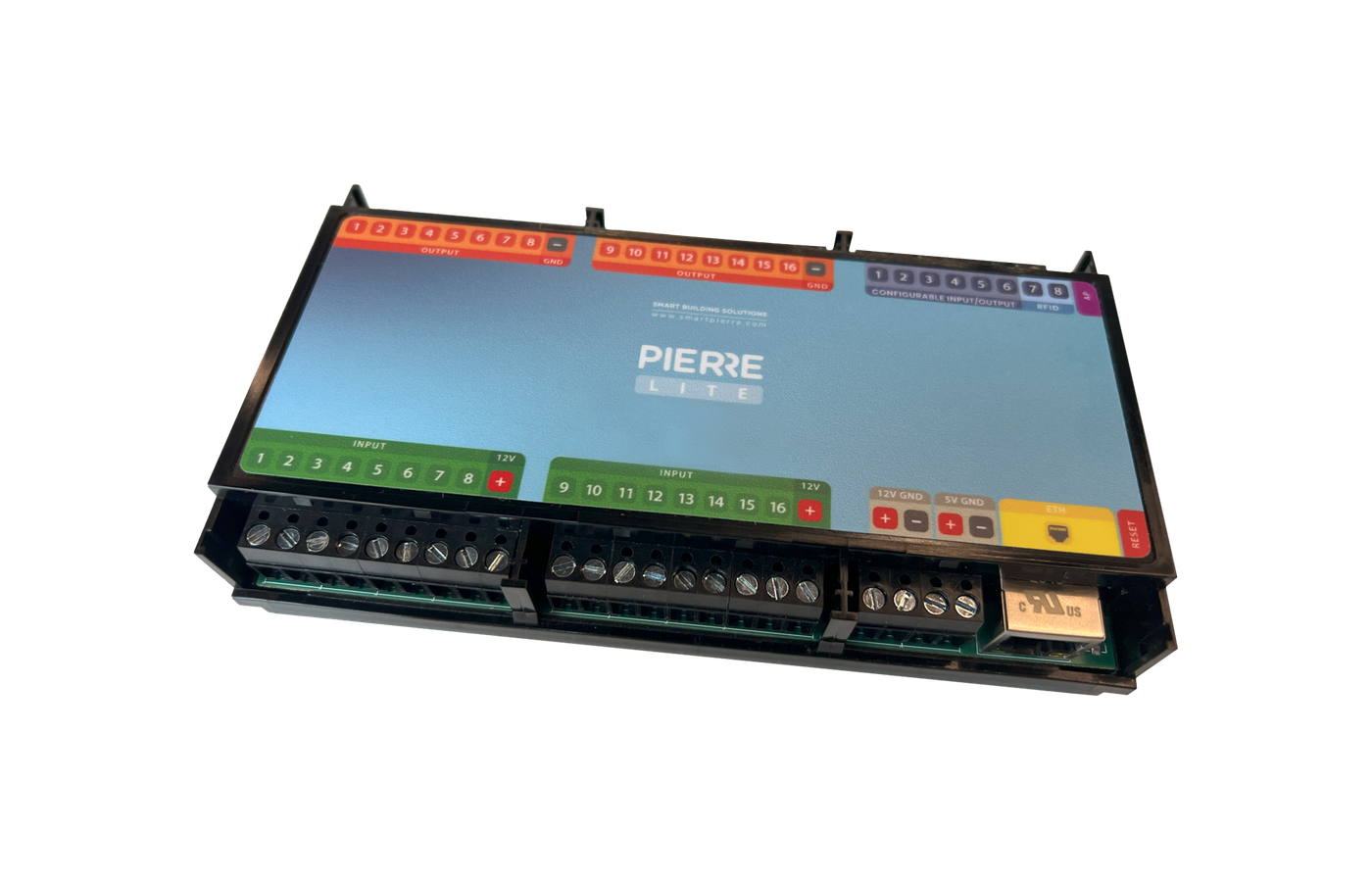
RGB light control drives an RGB LED strip through a PIERRE RGB controler. The driver takes the red, green and blue channels, and the controller sets them, so colour and brightness can be changed from the app and from scenarios.
Configuration
- Open the desired Controller.
- Navigate to Outputs.
- Select RGB light as the type.
- Assign the Pin where the RGB driver is connected.
- Configure: Name, Role and image.
- Submit and save the configuration.
Driver
Each strip needs its own PIERRE RGB controler — one driver controls one strip. The driver sits between the controller and the strip, and is powered from the strip's own supply.
What Can Be Set
- Colour, across the full red-green-blue range.
- Brightness.
- Both as part of a scenario, so several strips can be set together.
Technical Notes
- One driver per strip; plan one output per driver.
- The strip's power supply must match its voltage and total wattage — count the length in metres against the W/m figure.
- Leave accessible space for the driver and the power supply; both are usually mounted out of sight.
Schemes
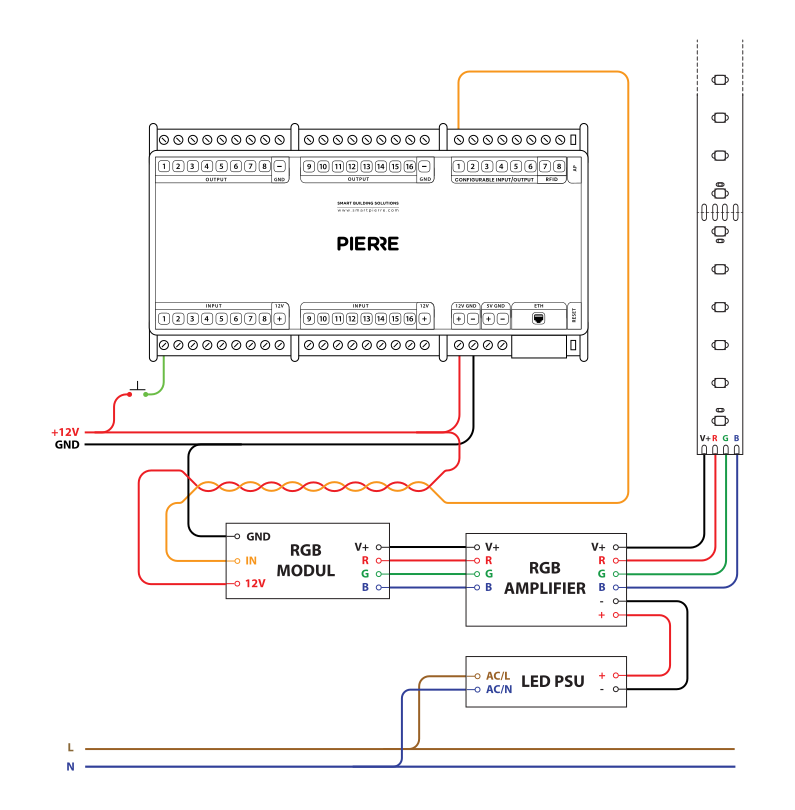
RGB module with amplifier
Cables
| Position | Wires | Diameter | Type | Comment | New |
|---|---|---|---|---|---|
| From PIERRE to RGB modul | 3 | 0,75 mm² | H07V-K | +12V, GND, SIGNAL | |
| From Button to PIERRE | 2 | Cat5 | UTP | +12V, IN | |
| From RGB modul to RGB amplifier | 4 | 0,75 mm² | H07V-K | +12V, R, G, B | |
| From LED PSU to RGB amplifier | 2 | 2,5 mm² | H07V-K | +12V, GND | |
| From RGB amplifier to LED | 4 | 2,5 mm² | H07V-K | +12V, R, G, B |