
PIERRE Partner - Profile
1 min read
Beginner
Updated 2026-11-02
Profile
Description
The User Profile section of the PIERRE Partner app holds the installer's own account details and app settings. It is opened by tapping the avatar at the top of the menu.
What Can Be Managed
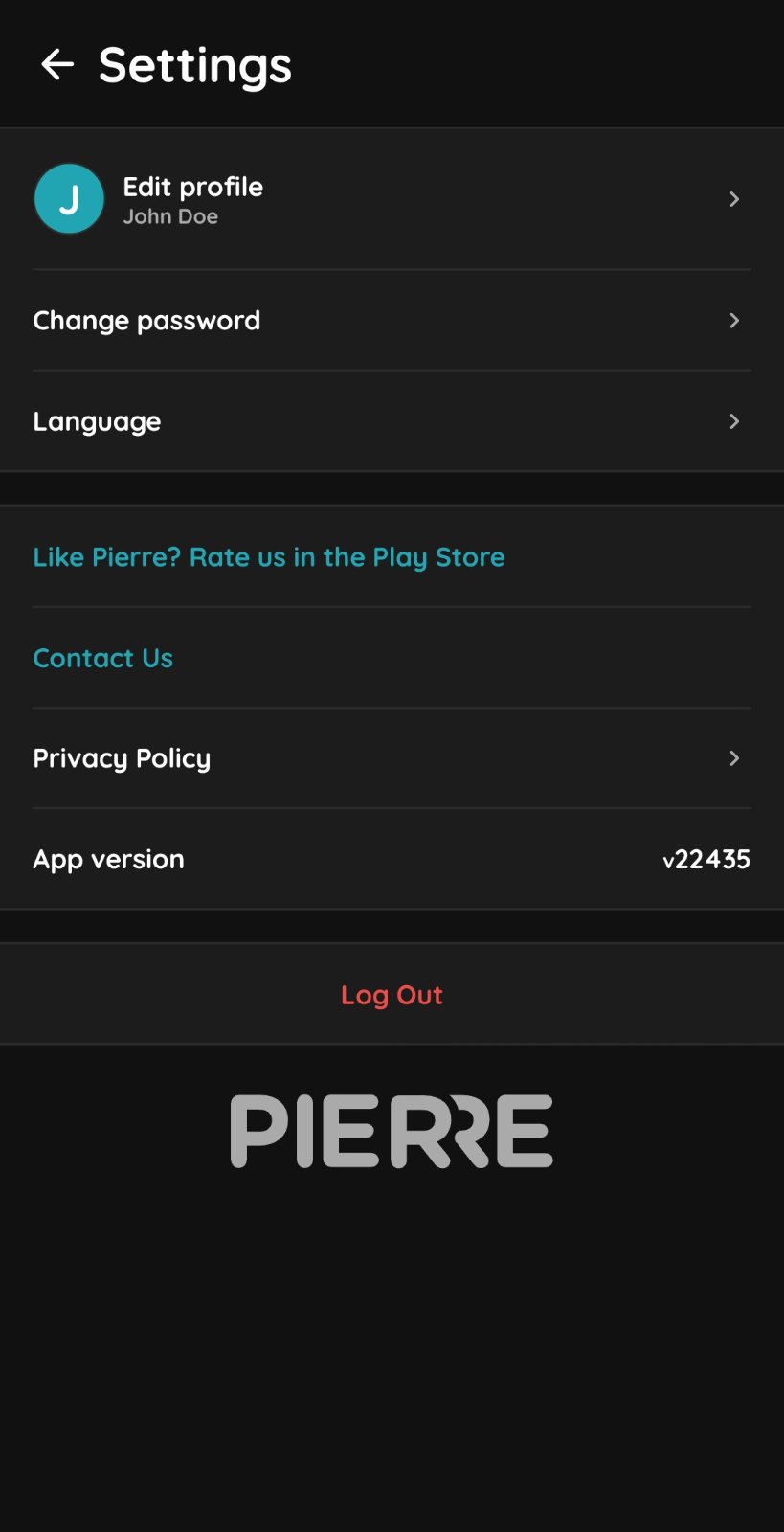
- Profile details — name and profile picture.
- Password — changed from within the profile settings.
- Language — the app interface language, useful when working across regions or in a multilingual team.
- App version — shown here, and needed when reporting an issue to technical support.
- Support and privacy — contact details for support and the privacy policy.
- Log out.
Technical Notes
- Read the app version from here before contacting support; the first question is always which version is running.
- Log out on any device that is not your own, particularly a customer's device used during commissioning. A Partner account has access to the whole installation.
- The language setting affects only the app interface, not the names given to devices in the project.
Profile settings
1
Profile
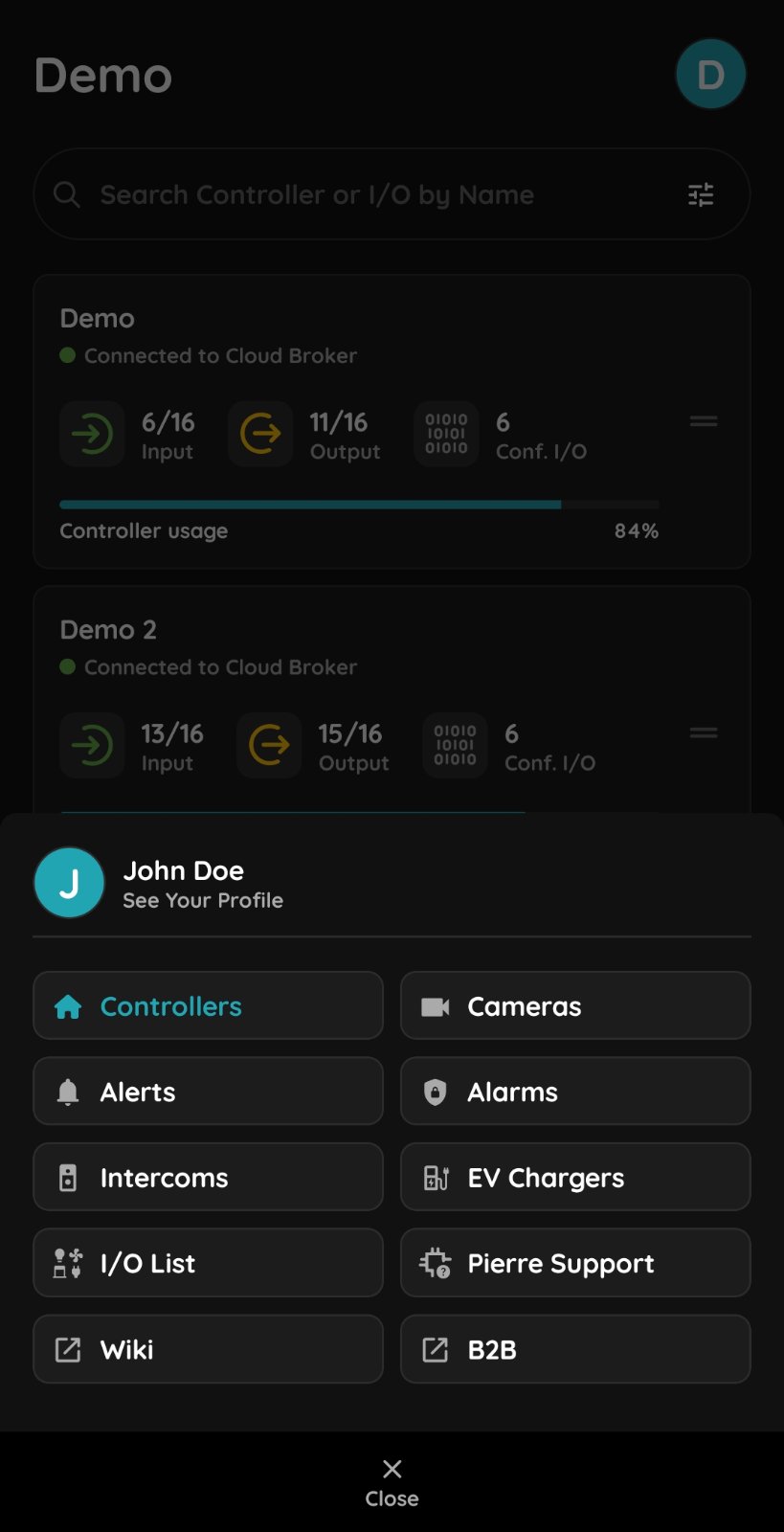
Tap Menu and select See Your Profile.
3
Profile
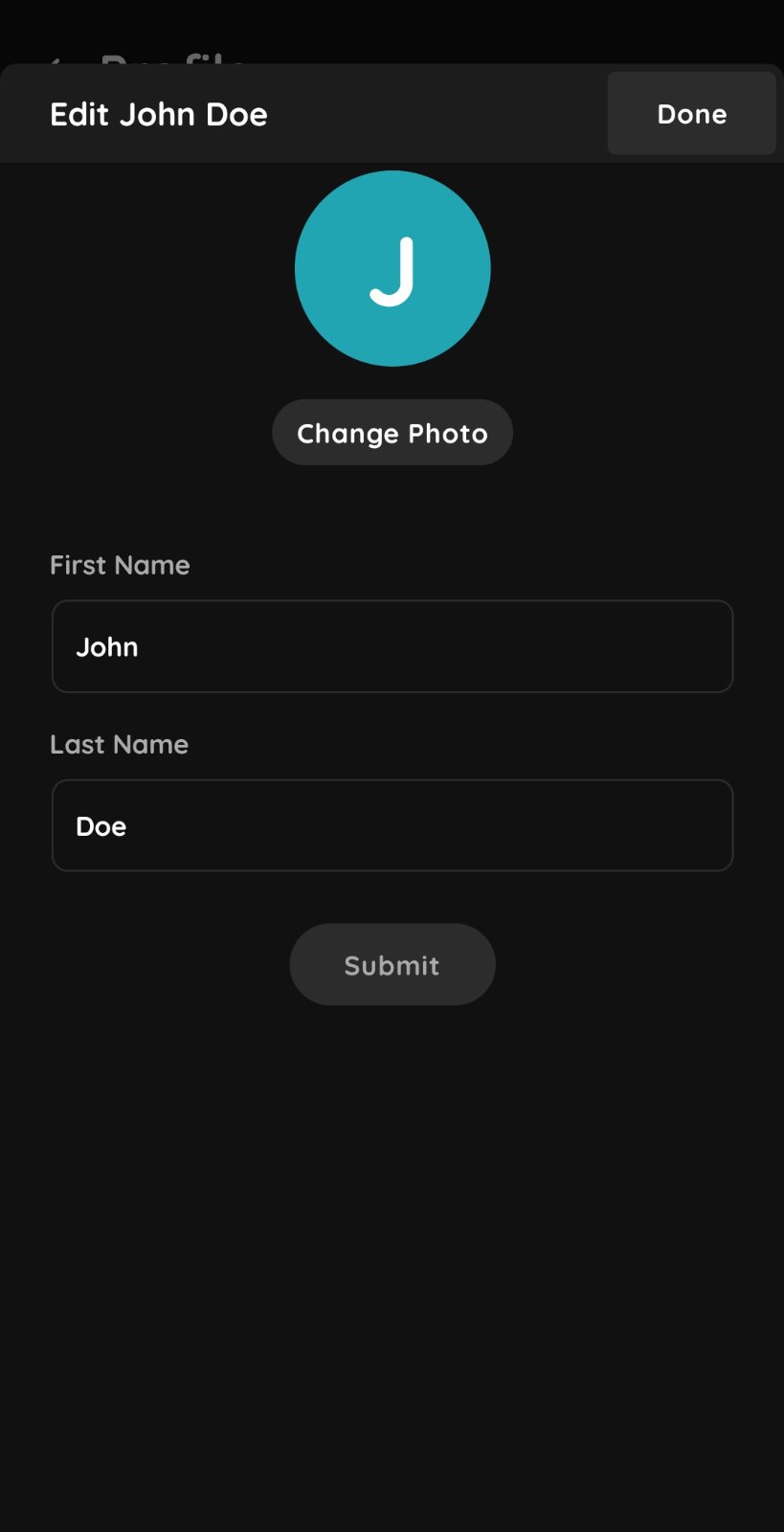
Tap the large profile circle to change your profile photo, first name, or last name.
4
Profile
You can change your password, change the app language, view the app version information, and log out.