
Smart PIERRE - Wave device battery and signal status
Description
The Batteries section provides battery status and signal strength information for connected Wave devices.
Accessing Battery Information
To view battery information:
- Open the Smart PIERRE application.
- Navigate to the Batteries section.
Available Information
The Batteries section displays:
- Battery status of connected Wave devices.
- Signal strength between Wave devices and the system.
Functionality
Battery and signal strength information helps users:
- Identify devices that may require battery replacement.
- Monitor wireless communication quality.
- Troubleshoot connectivity issues.
- Maintain reliable operation of Wave devices.
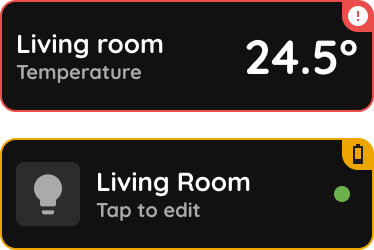
The system can generate notifications when the battery level of a connected Wave device falls below a predefined threshold, helping users replace batteries before device operation is affected.
Benefits
- Centralized battery monitoring.
- Low battery notifications.
- Signal quality visibility.
- Simplified maintenance.
- Faster troubleshooting of wireless devices.
View battery and signal status
Step 1
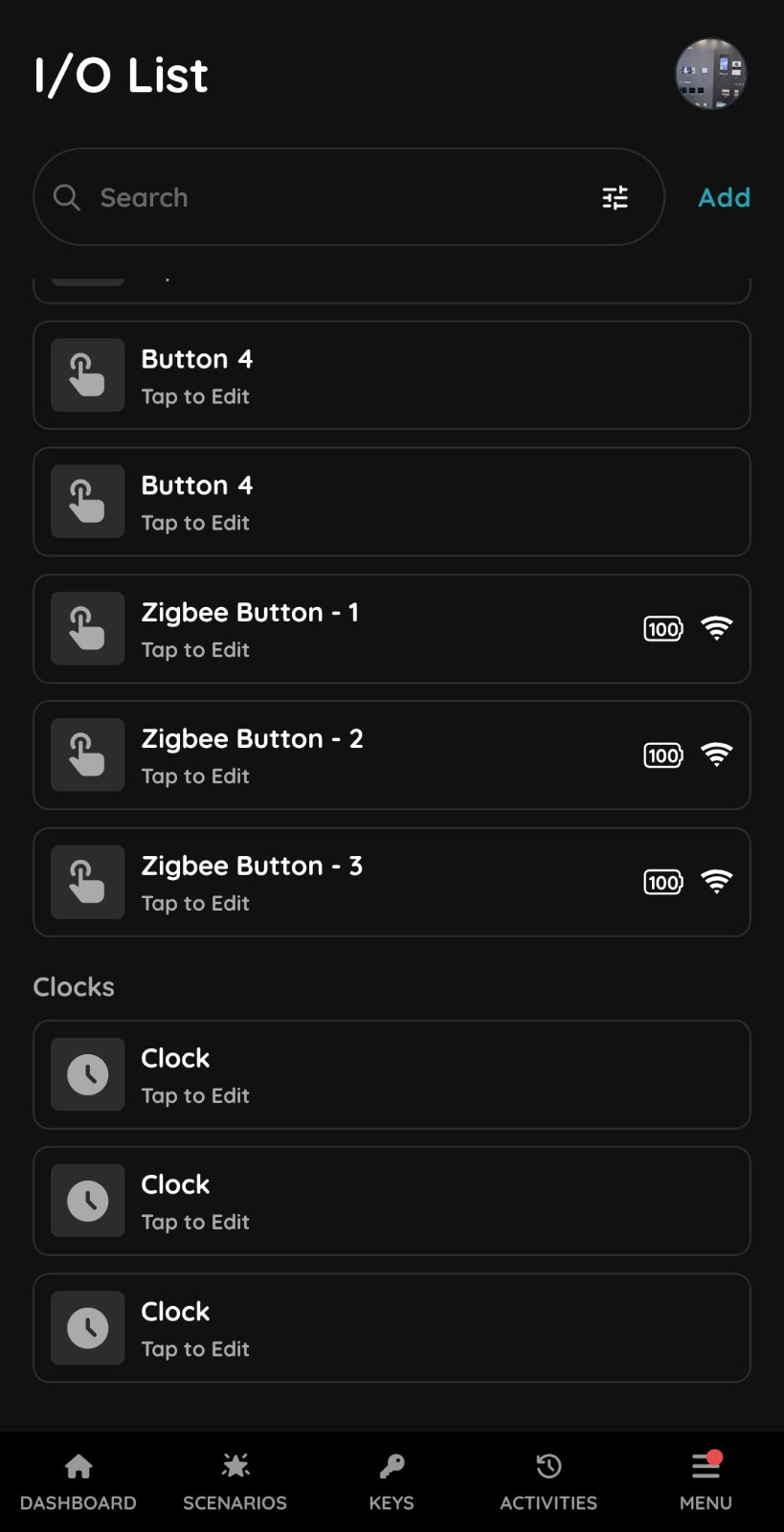
Open the Menu, go to Settings, and click on I/O.
This will display a list of all I/O devices in the building.
The indicators next to each I/O name show the battery status and signal strength.
Step 2
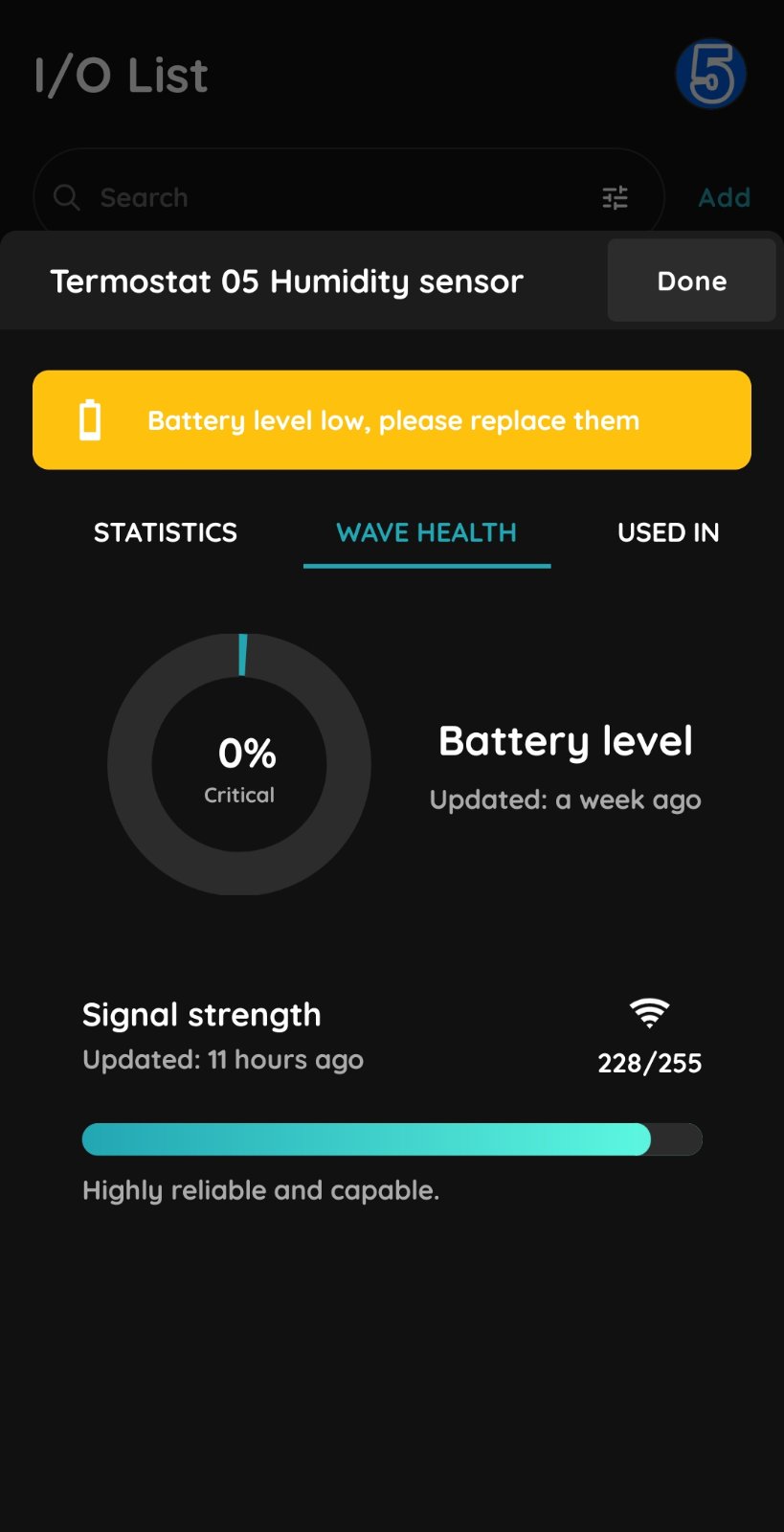
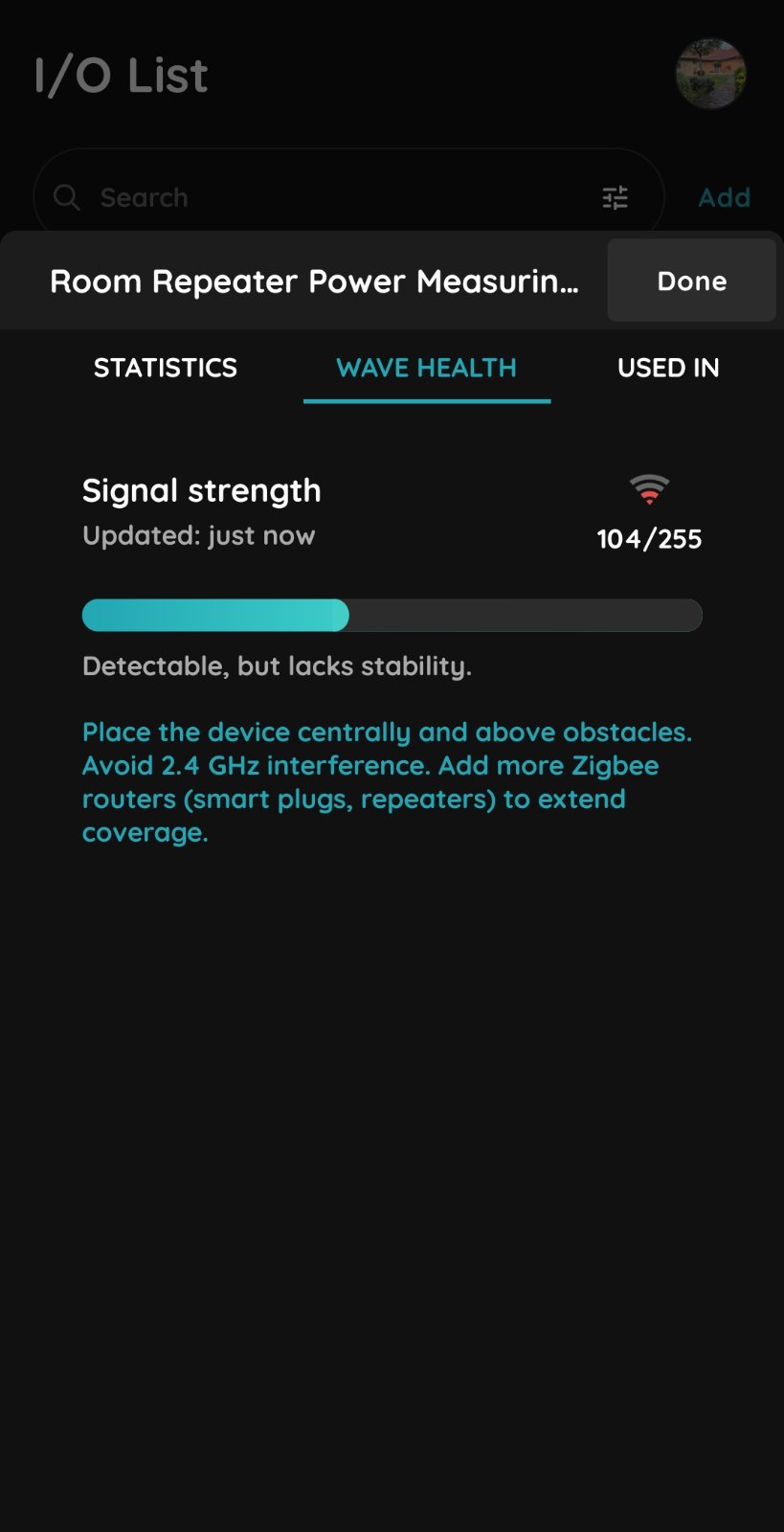
Select the I/O you want to view for additional information.
Then click on the Wave Health tab.
Step 3
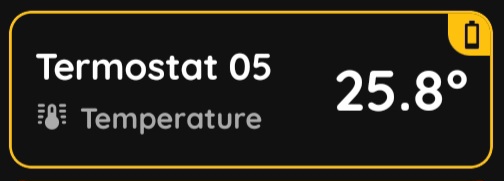
When the battery level drops below 20%, the application will display a notification indicating that the battery should be replaced soon.
Step 4
Sometimes, the Wave device may experience low signal strength due to insufficient Zigbee network coverage.
The indicator displays the Zigbee signal strength on a scale from 0 to 255.
Signal strengths above 150 ensure stable operation of Wave devices.
Step 5
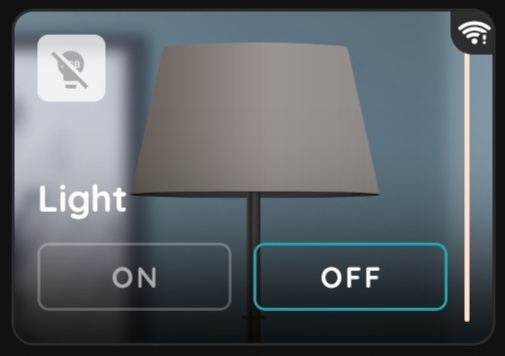
The application also displays an indicator when the device has low signal strenght.
Step 6
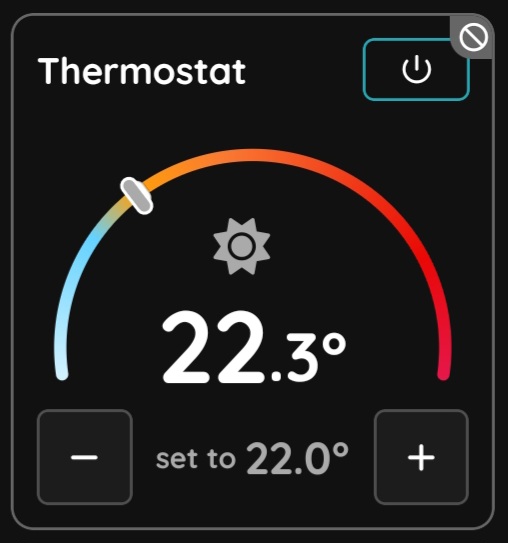
If the Wave device has no connection to the gateway, the device status will appear as Not Reachable.
In this case, the device should be inspected to determine the cause of the issue. Check whether the device has power, replace the battery if needed, or move the device closer to the gateway. If necessary, an additional coordinator device may need to be added to the system to improve Zigbee network coverage.