Tokens - Add Licence Plate Number
Description
The PIERRE system supports vehicle access control using compatible IP cameras with License Plate Recognition (LPR/ANPR). A registered plate acts as a credential, in the same way as an RFID card or a PIN.
Adding a License Plate
-
To add a new License Plate:
-
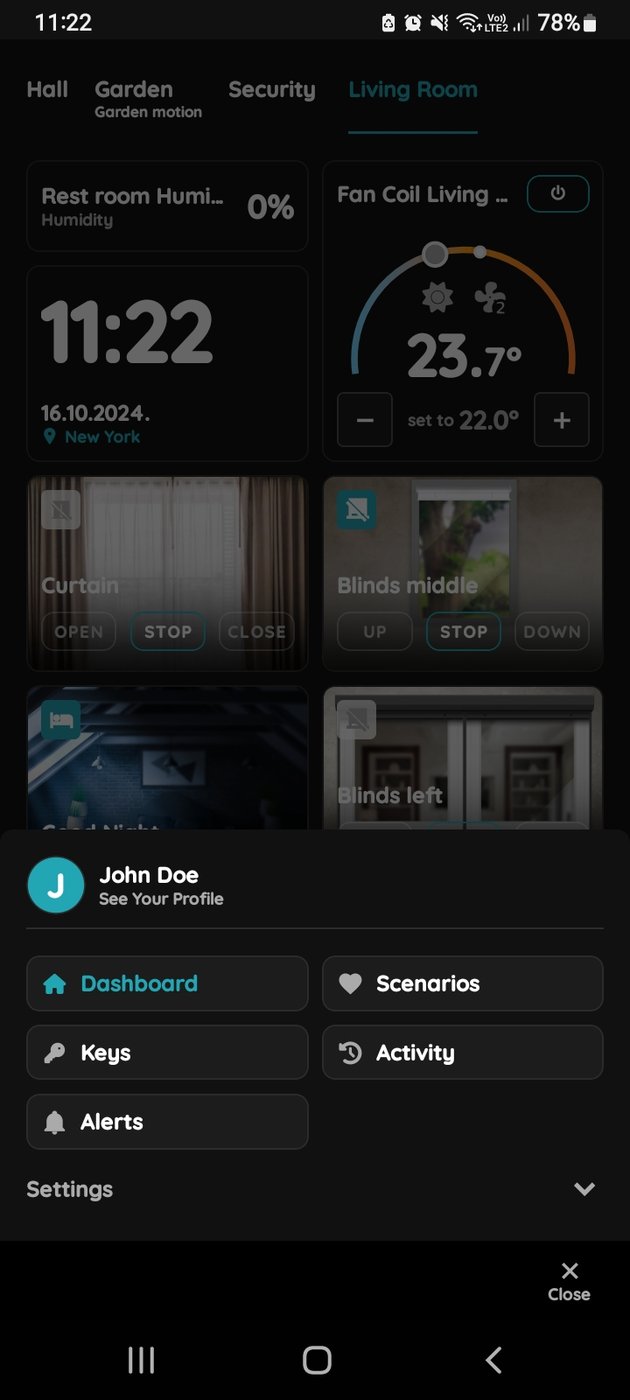
Open the Smart PIERRE application.
-
Navigate to Menu → See Your Profile.
-
Select the Tokens tab.
-
Tap Add a New Token.
-
Select New License Plate as the token type.
-
Complete the required fields.
-
Plates can also be added through Menu → User List.
Access Permissions
Permissions are assigned at the user profile level. When time-based restrictions are configured for a user, all their credentials — including license plates — inherit those permissions. Examples:
- Access allowed only during working hours.
- Access limited to specific days of the week.
- Access restricted to selected time periods.
What a Recognised Plate Can Trigger
- Opening gates.
- Opening garage doors.
- Activating barriers.
- Logging vehicle access events.
- Triggering automation scenarios.
Technical Requirements
- A compatible IP camera with LPR/ANPR functionality.
- Camera compatibility verified by PIERRE support before installation.
- Stable local network communication between the camera and the system.
Technical Notes
- Camera position decides whether this works at all. Plan the mounting height, the angle and the distance so the plate is in frame and readable as the vehicle approaches.
- Night performance depends on the camera's illumination. Test after dark, not only in daylight.
- Keep a second way in — RFID or the app — for a vehicle that is not recognised or a driver in a different car.
Add New License Plate Access for the User
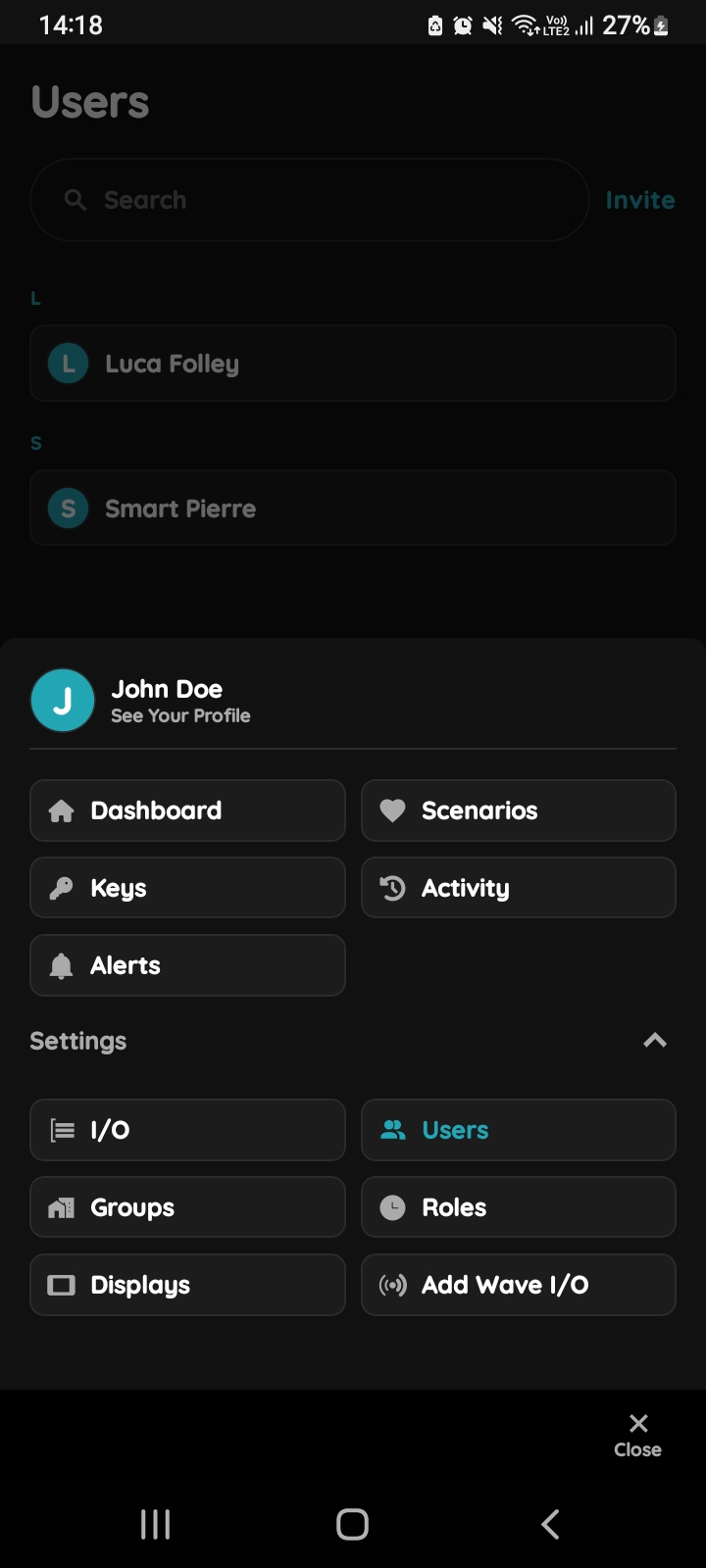
You can add New Licence Plate Access for the other User. First step is to open Menu list.
Open Users list
Tap on the Users under the Settings.
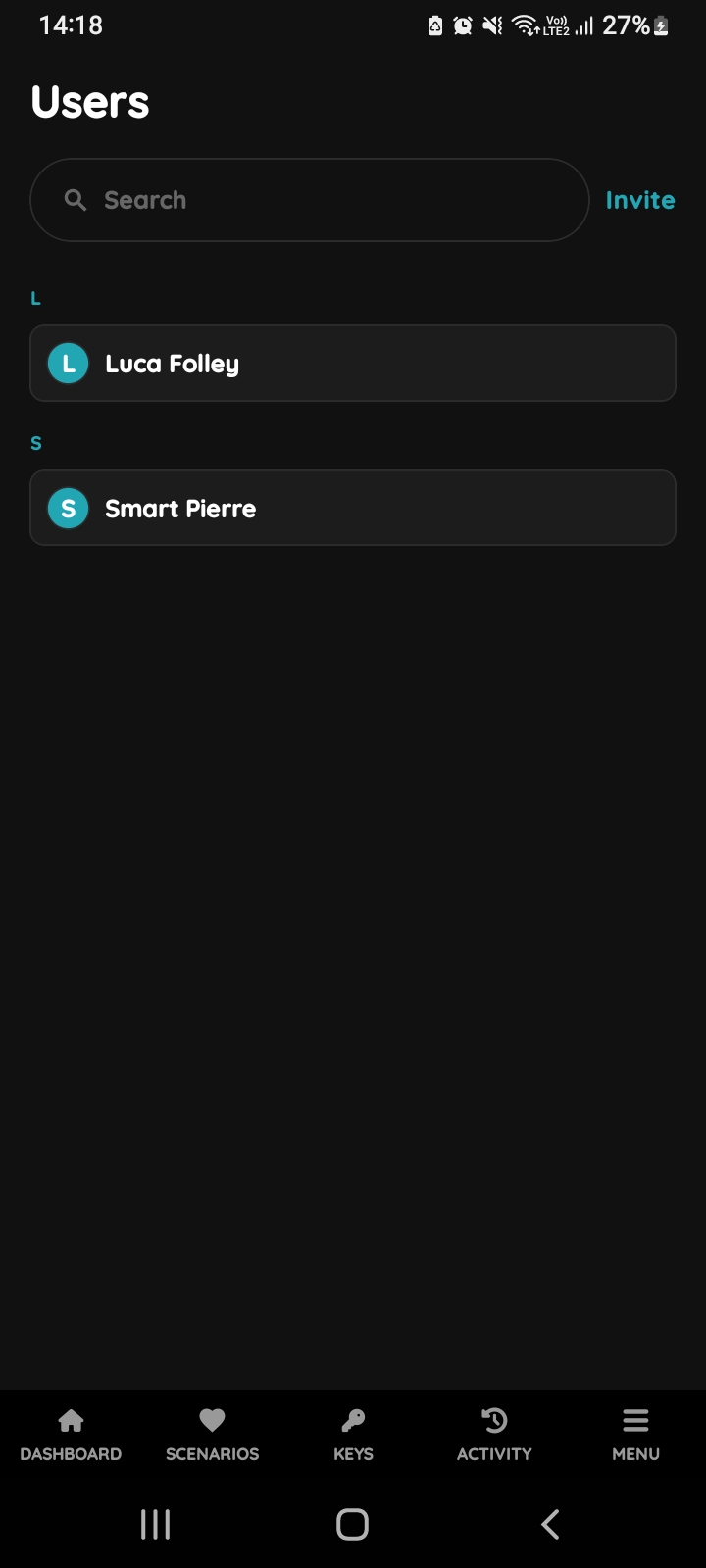
Users list
List of the Users is shown. Select the User from the list (tap on the name).
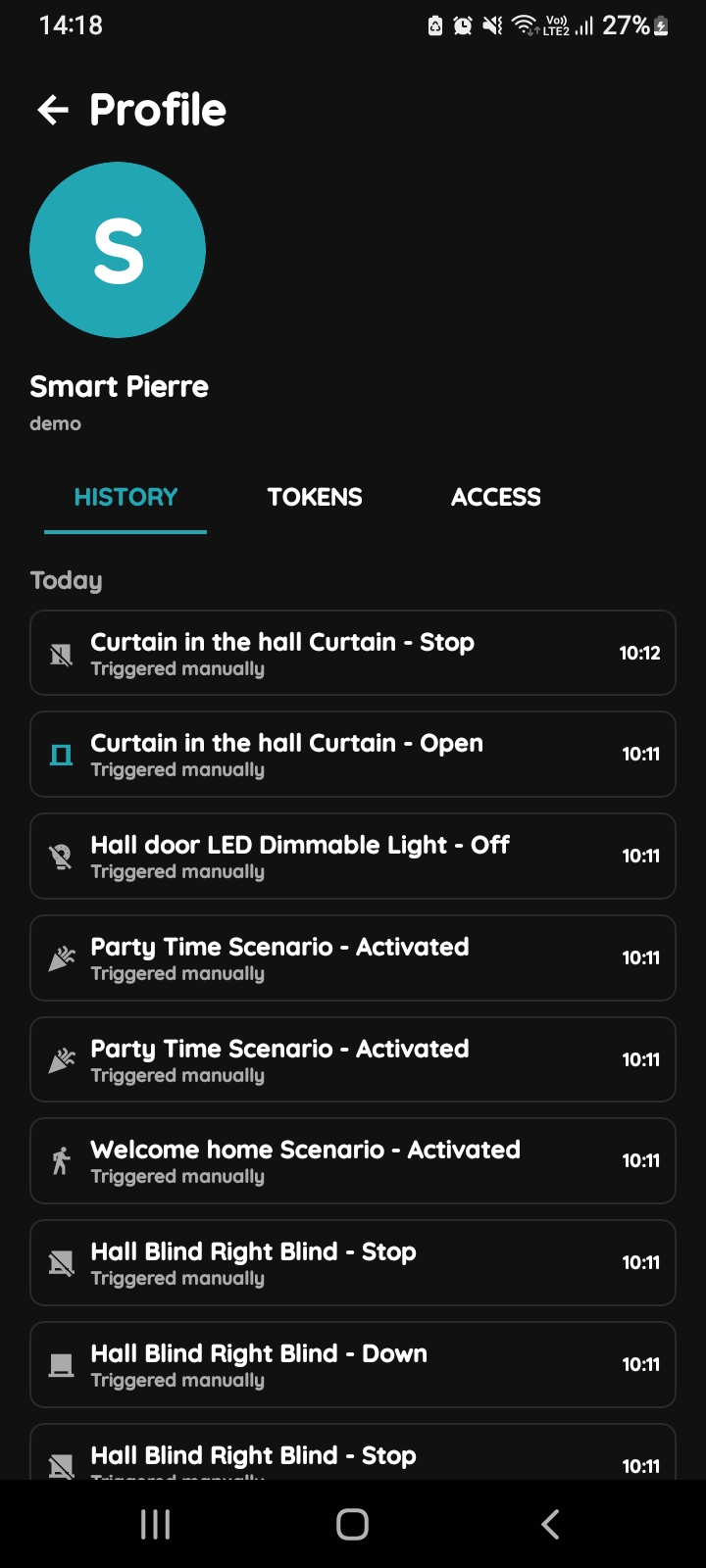
Open Profile, History, Tokens, Access
- History is displayed - It shows a list of all the I/Os that are activated during time by this User.
- Tokens are used to add a new token (New RFID card, New Licence Plate, New PIN).
- Access - Here are displayed details about the Role of the selected User. Also here can be added new role to the selected User.
To change the User's picture, tap on the current picture. To add Tokens, tap on the Tokens tab. To set the User's access permissions, tap on the Access tab.
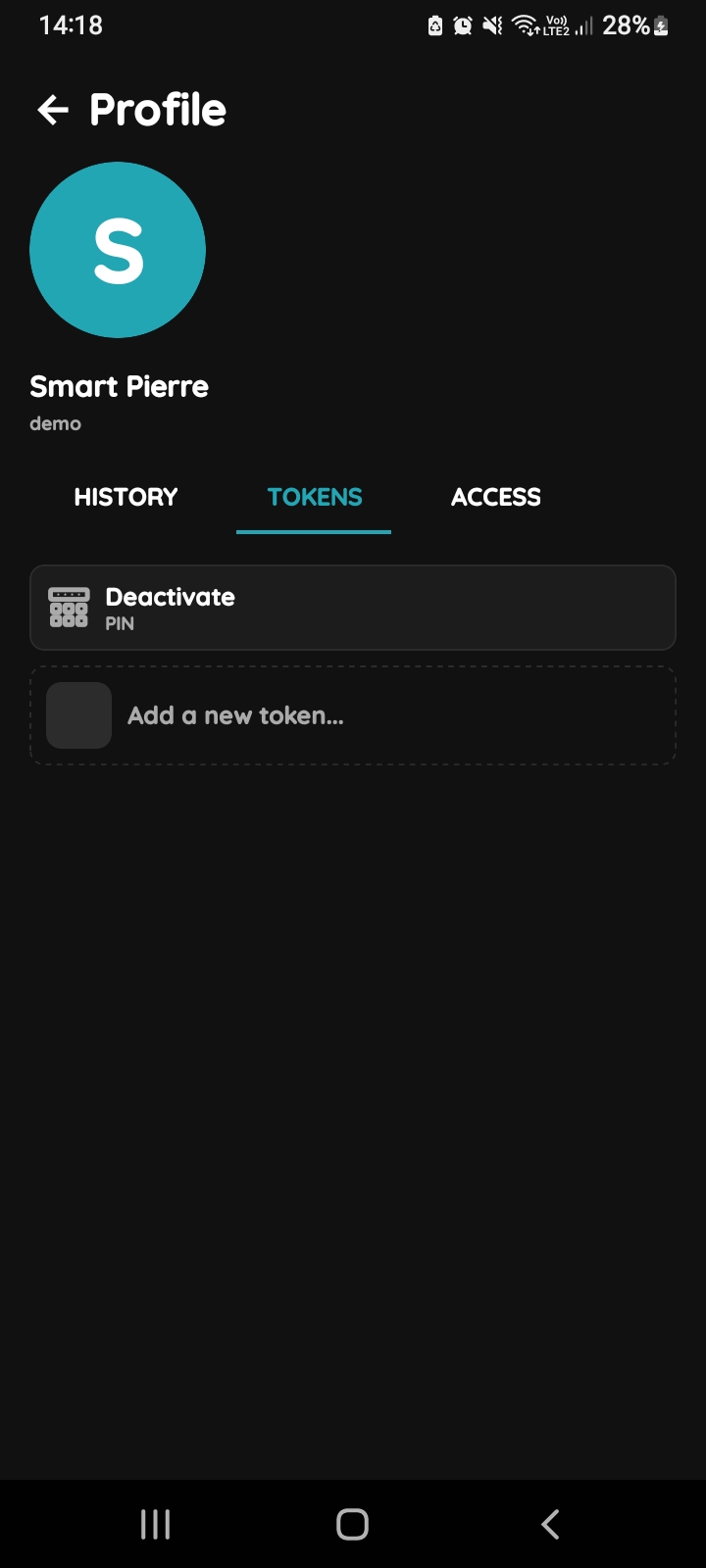
Add Tokens
Tap on the Tokens tab and tap on the Add a new token.
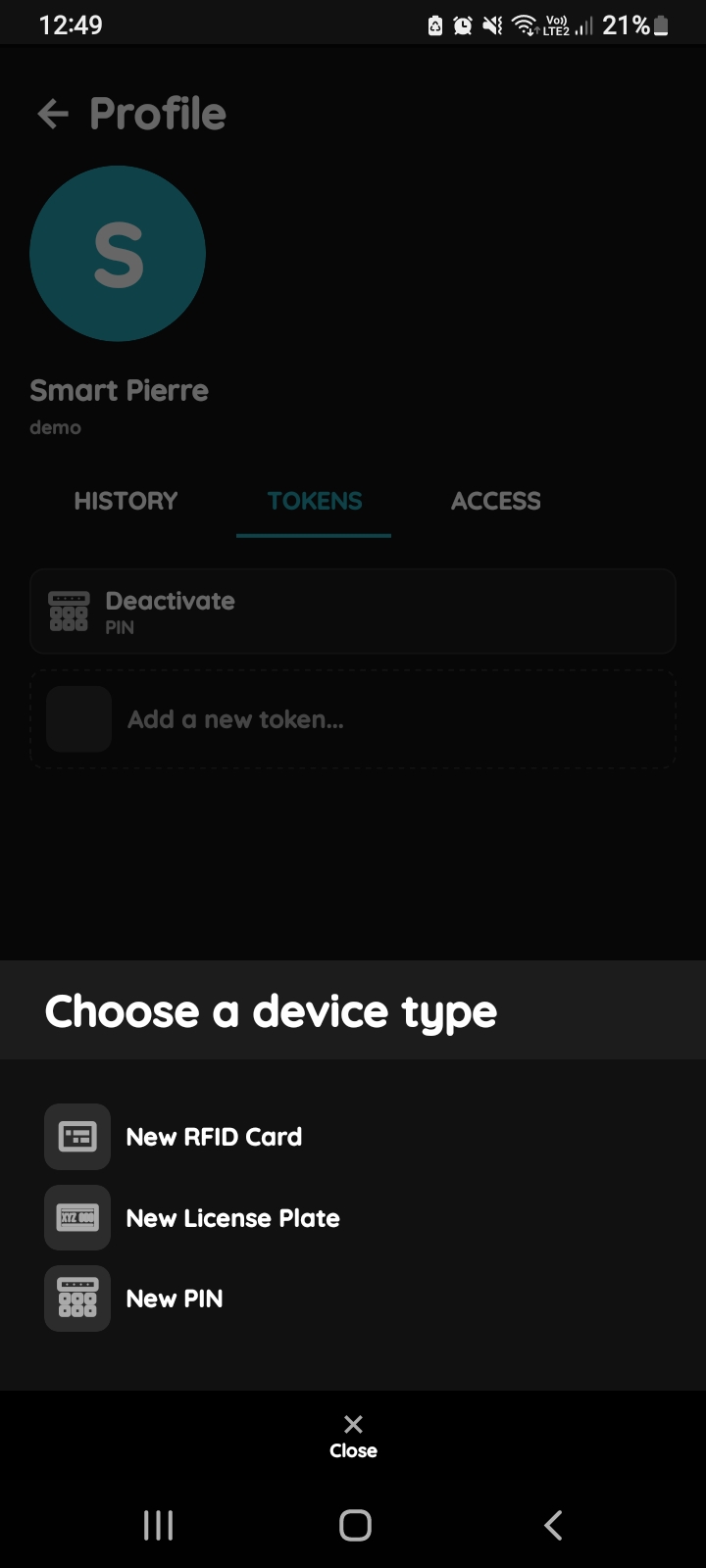
Choose a device - New Licence Plate
Choose a device type - Tap on a New Licence Plate.
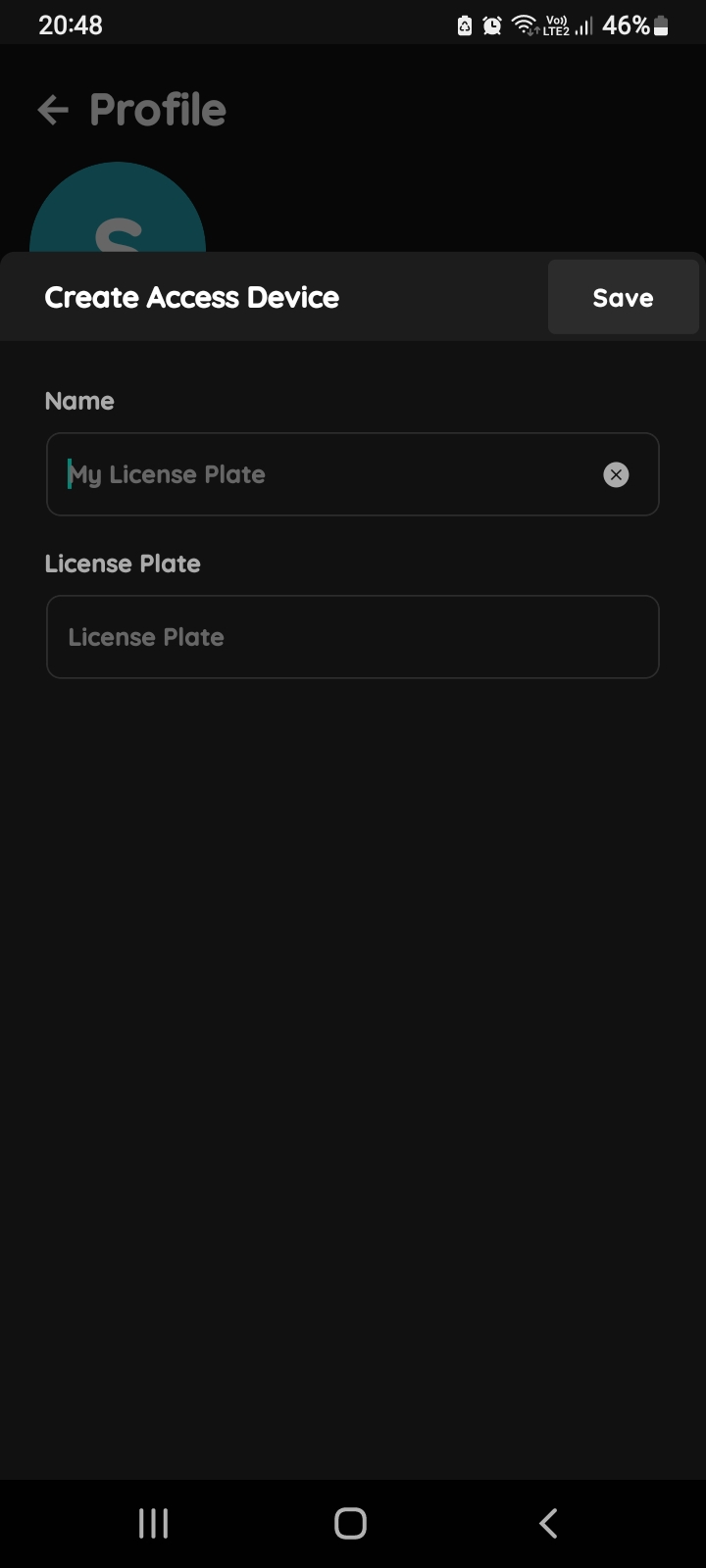
Create Access Device - New Licence Plate
Fill the form:
- Name - Write name of the Licence plate.
- Licence plate - Write the number of the licence plate.
Tap button Save.