Solution - Curtains Control
Description
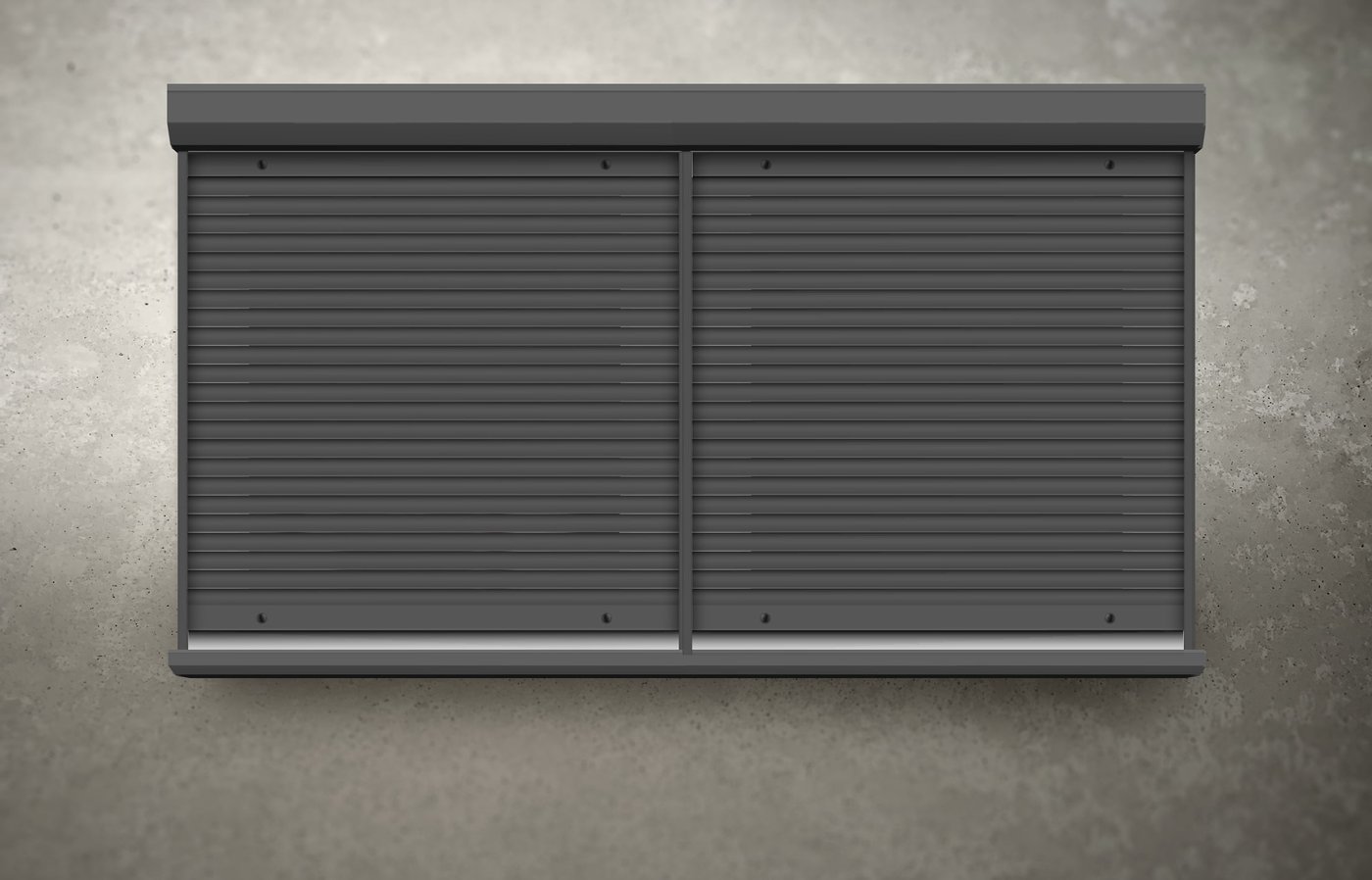
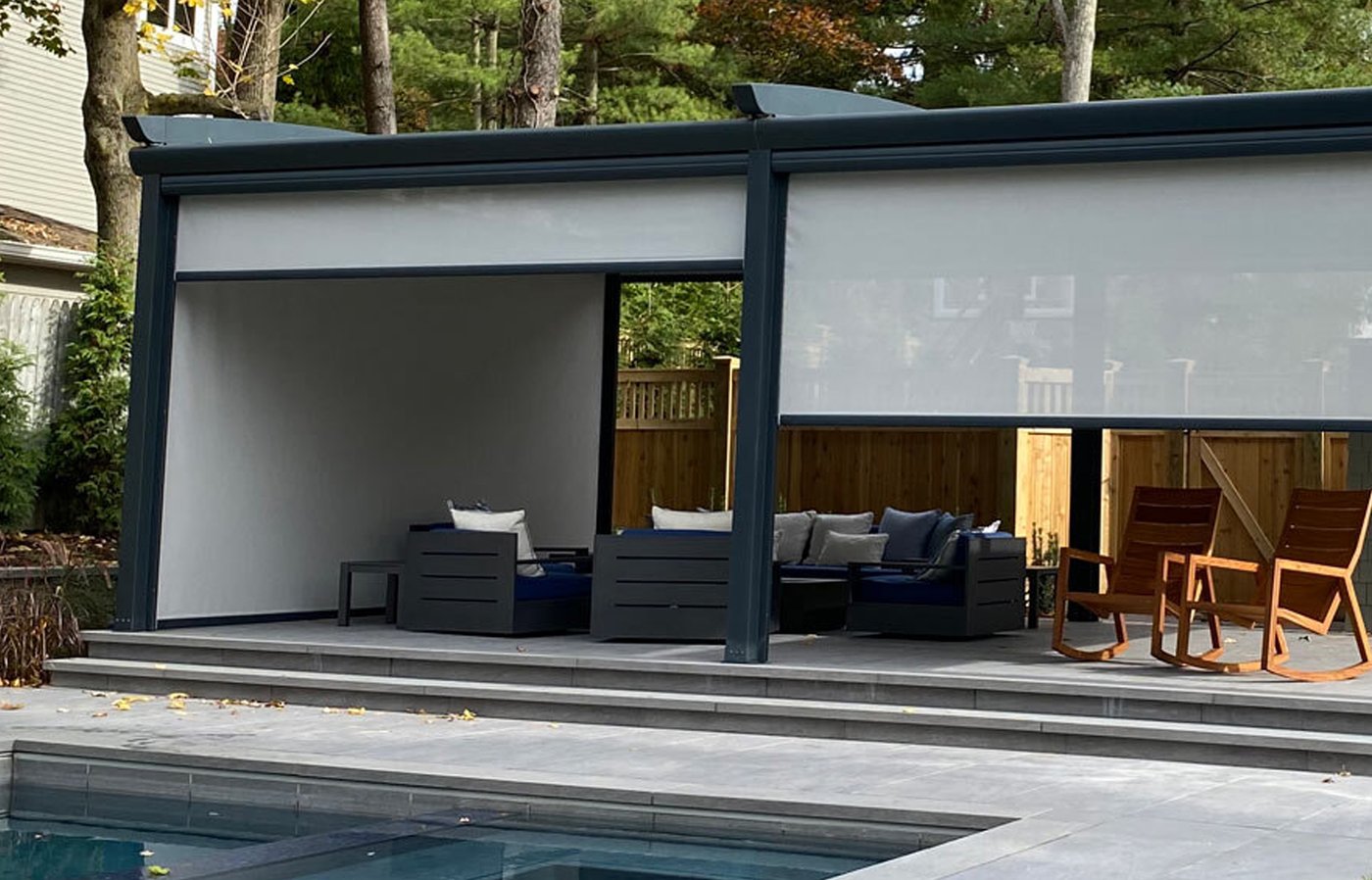
Motorised curtains are controlled as a directional output with position control. They can be operated manually, from automations and schedules, or from sensor conditions.
Control from the App
Curtains are controlled directly from the Smart PIERRE application:
- Open
- Close
- Stop
- Position control — move the curtain to any intermediate position
Wiring
Motorised curtains are typically connected with the following conductors:
- L1 — left direction
- L2 — right direction
- N — neutral
- PE — protective earth
The exact requirement depends on the motor manufacturer and the installation specification, so check the motor documentation before wiring.
Motor Requirements
- The motor must support directional control through separate open and close inputs.
- With third-party motors, the motor limits and travel positions must be set according to the manufacturer's instructions; otherwise positioning in the system will not be accurate.
Automation
- Sunrise and sunset control.
- Time-based schedules.
- Occupancy-based automation.
- Scene integration.
- Security-related automation, for example moving curtains while the property is empty.
Environmental Conditions
- Position by measured sunlight, to limit heat gain during the hottest hours.
- Position by room temperature, working together with heating and cooling instead of against it.
Technical Notes
- The two directions must be interlocked so both are never energised at the same time.
- Measure the real travel time on site and enter that value; a guessed value makes intermediate positions inaccurate.
- Combine curtain automation with heating and cooling deliberately — two rules acting on the same room from opposite directions is a common source of complaints.
Schemes
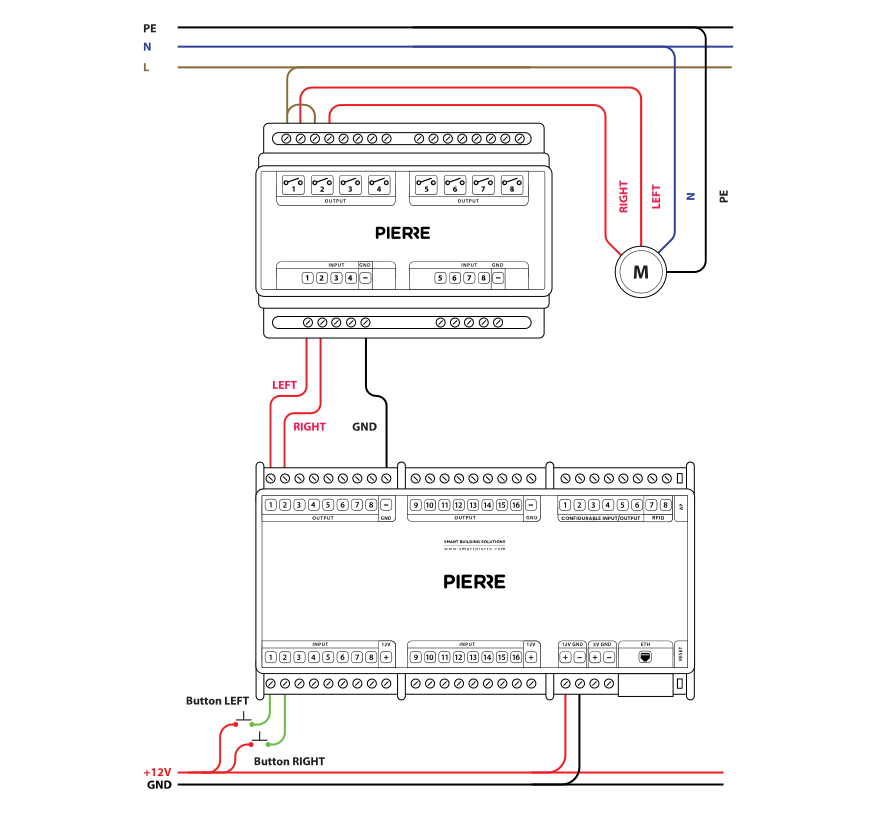
Wiring Curtains in PIERRE - Electric schemes
Cables
| Position | Wires | Diameter | Type | Comment |
|---|---|---|---|---|
| From relay to Curtains | 4 | 1.5 mm² | NYM-J | L1(LEFT), L2(RIGHT), N, PE |
| From PIERRE Controller to relay | 3 | 0.75 mm² | H07V-K | GND, LEFT, RIGHT |
| From Push button to PIERRE Controller | 3 | Cat5 | UTP | +12V, LEFT, RIGHT |
Troubleshooting
First take PIERRE out of the loop and check that the motor works without smart control (see the next question).
Bypass the controller: with the supply switched off, disconnect the motor's UP wire (L1) or DOWN wire (L2) from the relay output and connect it directly to the phase from the circuit breaker. Switch on: the motor must run in that direction. Test one direction at a time — never connect L1 and L2 to the phase together, this destroys the motor. Work on the mains wiring must be done by a qualified electrician.
A buzzing motor is receiving power but cannot turn. Check that only one direction is energised at a time (L1 or L2, never both), check the motor's end stops and run capacitor, and check the relay contacts for burnt or welded contacts.
Measure the resistance of the motor windings. An open winding means the motor is faulty.
Check the relay contacts and the protection varistor across the relay coil; a damaged relay or varistor can hold or release the output at the wrong moment.