Solution - Secure Door Locks (motorized)
Description
The Motorized Door Lock can be added to PIERRE as a regular I/O type and allows users to control and monitor compatible electric door locks within the PIERRE system.
Motorized locks can be operated manually, remotely, or through automations.
Typical Applications
Motorized door locks can be used for:
-
Apartment doors
-
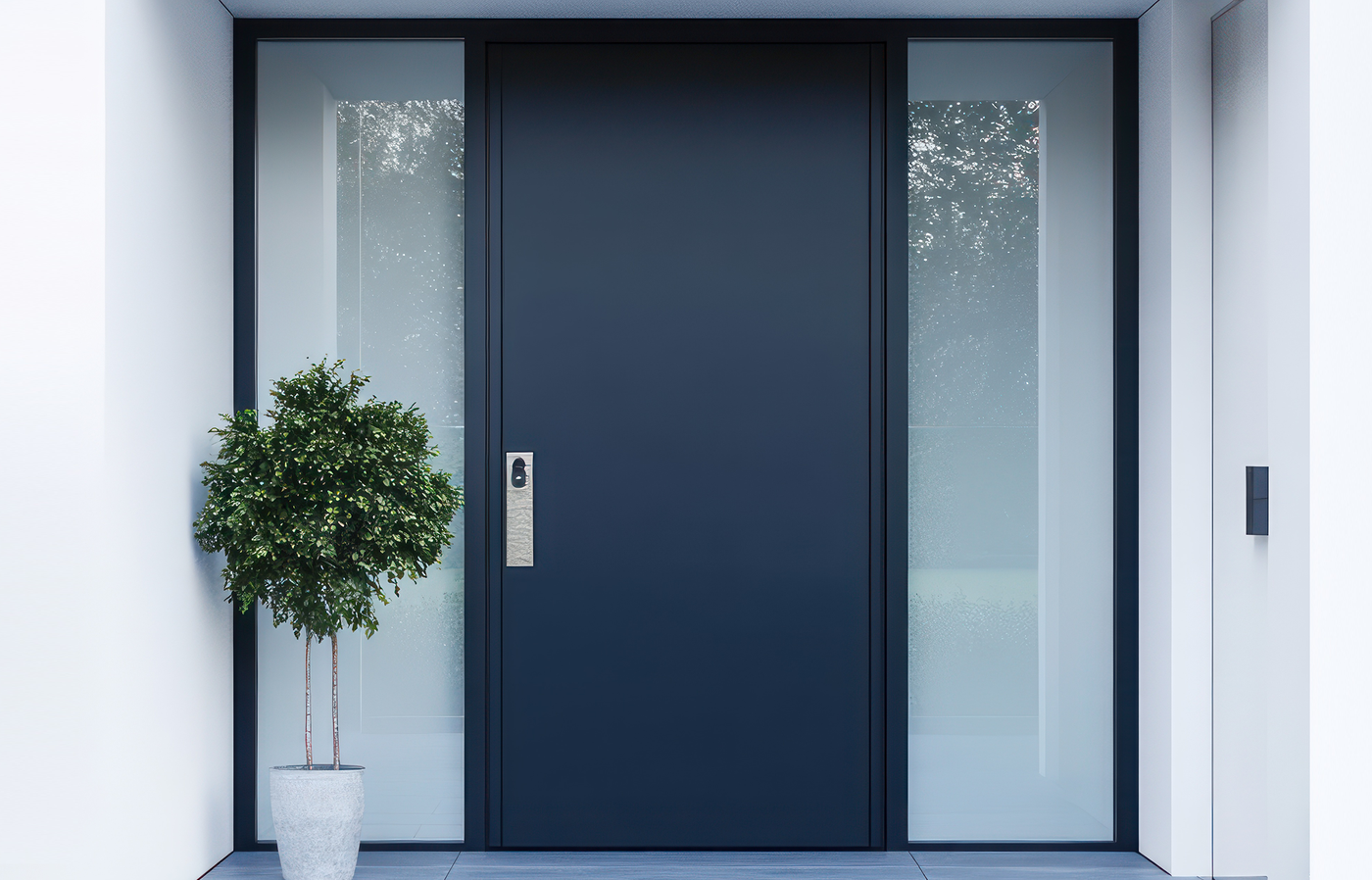
House entrance doors
-
Office doors
-
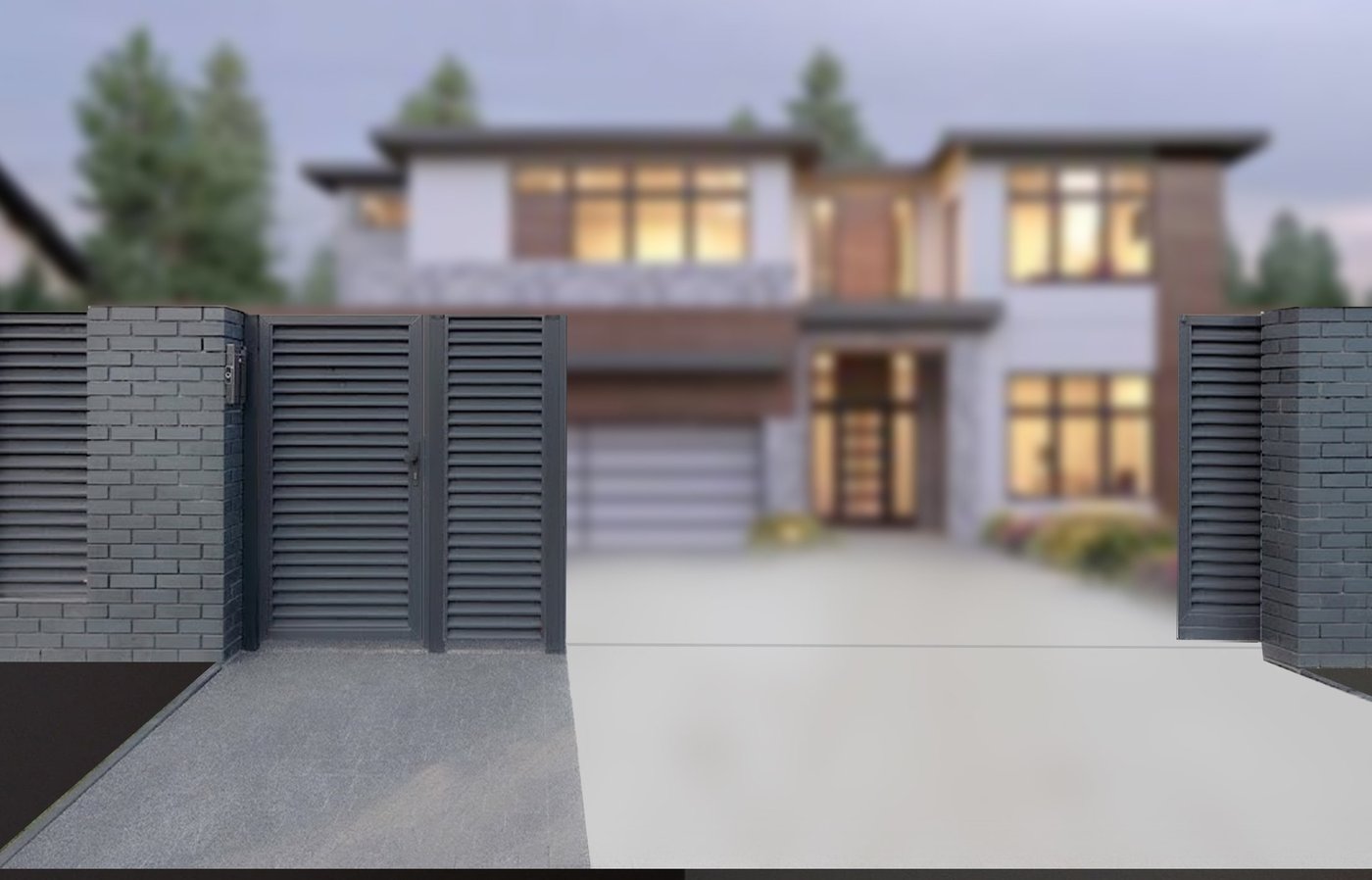
Gates
-
Common area access
Control Methods
Motorized locks can be controlled using:
-
Smart PIERRE application
-
Push Buttons
-
RFID Readers
-
Intercom systems
-
Automations
-
Scheduled actions
Automation Integration
Motorized locks can be included in:
-
Access control automations
-
Scheduled automations
-
Arrival and departure scenarios
-
Intercom integrations
Examples:
-
Automatically lock the door at night.
-
Unlock the door when a valid RFID credential is presented.
-
Unlock the door from the mobile application.
-
Unlock the door during an active intercom call.
Used In
The Used In tab displays all Scenes and Automations that use the selected lock.
This provides a quick overview of where the lock is used within the system.
Technical Notes
-
Motorized locks are connected to the PIERRE system using wired connections.
-
Power supply requirements depend on the lock type and quantity.
-
Multiple locks may require a dedicated power supply.
-
Lock control can be combined with access control and intercom functions.
Important Notice
-
A mechanical key override should always be available in case of power failure.
-
If battery-powered locks are used, a backup power solution is recommended for the network infrastructure to maintain full system functionality.
-
Always verify the power consumption requirements of the selected lock before installation.
Schemes
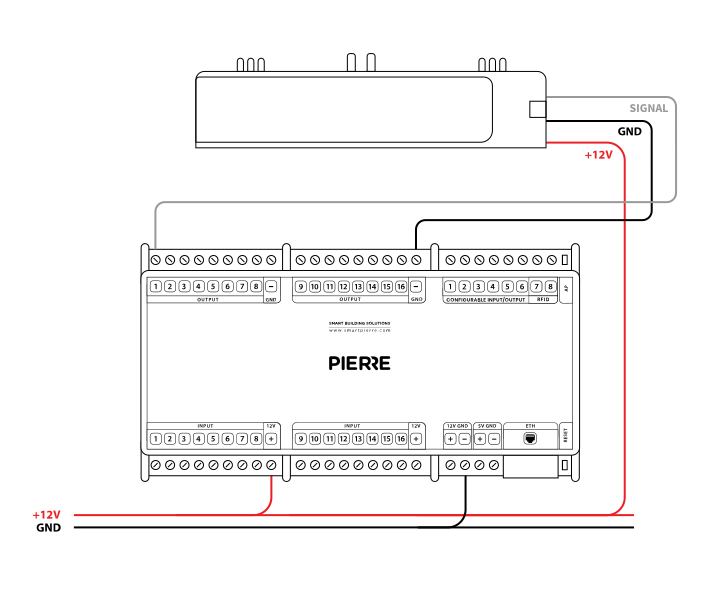
Wiring GU Security Door lock in PIERRE - Electric schemes
Cables
| Position | Wires | Diameter | Type | Comment |
|---|---|---|---|---|
| From PIERRE Controller to Door | 2 | 0.75 mm² | H07V-K | GND, Output |
Troubleshooting
Green – Online: the controller is connected to the network and operating normally. Red – Offline: the controller is disconnected from the network, or there is no internet access. White – Commissioning: the controller has started in commissioning mode and is waiting to be commissioned. Light blue – AP mode: the controller is broadcasting its own network for setup or configuration. Dark blue – Selected in the app: the controller is currently selected in the PIERRE Partner app, which helps you identify the physical controller in the cabinet. Purple – Searching for IP address: the controller is waiting to receive an IP address from the router. Orange – Firmware update: a firmware update is in progress; do not power off the controller while the LED is orange.
If not: Add it in the PIERRE Partner app.
If not, wire it as shown in the diagram. To rule out the lock and its cable, disconnect the lock wire from the controller output and briefly connect it to +12 V: if the lock clicks, everything after the controller works. Alternatively move the lock to another free output and change the pin in the PIERRE Partner app.
Controllers and devices keep their last state and resume when power returns. Locks and gate motors can be backed up by a battery so they keep working during an outage — and always keep a manual way to open them.
Each electric strike has a specified strength limit, which can be found in the product details.
This depends on the setup. The lock can be connected to the PIERRE system, the intercom, or both if the intercom has additional unlocking features.