Solution - Sirens
Description
Description
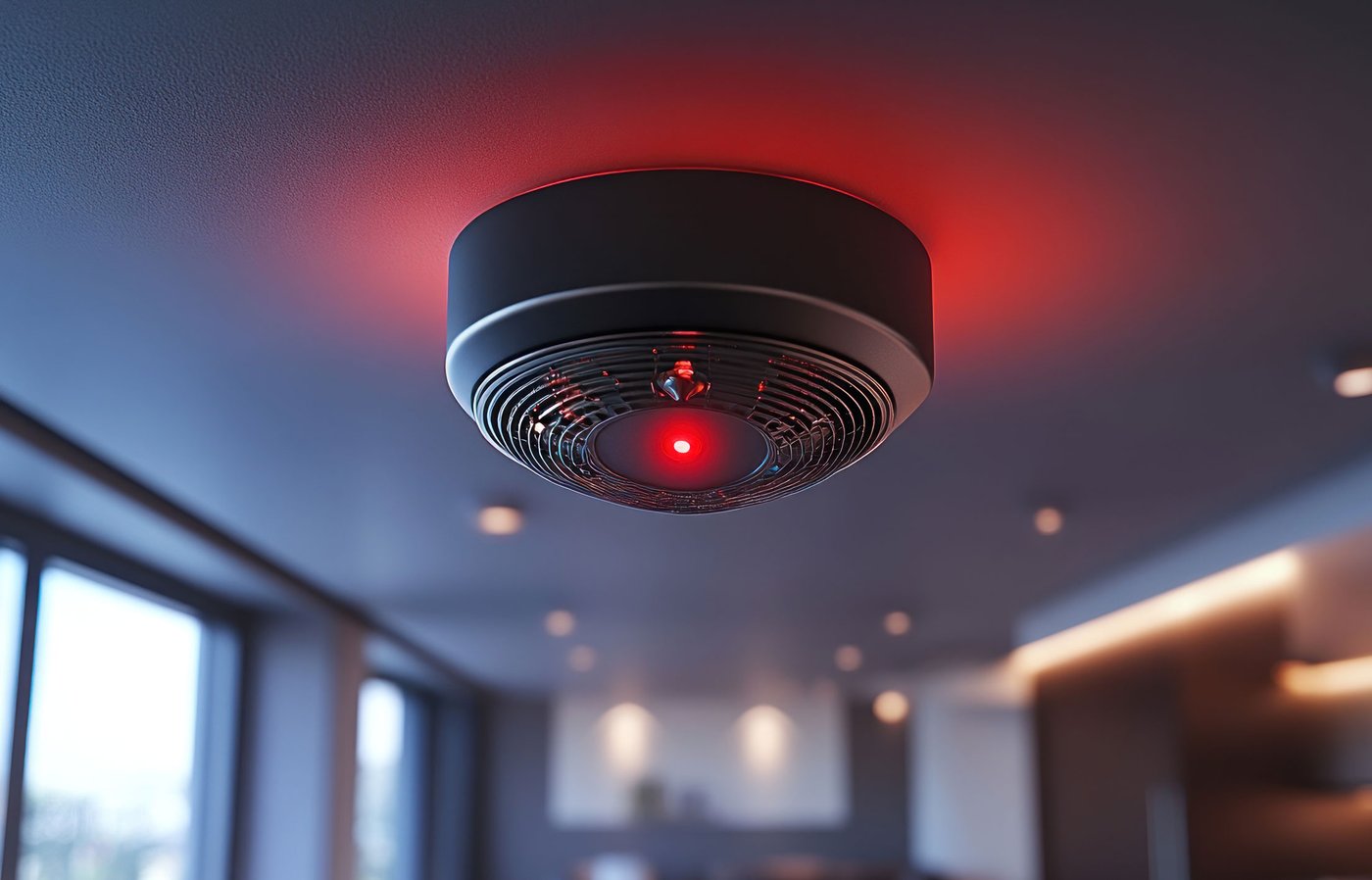
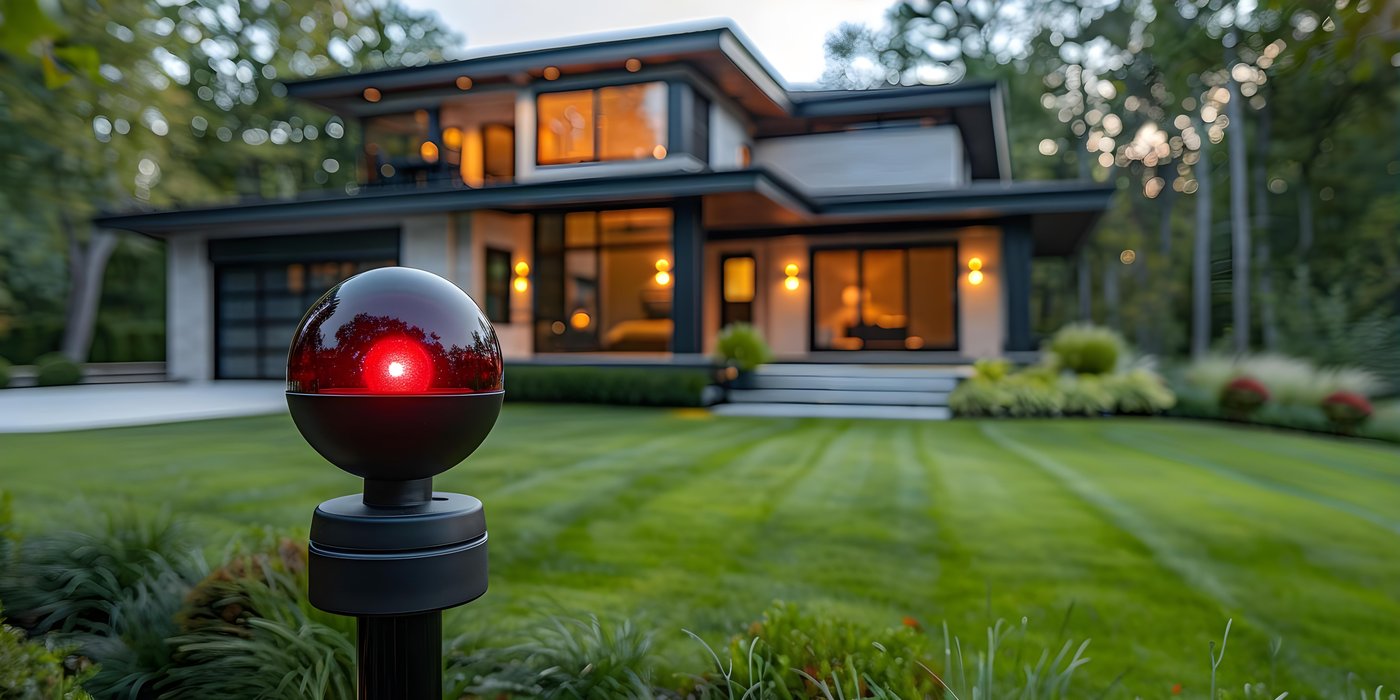
The Siren I/O type allows sirens connected to the PIERRE system to be controlled and their status to be displayed. Both indoor and outdoor sirens can be integrated into the system and operated manually or automatically through system events, scenes, and automations.
Configured sirens are available on the Dashboard and in the I/O List of the Smart PIERRE application. The current status of the siren is displayed in the application, while its icon and image change according to its current state.
Typical Applications
The siren can provide audible alerts for various events, including:
-
intrusion or unauthorized access,
-
smoke detection,
-
gas or CO detection,
-
water leakage,
-
technical faults,
-
other safety or emergency-related events.
Control
The siren can be controlled directly from the Dashboard using the following modes:
-
ON – Manually activates the siren.
-
OFF – Manually deactivates the siren.
-
AUTO – Enables automatic operation based on configured system events and automations.
Automatic activation can be triggered by various devices and events, including motion and contact sensors, smoke, gas and CO detectors, water leakage sensors, access control events, automation rules, and scenes.
Configuration
To open the siren configuration, press and hold the Siren card.
The following parameters can be configured:
-
Name – Enter a name for the siren.
-
Image – Select an image for the siren.
-
Slide to Confirm – Defines whether manual activation or deactivation requires additional confirmation.
Slide to Confirm
When Slide to Confirm is enabled, the user must confirm the manual action with a slide gesture. This helps prevent accidental activation or deactivation of the siren.
Used In
The Used In tab displays all Scenes and Automations in which the selected siren is used. This provides a quick overview of where the siren is used within the PIERRE system.
Automation Applications
Siren operation can be combined with other PIERRE functions, such as notifications, lighting control, scenes, and other automation actions.
Examples include:
-
activating the siren when smoke is detected,
-
activating the siren when a gas or CO detector enters an alarm state,
-
activating the siren when a water leakage sensor detects water,
-
generating an audible warning when motion or unauthorized access is detected,
-
activating the siren together with lighting and notifications as part of an automation.
Technical Notes
-
Indoor and outdoor sirens can be used, provided they are technically compatible with the installed system.
-
Multiple sirens can be configured to operate simultaneously.
-
For manual operation, using Slide to Confirm is recommended to prevent accidental activation.
-
Outdoor sirens must be suitable for outdoor installation and should be installed in a location that is not easily accessible.
-
Siren testing should be performed at an appropriate, pre-arranged time to avoid unnecessary disturbance.
Important Notice
PIERRE is a building automation and smart home control system. Siren control is an additional automation function of the system and does not replace a certified fire alarm, gas or CO detection, intrusion alarm, security, life-safety, or emergency warning system.
The PIERRE system can monitor sensor states, process events, control sirens, and send notifications. However, these functions must not be used as a substitute for certified safety or life-safety systems where such systems are required by applicable regulations, insurance requirements, or project specifications.
The operation of notifications, alarms, and automated actions may depend on external factors, including power availability, network infrastructure, internet and mobile network connectivity, cloud service availability, and the proper operation and configuration of connected devices.
PIERRE shall not be liable for personal injury, loss of life, property damage, financial loss, or other direct or indirect damages resulting from system or connected-device failure, interruption of operation, improper installation, configuration, maintenance, or use.
Schemes
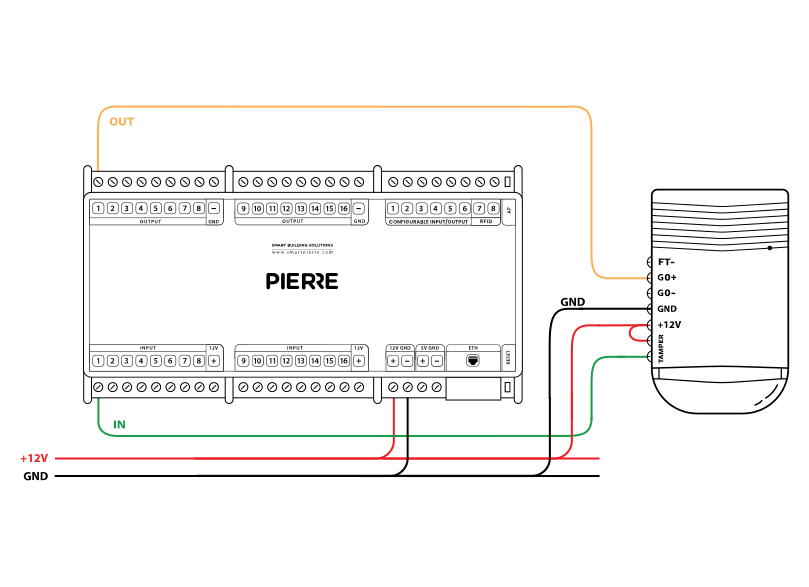
Wiring Siren in the smart PIERRE home system - Electric schemes
Cables
| Position | Wires | Diameter | Type | Comment |
|---|---|---|---|---|
| From PIERRE Controller to Siren | 2 | Cat5 | UTP | INPUT, OUTPUT |
| From Power Supply to Siren | 2 | 1.5 mm² | H07V-K | +12V, GND |
Troubleshooting
If not, the fault is not in PIERRE. Check that the device is wired correctly and has power before going any further.
Green – Online: the controller is connected to the network and operating normally. Red – Offline: the controller is disconnected from the network, or there is no internet access. White – Commissioning: the controller has started in commissioning mode and is waiting to be commissioned. Light blue – AP mode: the controller is broadcasting its own network for setup or configuration. Dark blue – Selected in the app: the controller is currently selected in the PIERRE Partner app, which helps you identify the physical controller in the cabinet. Purple – Searching for IP address: the controller is waiting to receive an IP address from the router. Orange – Firmware update: a firmware update is in progress; do not power off the controller while the LED is orange.
If not: Add it in the PIERRE Partner application.
If not: check the polarity of the GND and OUTPUT wires at the relay coil; they may be reversed. To rule out a relay fault, feed 12 V DC from the power supply directly to the relay coil input instead of the controller output.
If not, check every connection on the relay: is the line (L) connected, and are the right wires on the relay terminals?
The timeout is how long the siren stays on after the alarm automation has switched it on; when it runs out the siren switches off by itself, even if the alarm condition is still active. The Smart PIERRE app proposes 600 s (10 min) for a siren. The timer restarts only when the alarm condition triggers again (goes inactive, then active). With "clear timeout on inactive" enabled the siren also stops as soon as the alarm condition ends. In the app the siren stays in the Auto state after the physical siren has switched off.