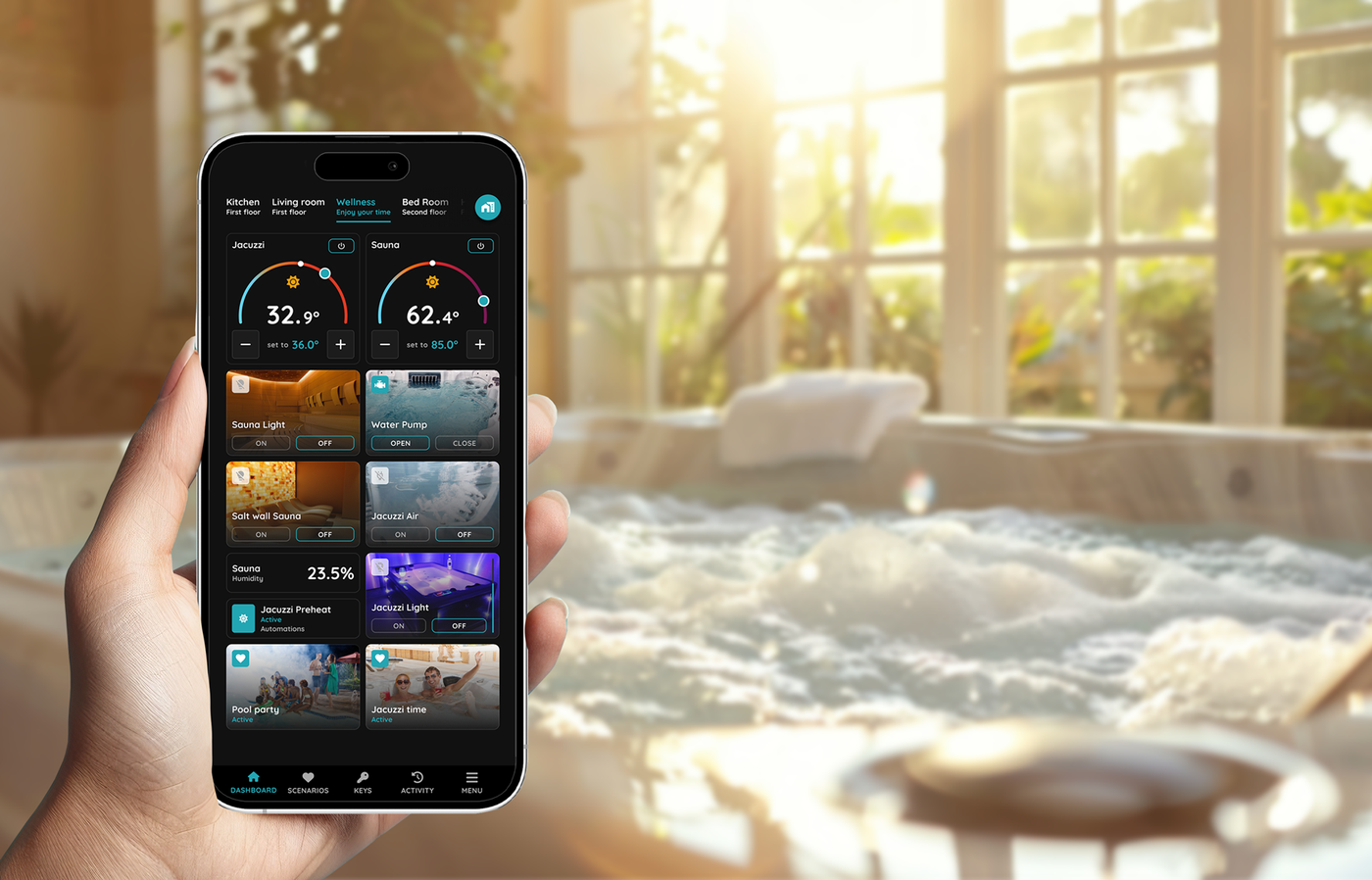
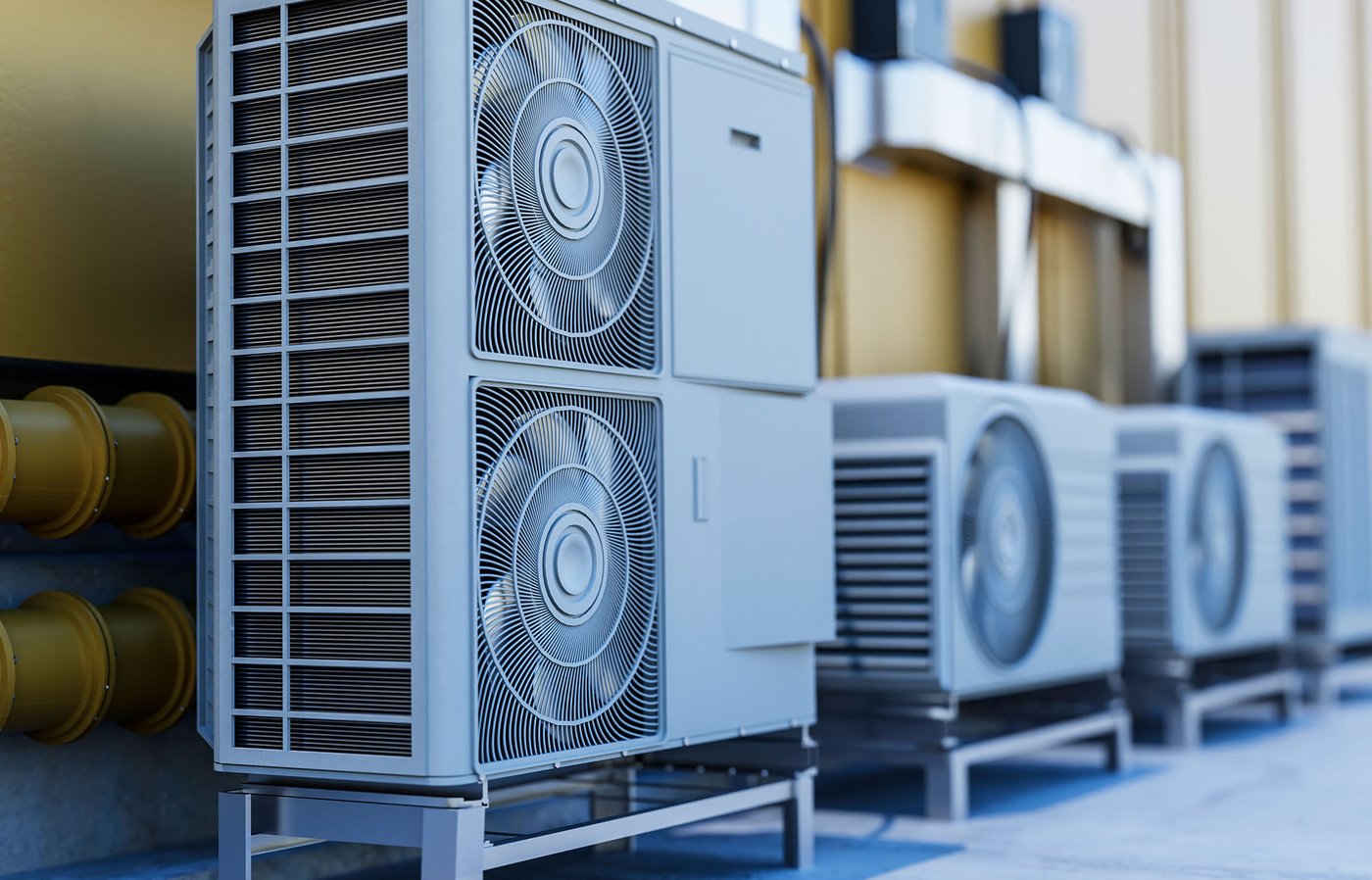
Solution - PIERRE Wave - AC Split Inverter (IR Remote Control)
Description
An air conditioner is not wired into the installation. It listens to an infrared remote, so the way to bring a split inverter unit into PIERRE is to put an infrared transmitter in front of it and let the system send the same codes the original remote sends.
That transmitter is the PIERRE Wave IR Remote, product code PW-ACT-IR. It joins the PIERRE Wave network like any other wireless device, and each air conditioner then appears in the system as its own device with a temperature, a season and a fan speed.
Only a display can host the IR Remote
The IR Remote must be paired to a PIERRE display. It cannot be added on a PIERRE Wave gateway. Plan the room around this: if the room with the air conditioner has no display, the project needs one before this solution can be used.
Third-party Zigbee gateways are not supported either. The code sets that drive the air conditioner are held by PIERRE and pushed down to the display, so the device only works inside a PIERRE system.
What you need
- One PIERRE Wave IR Remote (PW-ACT-IR) per room, for up to three air conditioners.
- A PIERRE display in range, acting as the Wave coordinator.
- A 5 V power supply rated at least 1 A, with a free socket near the mounting point. A weaker adapter is the most common cause of a device that pairs and then misbehaves.
- The manufacturer and model of every air conditioner, taken from the indoor unit or its original remote.
Where to place it
Infrared needs a clear line of sight. It does not pass through walls, doors or furniture, and it will not bend around a corner. Mount the IR Remote on a flat surface where it can see the front of the indoor unit, within about 10 m, and keep the path clear of curtains and tall furniture.
Where one remote serves several air conditioners, it has to see all of them. If it cannot, use a second IR Remote rather than accepting a unit that only responds sometimes.
Adding the air conditioner
Pair the IR Remote to the display first, then add each air conditioner to it. On the display, open the settings, go to the Wave tab and find the IR Remote in the I/O list. Choose the manufacturer, then pick the model from the model list. The same fields can be reached from the Smart PIERRE app.
Picking the model is what loads the code set, so it is not cosmetic. A unit set to the wrong model will often switch on and off correctly while ignoring temperature or fan speed, because those codes differ between models.
What the customer gets
Once the air conditioner is added it behaves like any other climate device in the system:
- On and off.
- A season setting, heating or cooling. Changing it reloads the temperature range that the model allows and resets the target.
- A target temperature, within the minimum, maximum and step the chosen model supports.
- Fan speed, if the model has more than one level.
- Celsius or Fahrenheit display.
- An optional linked temperature sensor. Without one, the app shows the target as the current temperature, because an infrared link is one-way and the unit never reports back.
Heat, cool, dry and fan-only are not separate modes in the system, and there is no swing or louver control. The season setting carries the heating and cooling distinction.
If the air conditioner is not in the base
The supported manufacturers and their models are listed below. Two steps before giving up on a unit that is not there:
- Many air conditioners are sold under several names and share one infrared protocol with a relative. Ask an AI assistant such as ChatGPT whether the customer model is compatible with, or uses the same remote as, a model that is already in the list. If it is, select that one and test the whole range: on, off, both seasons, the temperature limits and every fan speed.
- If nothing in the list works, the codes can be captured. With a Zigbee dongle the raw infrared codes are read from the original remote and sent to PIERRE. We build the code set and add the model to the base, after which it appears in the model list for everyone.
Capturing codes is not done from the Smart PIERRE app. It is a partner workflow, and the finished model is added on our side.
Limits to plan for
- Up to three air conditioners per IR Remote.
- Line of sight only, about 10 m.
- One-way control: the system knows what it last sent, not what the unit is actually doing. Anyone using the original handset puts the two out of step until the next command is sent.
- The IR Remote is mains powered, so it also strengthens the PIERRE Wave mesh in that room.
Air conditioner manufacturers in the base
| Manufacturer | Models available |
|---|---|
| Daikin | 12 |
| Haier | 11 |
| Samsung | 9 |
| Tesla | 3 |
| Vivax | 3 |
| LG | 2 |
| Fujitsu | 1 |
| Frozzini | 1 |
| Gree | 1 |
| Hisense | 1 |
| Korel | 1 |
| Midea | 1 |
| Polar | 1 |
| Stiebel Eltron | 1 |
Troubleshooting
Check the three things that break an infrared link, in this order. Is the IR Remote powered, with its LED on and a 5 V adapter of at least 1 A. Can it see the front of the indoor unit, with nothing in the path and no more than about 10 m. Is the right manufacturer and model selected. Infrared does not pass through walls or furniture, so a remote mounted out of sight of the unit will never work.
That is the signature of the wrong model. On and off codes are often shared across a manufacturer range while the temperature and fan codes differ per model. Go back to the model list and try the other models of that manufacturer, testing the full range each time.
No. It has to be paired to a PIERRE display. A room with an air conditioner and no display needs one added to the project. Third-party Zigbee gateways are not supported at all.
Up to three, and it must have a clear line of sight to every one of them. If it cannot see them all, fit a second IR Remote.
Ask an AI assistant such as ChatGPT whether that model shares its remote or its infrared protocol with one of the models already listed, then select that one and test everything: on, off, both seasons, the minimum and maximum temperature and each fan speed. Air conditioners are frequently rebadged, so a match is common.
Usually yes. The infrared codes can be captured from the original handset with a Zigbee dongle and sent to PIERRE. We build the code set, add the model to the base and it then appears in the model list. This capture is a partner workflow and is not done from the Smart PIERRE app.
Infrared is one-way. The air conditioner never reports anything back, so unless a temperature sensor is linked to the device, the system has nothing to display but the value it last sent.
No. The system knows only what it last transmitted. The next command sent from the app or the display puts the unit back in a known state.
Check the adapter and the LED first, then the display is powered and online. If the distance to the display is large, a mains-powered PIERRE Wave device in between extends the mesh. After a firmware update, give it time to rejoin.