PIERRE Wave – Wireless System Installation
Description
The PIERRE WAVE system is the wireless installation method. Devices communicate over PIERRE WAVE instead of being wired back to a central controller, making it a suitable option for buildings where installing new cabling is not practical.
Where It Fits
- Retrofit projects in finished buildings.
- Rented properties and interiors where walls cannot be opened.
- Extending an existing installation with individual devices.
- Locations that were not planned for during the initial design stage.
WAVE Network
PIERRE WAVE uses a wireless mesh network. Devices do not necessarily need to communicate directly with the gateway. Mains-powered devices can forward communication between other WAVE devices, allowing the network to cover larger areas and reach devices that are outside the direct range of the gateway.
The WAVE network consists of three main types of devices:
- Gateway – Provides the connection between the WAVE wireless network and the rest of the PIERRE system.
- Router – A mains-powered WAVE device that can forward messages between other WAVE devices and extend the wireless network.
- End Device – A device that communicates through the WAVE network but does not forward messages for other devices. Battery-powered sensors are typically end devices.
Gateway
A PIERRE WAVE gateway is required for the wireless system to communicate with the rest of the PIERRE system.
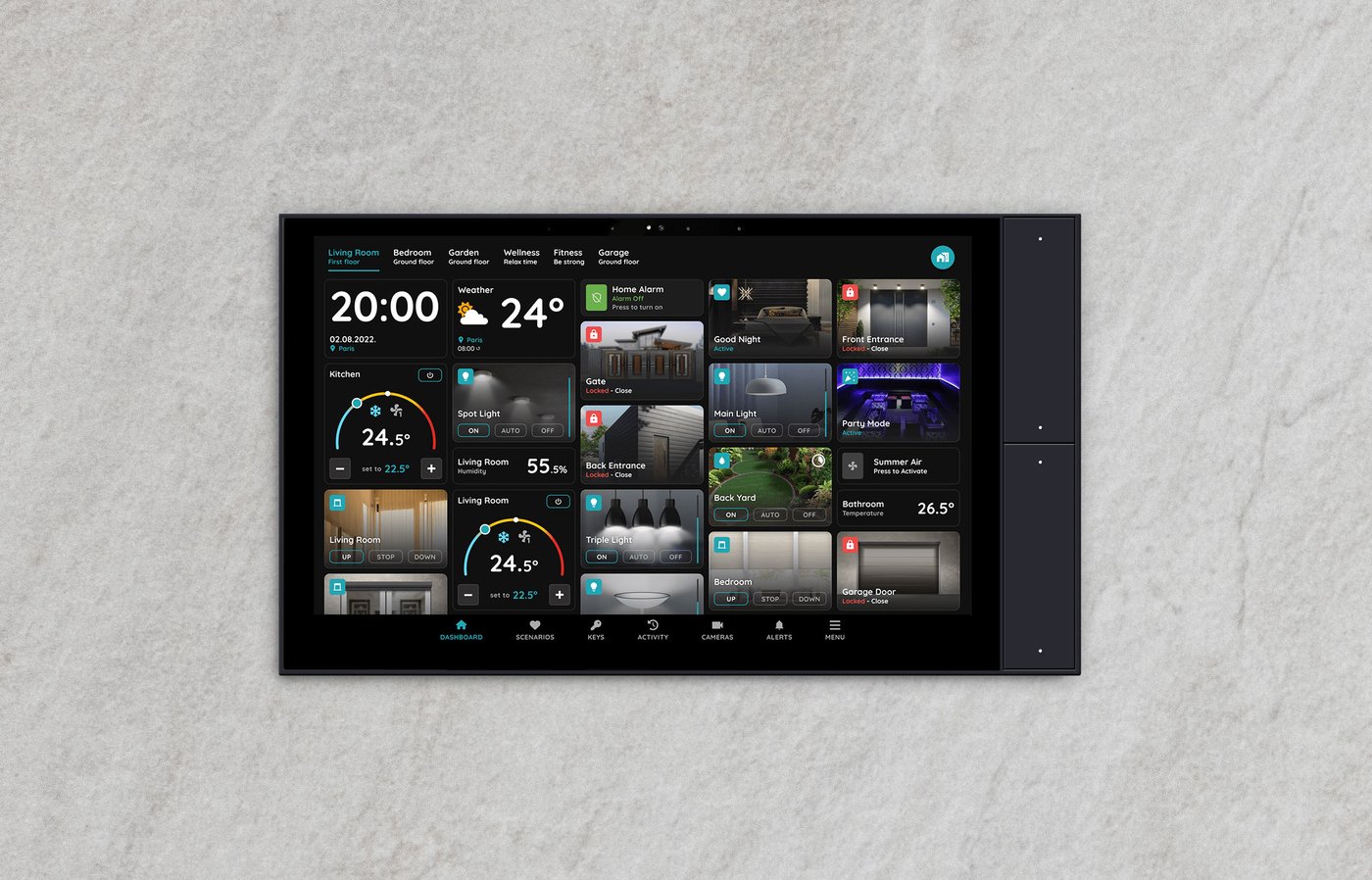
A PIERRE Display or PIERRE Gateway can act as the gateway, providing both the gateway function and system control in a single device.
The gateway should be installed in a location that provides good wireless coverage of the building. Avoid placing it inside metal cabinets, electrical distribution boards, or other locations that can significantly reduce the wireless signal.
Routers
Routers are important when the building is too large for the gateway to communicate reliably with every end device directly.
Mains-powered WAVE devices can act as routers and extend the mesh network. Examples include wall switches, dimmers, relay modules, and blind modules.
When planning the installation, distribute routers throughout the building so that there are reliable communication paths between the gateway, routers, and end devices.
Do not place all routers in one area. If possible, install them in different rooms or sections of the building to provide overlapping coverage and alternative communication paths.
End Devices
End devices are the devices that provide the actual sensing, switching, or control functions. They communicate with the WAVE network but do not extend the network for other devices.
Typical end devices include:
- Battery-powered sensors.
- Scenario switches.
- Radiator valves.
- Other battery-powered WAVE devices.
Battery-powered devices should be installed within reliable wireless range of the gateway or a suitable router.
Planning the Wireless Network
Wireless coverage should be considered during the design stage, not only after the devices have been installed.
A typical network can be arranged as:
Gateway → Router → Router → End Device
or, where coverage allows:
Gateway → End Device
The actual network topology is determined automatically by the mesh network. The installer does not need to manually assign a specific router to each end device. However, the physical placement of mains-powered devices should provide enough coverage for the network to establish reliable communication paths.
Recommended Placement
When planning the installation:
- Place the gateway in a central and open location whenever possible.
- Use mains-powered WAVE devices as routers to extend coverage between different areas of the building.
- Place battery-powered end devices within reliable range of the gateway or a router.
- Avoid placing the gateway or routers inside metal cabinets or behind large metal surfaces.
- Take walls, reinforced concrete, metal structures, and other obstacles into account when planning coverage.
- In larger buildings, provide multiple routers so that the network has more than one possible communication path.
- Avoid creating areas where a battery-powered end device can only communicate through a single device located at the edge of its range.
The goal is not simply to provide a strong signal at each device, but to create a reliable mesh network with sufficient coverage and alternative communication paths.
What Is Wireless and What Is Not
- No control cabling required: Battery-powered sensors, scenario switches, and radiator valves communicate wirelessly.
- Still mains connected: Wall switches, dimmers, relay modules, and blind modules require a mains power connection. Wireless control eliminates the control cable back to the cabinet, but it does not eliminate the power connection at the device.
Flexibility
- Devices can be added later without re-planning the installation.
- Battery-powered devices can be moved if the room layout changes.
- Automations, scenarios, and remote control work in the same way as in the wired Pro system.
Technical Notes
- Plan gateway and router coverage before quoting.
- Mains-powered WAVE devices can extend the mesh network; battery-powered end devices do not.
- A property with battery-powered sensors located far from the gateway may require additional mains-powered WAVE devices to provide routing.
- Battery-powered devices communicate at intervals rather than continuously, and their batteries are a maintenance item. Agree with the customer who is responsible for checking and replacing them.
- Where uninterrupted operation and instant response are critical, the wired PIERRE Pro system remains the stronger choice. WAVE is primarily intended for installations where cabling is not practical.
- Every mains-connected WAVE device involves electrical work and must be installed by a qualified electrician.