Wave
PIERRE Wave - Prepare for Wave installation
2 min read
Intermediate
Updated 2026-11-02
Wave
Wiring Examples
Description
This is a practical wiring example for a single-floor apartment built with PIERRE Wave devices. The point of a Wave installation is that only the devices that carry a load need a cable; everything else communicates wirelessly.
What Still Has to Be Wired
- Relay modules — wired into the lighting or appliance circuit they switch.
- Blind and curtain modules — wired to the motor and to the mains.
- Wall switches and dimmers — mains connected at the switch position, with the conductors the model requires.
- Heating actuators that are mains powered.
Battery-powered devices — sensors, scenario switches, radiator valves — need no cable at all.
Gateway
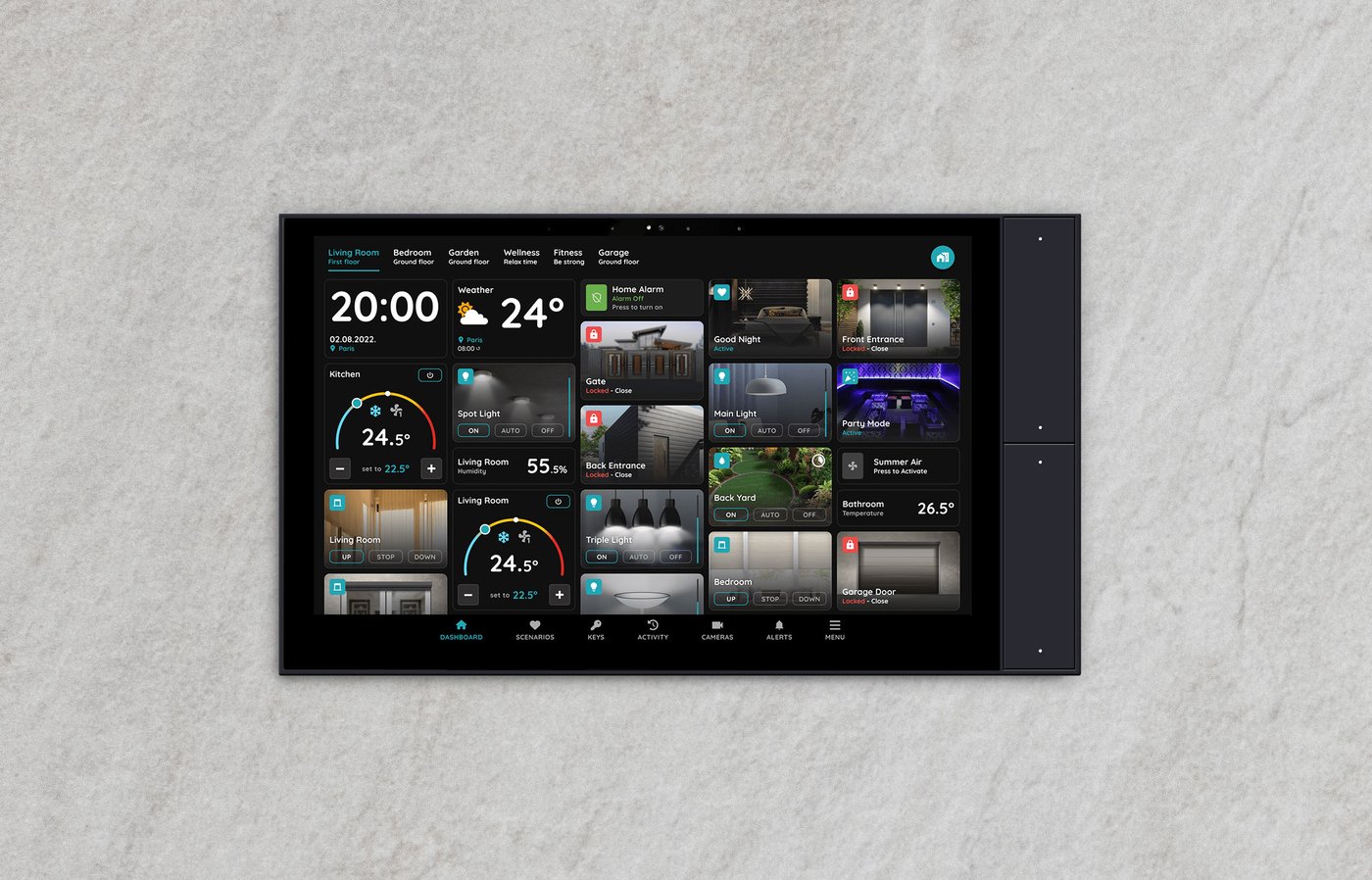
PIERRE Wave gateway is required; without it the wireless devices have nothing to connect to. A PIERRE display or a standalone PIERRE Gateway can act as the gateway, which means no separate hardware is needed where a display/gateway is already planned.
Room-Level Example
- Living room — a Wave wall switch for the lighting, and a Wave blind module wired at the motor. Both are then controlled locally, from the app, and from scenes.
- Bedrooms — battery-powered temperature and humidity sensors, with the heating actuator taking its commands through the gateway.
- Bathroom — a humidity sensor driving the fan, with the fan itself on a wired relay module.
Technical Notes
- Position the gateway centrally. The mains-powered Wave devices extend the mesh; the battery-powered ones do not, so plan at least one mains device per area.
- Check which conductors are present at each switch position before ordering the switches — the presence of a neutral decides which model can be used.
- Verify the wireless range from the actual device positions, especially inside metal back boxes, behind appliances and in basements.
- All mains-side work belongs to a qualified electrician, even in a wireless installation.