Smart PIERRE Application
Feature description - Step by step - YouTube video

Functions & Controls
26 pages

Automations & Scenarios
7 pages

Menu & Settings
9 pages

User Profile
6 pages

Access & Permissions
4 pages

Accommodation
3 pages

Displays
1 page

Buildings
1 page

PIERRE Wave
1 page

Smart PIERRE - Alarm
Alarm – Smart PIERRE Application Description The Alarm function in the Smart PIERRE Application allows users to arm and disarm an Alarm configured in the PIERRE system. Alarms can…
Smart PIERRE - Blind control
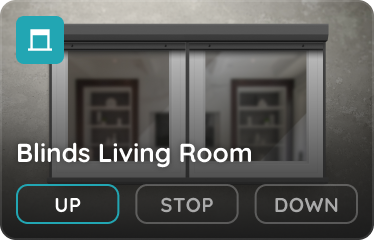
The Blinds feature in the Smart PIERRE app allows users to manage and customize their blinds. Blinds are displayed on the Dashboard and in the I/O list from the Menu. Key benefits…

Smart PIERRE - Brightness Sensor
The PIERRE system supports integration of BH1750 digital ambient light / illuminance sensors through the controller's I²C interface. The sensor measures ambient light levels and…
Smart PIERRE - Clock
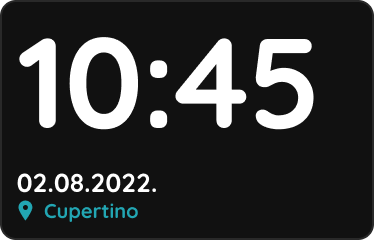
The Clock is a dashboard element that displays the current time within the PIERRE application. Key Features Adding a Clock A Clock can be added from the I/O list in the Settings…
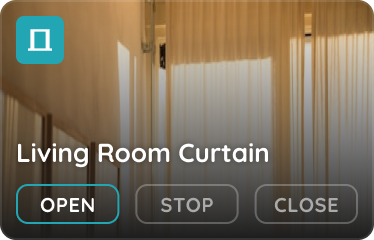
Smart PIERRE - Curtains
The Curtains I/O type allows users to control and monitor motorized curtains within the PIERRE system. Curtains are available on the Dashboard and in the I/O List of the Smart…

Smart PIERRE - Dimmable Lights
The Dimmable Lights section of the Smart PIERRE app controls the brightness of dimmable lighting. These lights appear on the Dashboard and in the I/O list. Dashboard Control On…
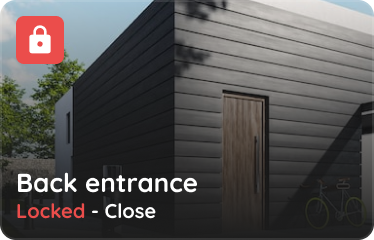
Smart PIERRE - Doors Control
The Doors function is used to control and display the status of doors and gates integrated into the PIERRE system through the Smart PIERRE application. Configured doors are…
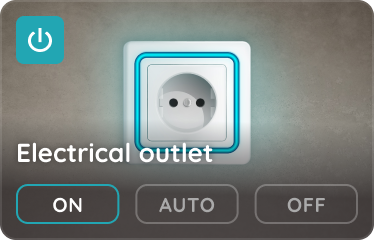
Smart PIERRE - Electrical Outlet Control
The Electrical Outlet section of the Smart PIERRE app controls switched outlets. Outlets are available from the Dashboard and from the I/O list. Control On , Off and Auto buttons…
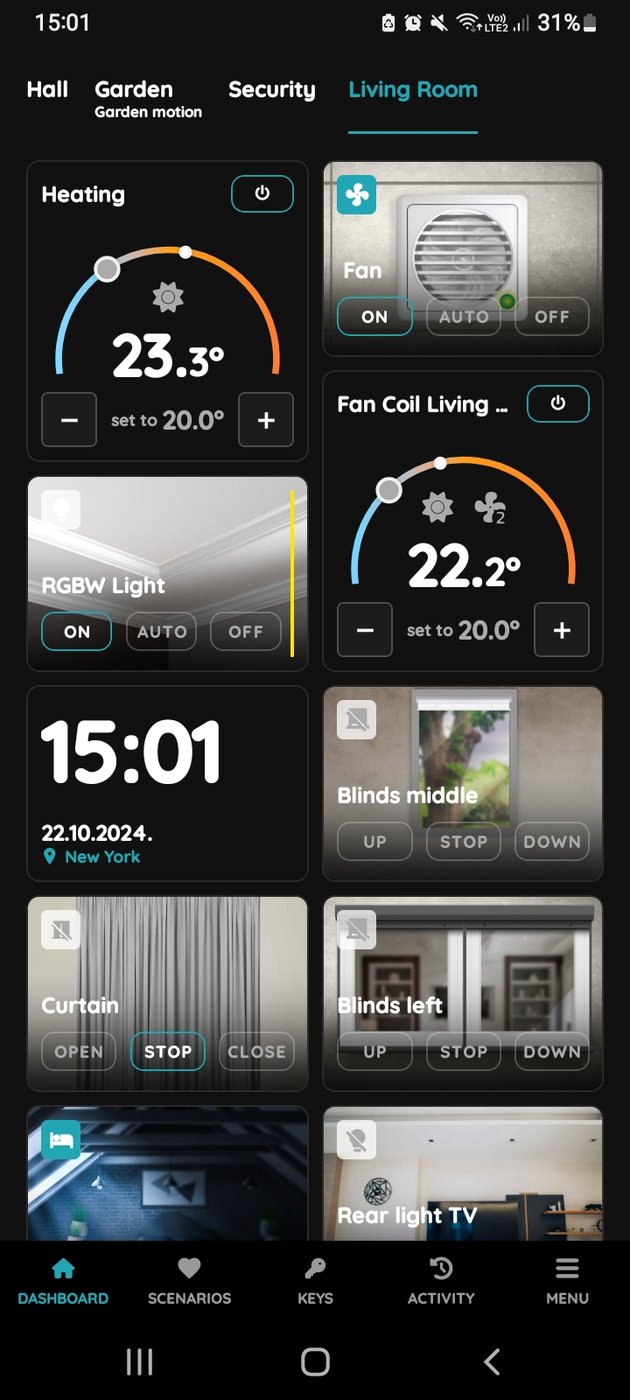
Smart PIERRE - Fan
Fans are ventilation outputs controlled from the Smart PIERRE app. They appear on the Dashboard and in the I/O list, and can be switched manually or left to the system. Control…
Smart PIERRE - Fan Coil
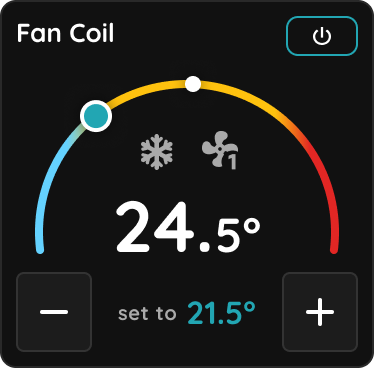
The Smart PIERRE app gives the user control of a Fan Coil unit from the Dashboard card and from the card's settings. 1. Dashboard Control The Fan Coil card shows the measured room…
Smart PIERRE - Heat Recovery Unit (Recuperator)
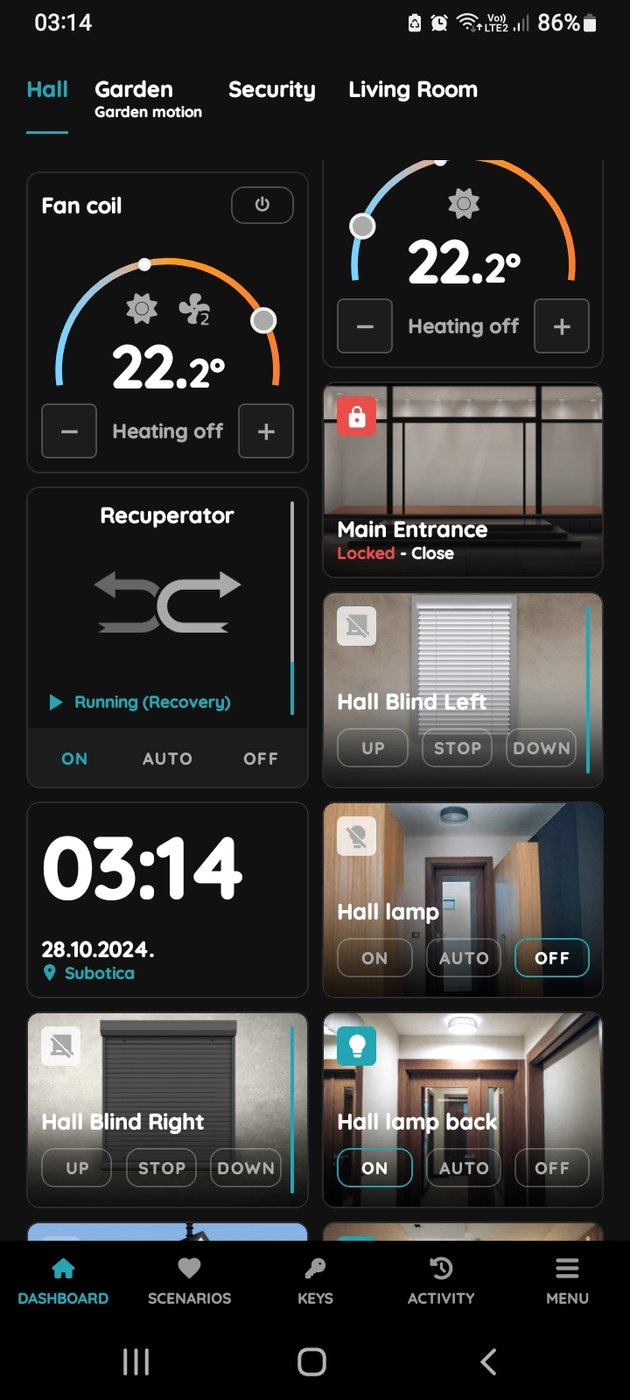
The Recuperator function is used to control and display the status of a heat recovery ventilation unit integrated into the PIERRE system. Configured recuperators are available on…
Smart PIERRE - IO Sync (Overview)
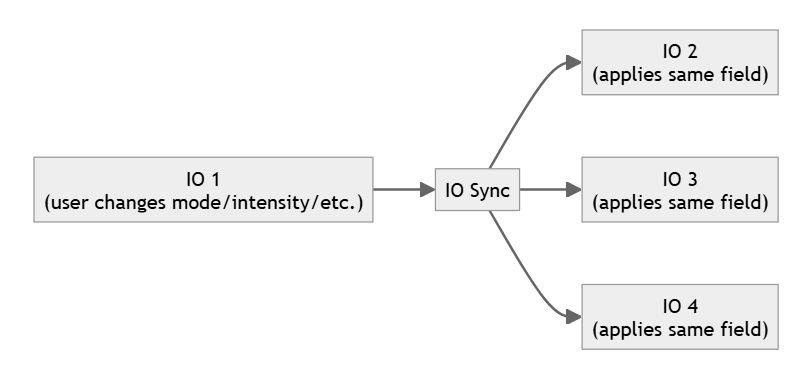
IO Sync links two or more I/Os so they stay in step. When one device changes a supported setting, the other synchronised devices follow automatically. It is used when several…
Smart PIERRE - Irrigation
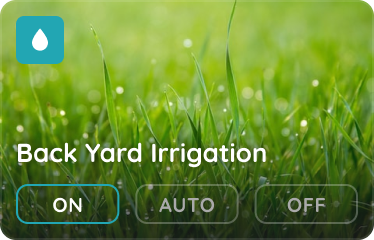
The Irrigation section of the Smart PIERRE app controls the watering system. It is available from the Dashboard and from the Menu. Control On , Off and Auto buttons on the…

Smart PIERRE - Leakage Sensor
The Leakage sensor section of the Smart PIERRE app shows the state of the water leak sensors. Sensors are available from the Dashboard and from the I/O list in the Menu. Status…
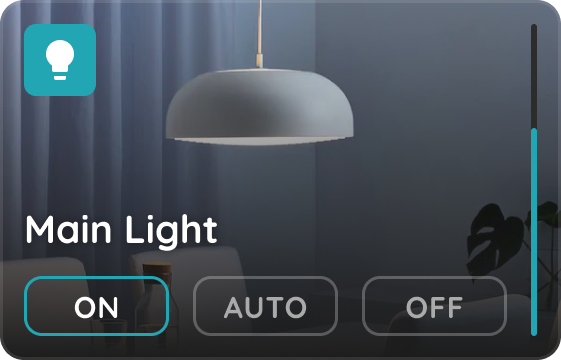
Smart PIERRE - Lights
The Lights section of the Smart PIERRE app controls every lighting type in the system, from simple switched circuits to dimmable and colour-capable fittings. The Light Card Every…

Smart PIERRE - Magnet Contact Sensor
The Contact sensor section of the Smart PIERRE app shows whether a door or window is open or closed. Sensors are available from the Dashboard and from the Menu. Status Green dot —…

Smart PIERRE - Motion Sensor
The Motion sensor section of the Smart PIERRE app shows movement detection. Sensors are listed on the Dashboard and in the I/O list in the Menu. Wired motion sensors on a…
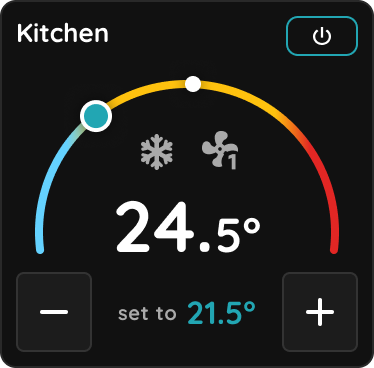
Smart PIERRE - Passive Heating and Cooling
Passive Heating and Cooling is designed for systems that transfer or remove heat through building surfaces without using a fan, such as underfloor, wall, and ceiling heating or…

Smart PIERRE - Push Button
In the Smart PIERRE application a push button can be assigned to functions, automations and scenarios. One button event can execute several actions at once, so a single button can…

Smart PIERRE - Rain Sensor
The Rain Sensor in the Smart PIERRE application shows whether rain is currently detected by the system. The Rain Sensor can be accessed from the Dashboard or from the Menu…
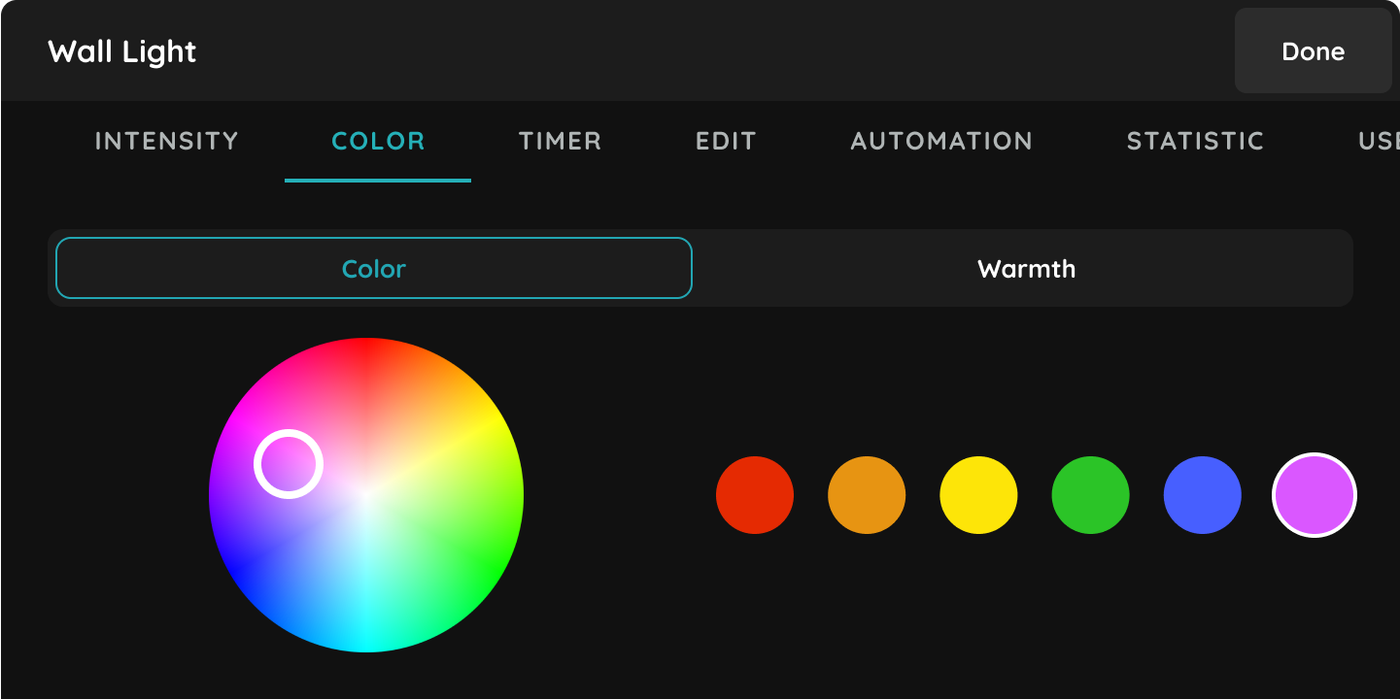
Smart PIERRE - RGB Lights
The PIERRE PRO RGB function enables RGB LED strips to be integrated and controlled within the wired PIERRE PRO system. The LED strip is controlled through a PIERRE PRO RGB Module…
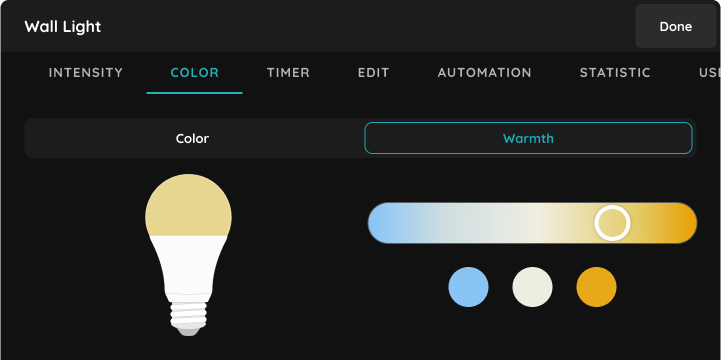
Smart PIERRE - RGBW Lights
The RGBW Lights section of the Smart PIERRE app controls connected RGBW lighting. RGBW lights appear on the Dashboard and in the I/O list. Colour and Warmth The colour and the…

Smart PIERRE - Safety Detectors
The Safety Detector I/O type monitors safety-related sensors connected to the system. It works with compatible 12 VDC detectors that provide a dry contact or relay contact output…
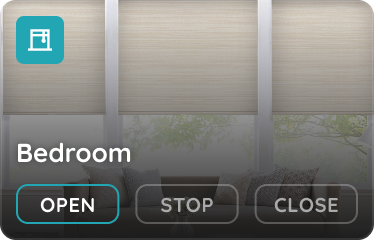
Smart PIERRE - Shaders
The Shaders I/O type allows motorized venetian blinds to be controlled and their current status to be displayed within the PIERRE system. Configured Shaders are available on the…
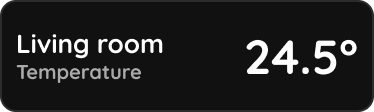
Smart PIERRE - Temperature Sensor
A temperature sensor reports the measured temperature to the system. The value is shown in the Smart PIERRE application on the Dashboard and in the I/O list, and updates…
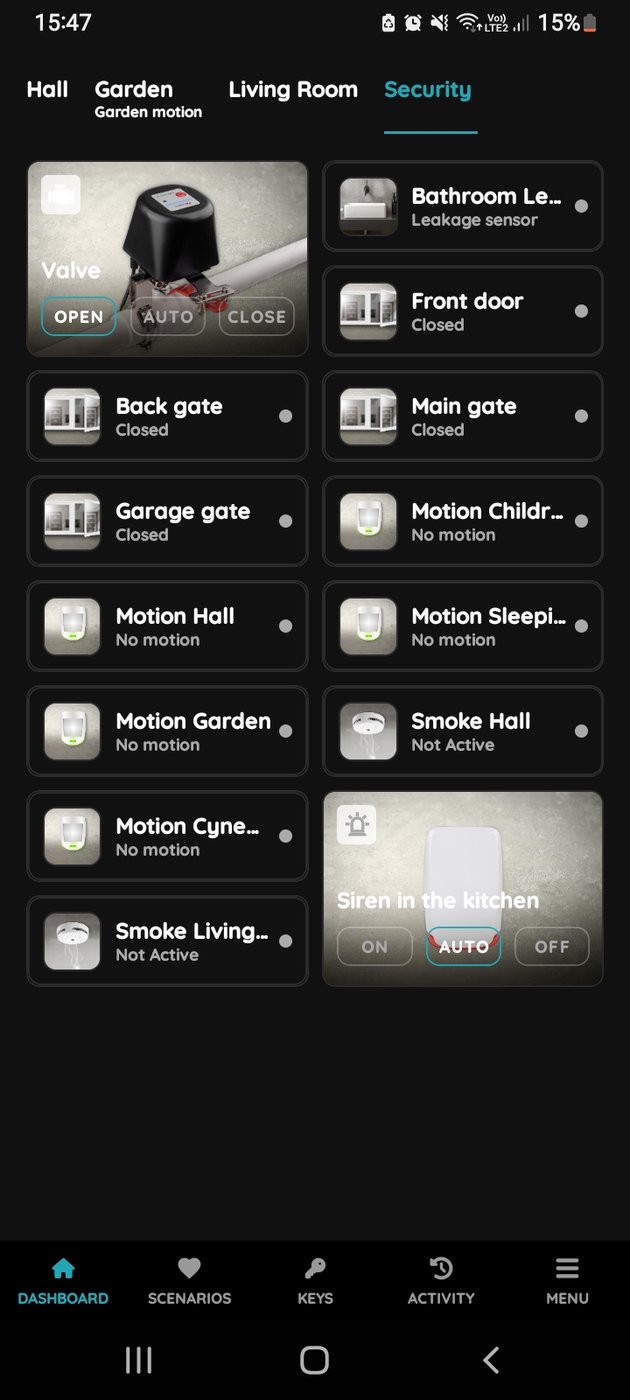
Smart PIERRE - Valves
The Valves section in the Smart PIERRE application allows users to monitor and control connected valves directly from the Dashboard. It provides a simple and intuitive interface…
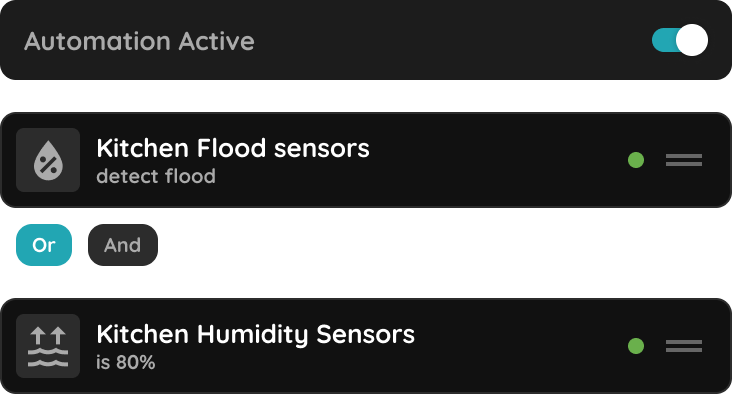
Smart PIERRE - Automations
Automation is what turns a set of controllable devices into a system. An automation is a logical sequence: when the configured conditions are met, the configured actions run…
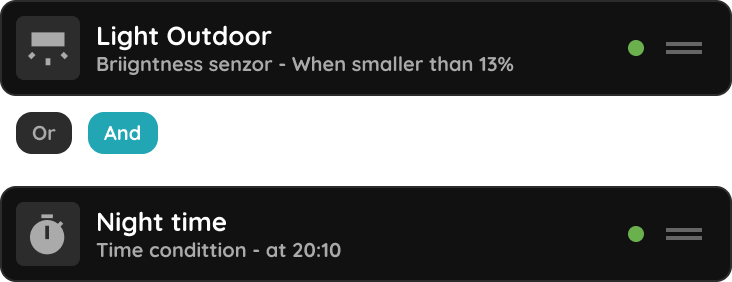
Smart PIERRE - Blinds and Curtains automations and scenarios
The Blinds and Curtains Automation feature allows blinds and curtains to be controlled automatically based on sensor inputs, schedules, and automation rules. Automation Triggers…

Smart PIERRE - Delay Function
The Delay function adds time-based logic to an automation. Instead of an action being executed immediately when a condition is met, you can define a delay before the action is…
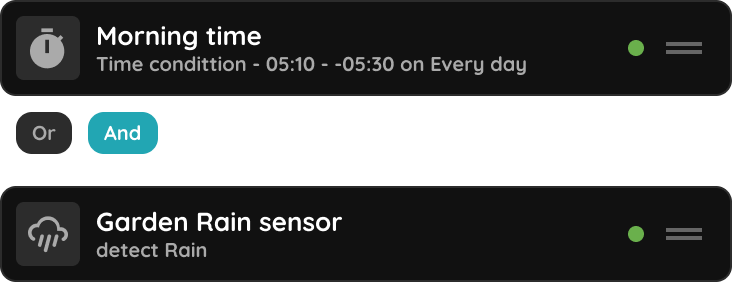
Smart PIERRE - Irrigation Automation
Irrigation automation runs the watering system from real conditions instead of manual operation. An Irrigation is a controller output that drives a valve or pump through a relay…
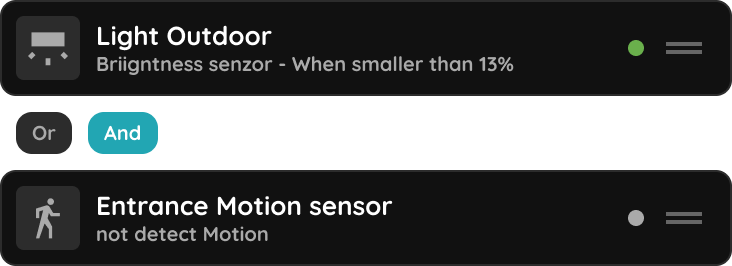
Smart PIERRE - Light Automation
Light automation in the Smart PIERRE app switches lighting from sensors and time conditions instead of manual operation. A light set to Auto follows the rules defined for it in…
Smart PIERRE - Scenarios
A Scenario sets several I/O devices at once. It stores a predefined state for each device it contains, and when it runs, every included device is set to that state. Manual…
Smart PIERRE - Valve automations
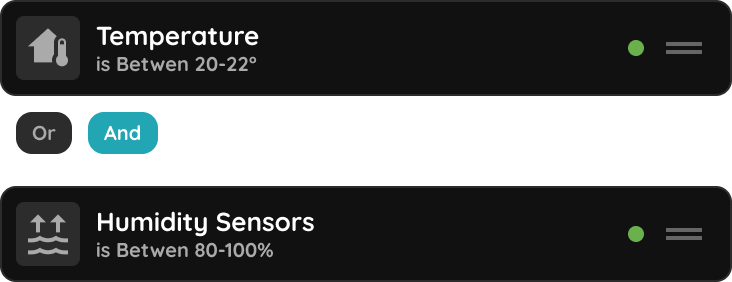
The Valve Automation feature allows valves within the PIERRE system to be controlled automatically based on sensor inputs, schedules, and automation rules. Valve automation can be…
Smart PIERRE - Activity Log
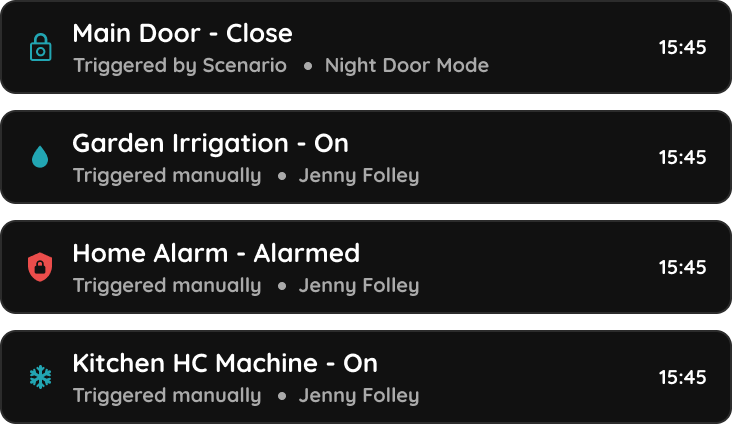
The Activity log in the Smart PIERRE application offers a detailed and comprehensive record of all actions within the system over a specified period. To access the Activity log…
Smart PIERRE - Alerts
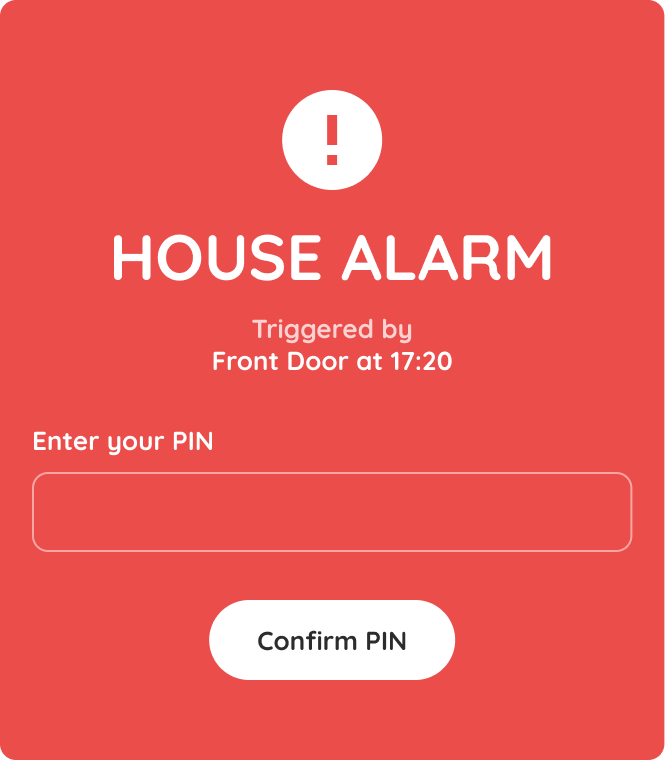
The Alerts section in Smart PIERRE application allows users and system administrators to create, manage, and monitor real-time notifications based on specific events, device…
Smart PIERRE - Cameras
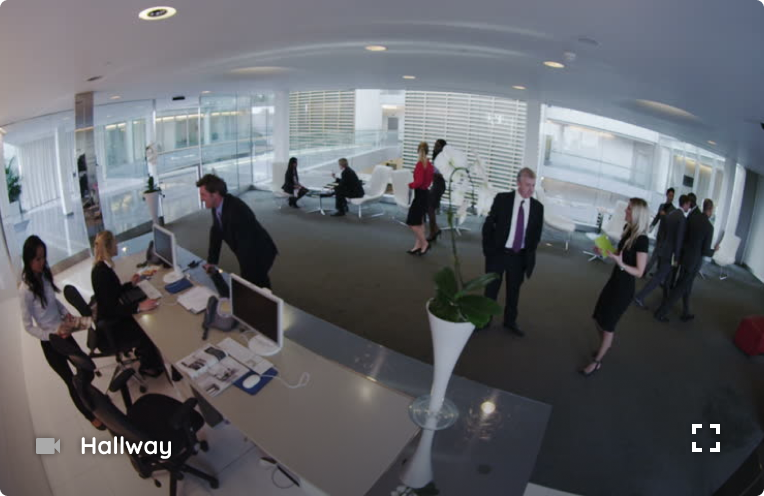
Cameras The Cameras section of the Smart PIERRE app allows you to view all connected security cameras. Features Camera Overview View all connected cameras and their current status…
Smart PIERRE - Dashboard
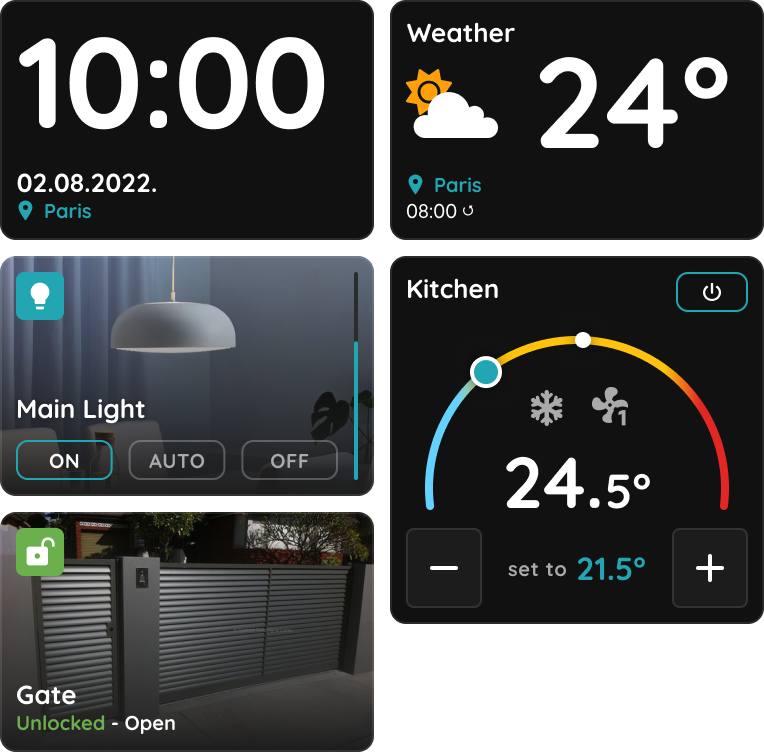
The Dashboard is the main screen of the Smart PIERRE application. Devices (I/Os) are organised into tabs and groups, so the functions that matter to a given user are reachable in…
Smart PIERRE - I/O list
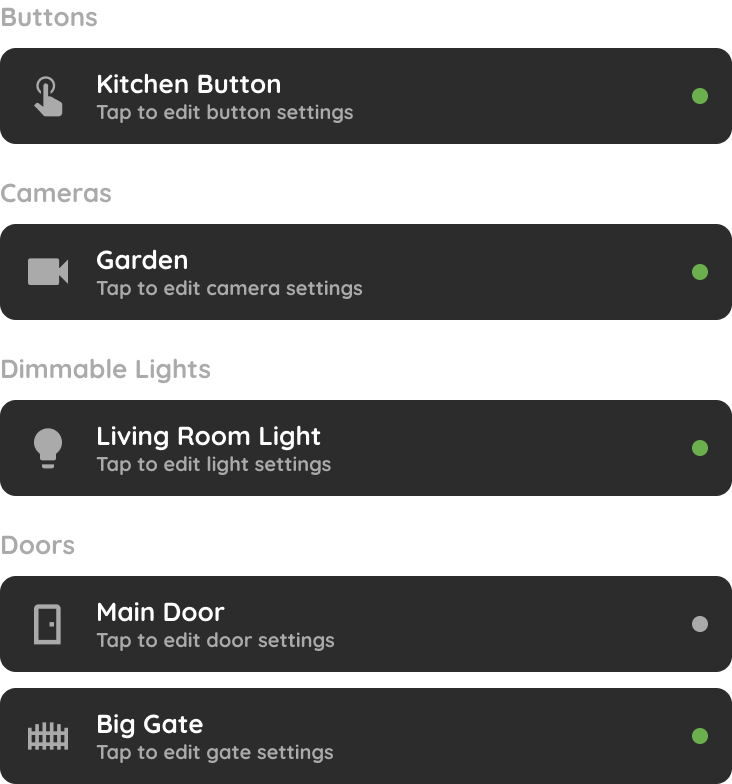
The I/O section in the Settings of the Smart PIERRE app lists every input and output device in the system, grouped by type. Organised List I/Os are grouped by device type —…
Smart PIERRE - Keys
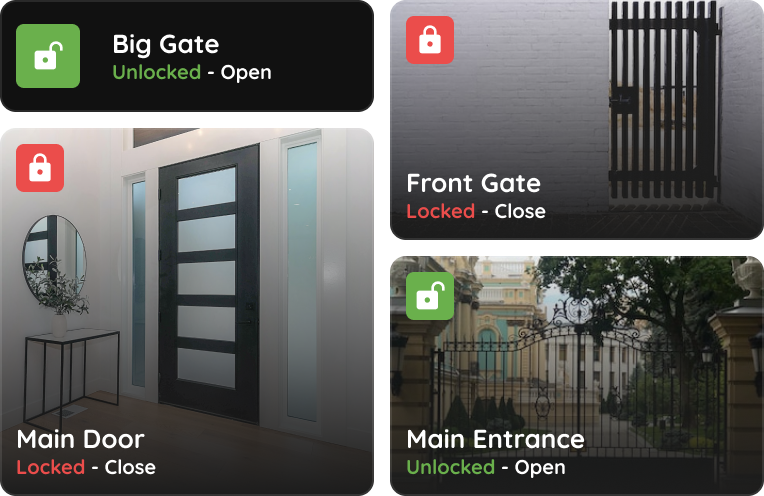
The Keys section of the Smart PIERRE app lists every door and gate in the property and shows the state of each one. Real-Time Status Each entry point shows whether it is locked or…
Smart PIERRE - Pairing Wave Devices
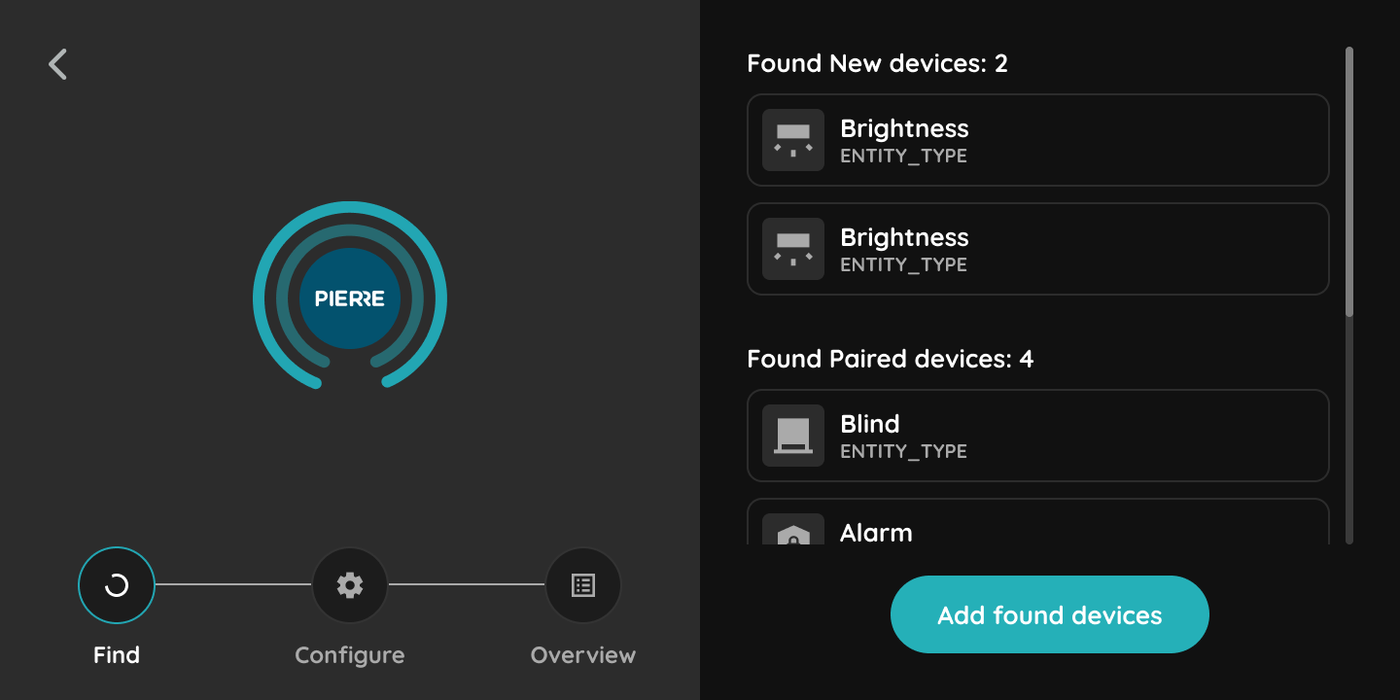
The Add Wave I/O function allows new Wave devices to be paired and added to the PIERRE Wave system through the Smart PIERRE application. Adding a Wave Device To add a new Wave…
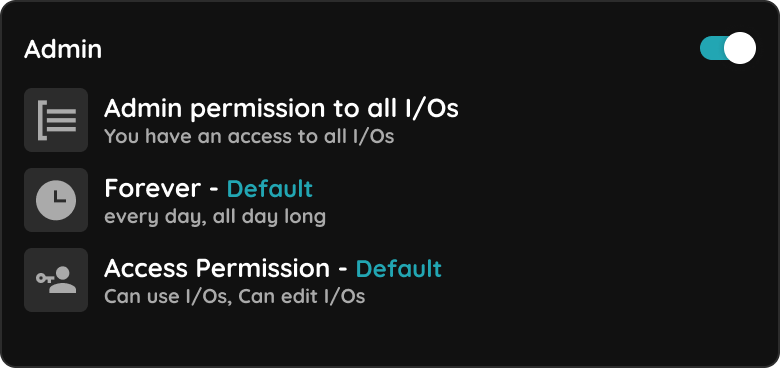
Smart PIERRE - Roles
The Roles section in the Settings of the Smart PIERRE application defines which I/Os users can access and when that access is permitted. A Role is the access-control unit of the…
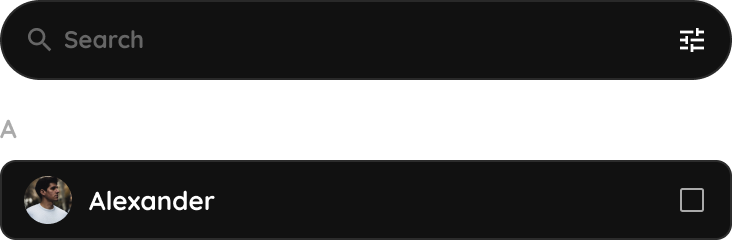
Smart PIERRE - User management
The Users section allows administrators and authorized users to manage access to the PIERRE system. From this section, users can invite new members, manage permissions, review…
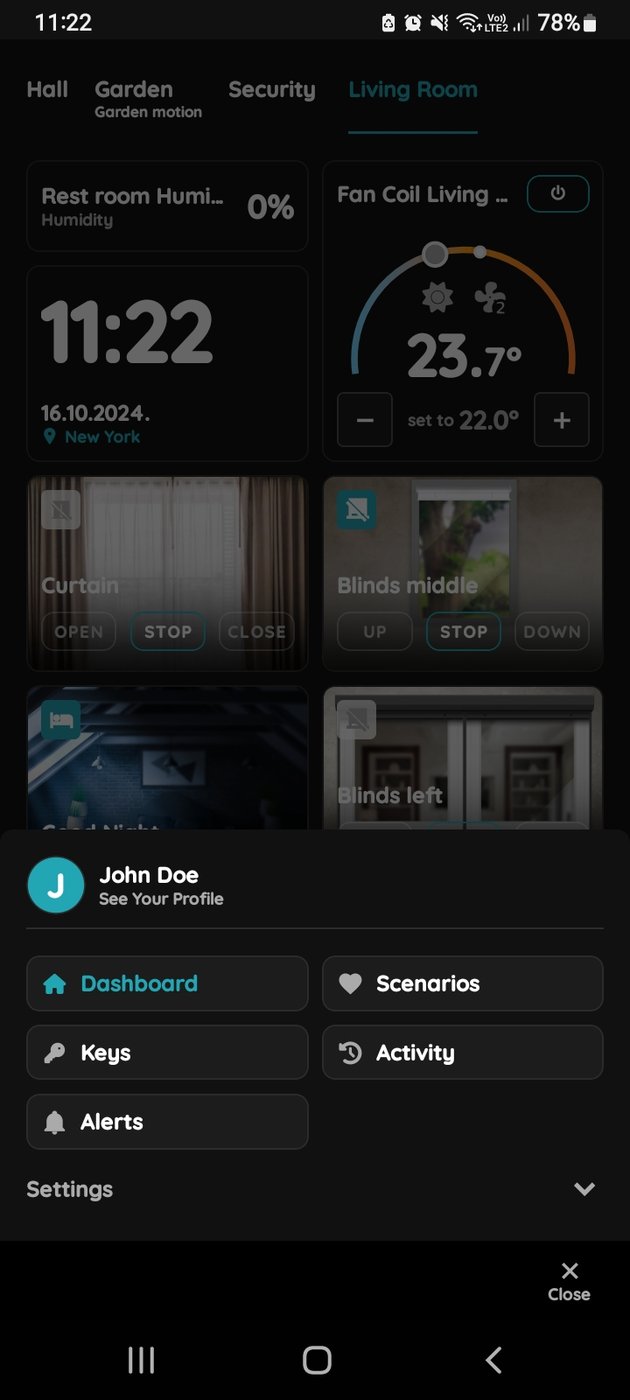
PIERRE Application Versions
The Application Version field displays the currently installed version of the application. This information is available in: Smart PIERRE PIERRE Partner PIERRE Displays The…
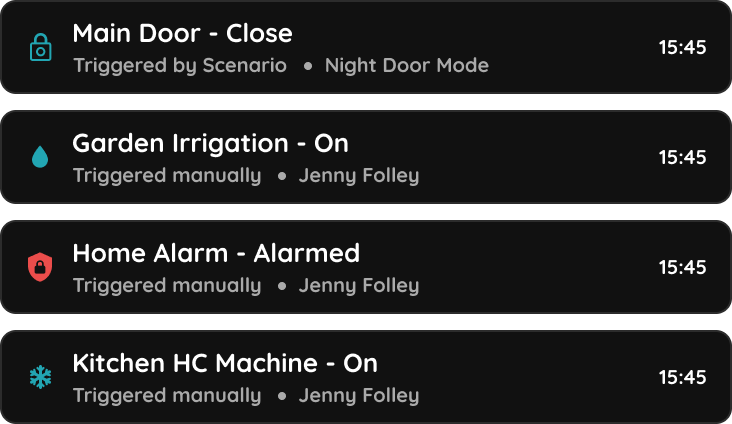
Smart PIERRE - History
The History section of the Smart PIERRE app shows the devices a user has operated over time. Where to Find It Menu → tap your name → See Your Profile . What It Shows A list of the…

Tokens - Add Licence Plate Number
The PIERRE system supports vehicle access control using compatible IP cameras with License Plate Recognition (LPR/ANPR) . A registered plate acts as a credential, in the same way…

Tokens - Add PIN
In the Smart PIERRE app, managing PINs for RFID readers is designed to enhance security and access control. Key Features: 1. Adding RFID PINs To add a new PIN: Open the Smart…

Tokens - Add RFID card or RFID tag
RFID cards provide secure and convenient access control within the PIERRE system. RFID credentials are managed through the Smart PIERRE application and can be assigned to users…
User Profile Settings
The User Profile Settings section allows users to manage their personal account information, security settings, language preferences, and application details. To access this…
Smart PIERRE - Key Sharing
Key sharing gives someone access without them installing the app. The key is sent as a link or a QR code, and it opens in the recipient's browser. Why It Is Worth Having No app…
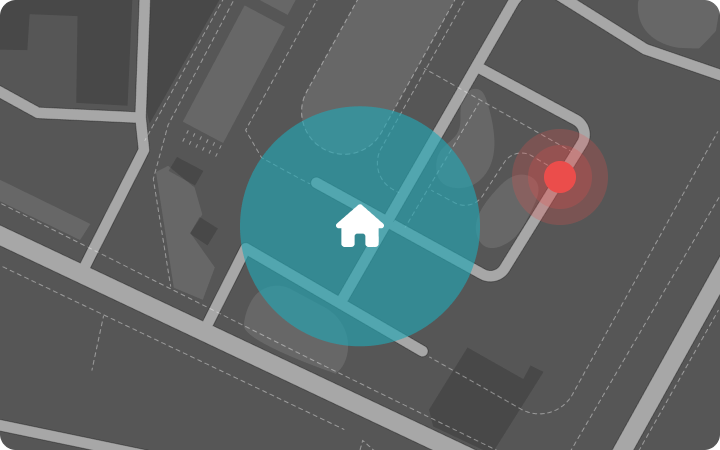
Smart PIERRE - Location Restriction
Location Restriction limits device control to a geographic area around a building. A restricted user can control I/Os from the Smart PIERRE app only while the phone is inside the…
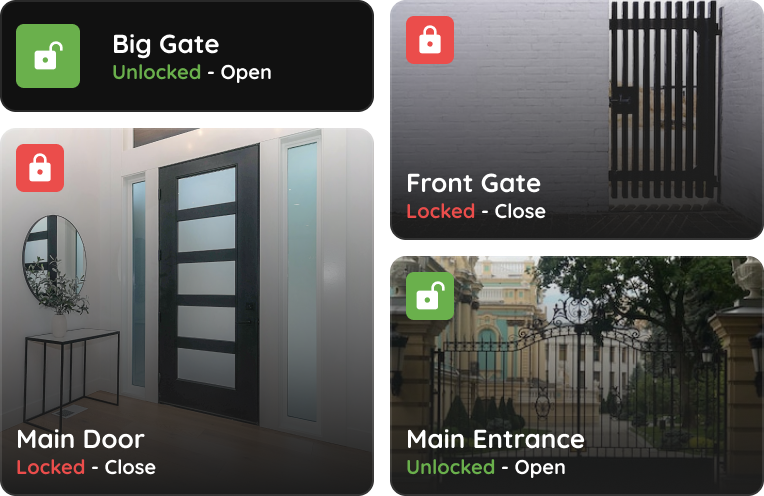
Smart PIERRE - Open Doors/Gates via Smartphone
The Smart PIERRE application opens doors and gates from the phone, so no physical key is needed. Each user has predefined permissions, and the system checks them before the door…
Smart PIERRE - Permission Management
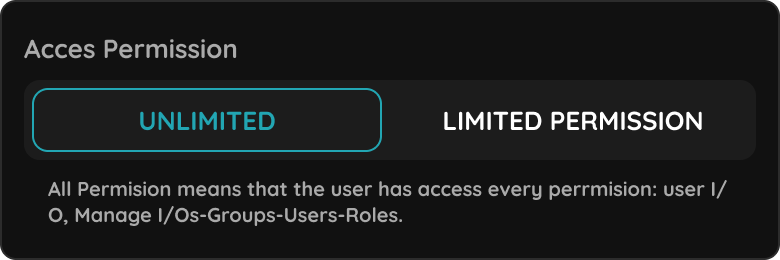
Permission management controls who may enter the property and when. Permissions are managed per user in the Smart PIERRE application. Where to Find It Menu → Settings → Users →…

Room Service
Room Service tracks and manages room-specific tasks — cleaning requests and guest preferences such as Do Not Disturb — so staff can see the state of every room without entering…
Smart PIERRE - Mass Management
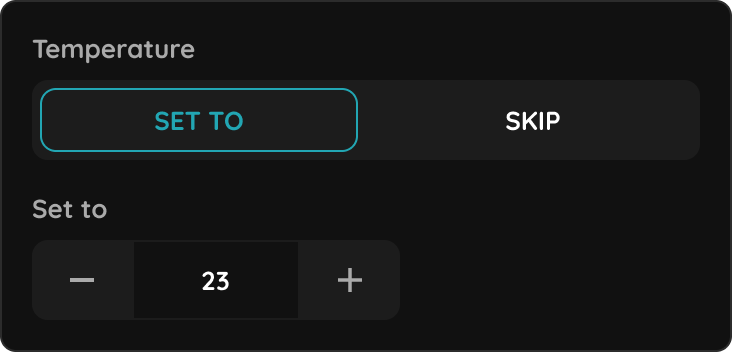
Mass Management controls the same function across many rooms at once — heating, windows and doors — instead of opening each room individually. It is intended for buildings with a…

Smart PIERRE - Reservation
Reservation is a booking management function for properties that are rented out — hotels, vacation rentals, serviced apartments and similar accommodation. It links a stay to the…